What exactly is live.hexart.io?
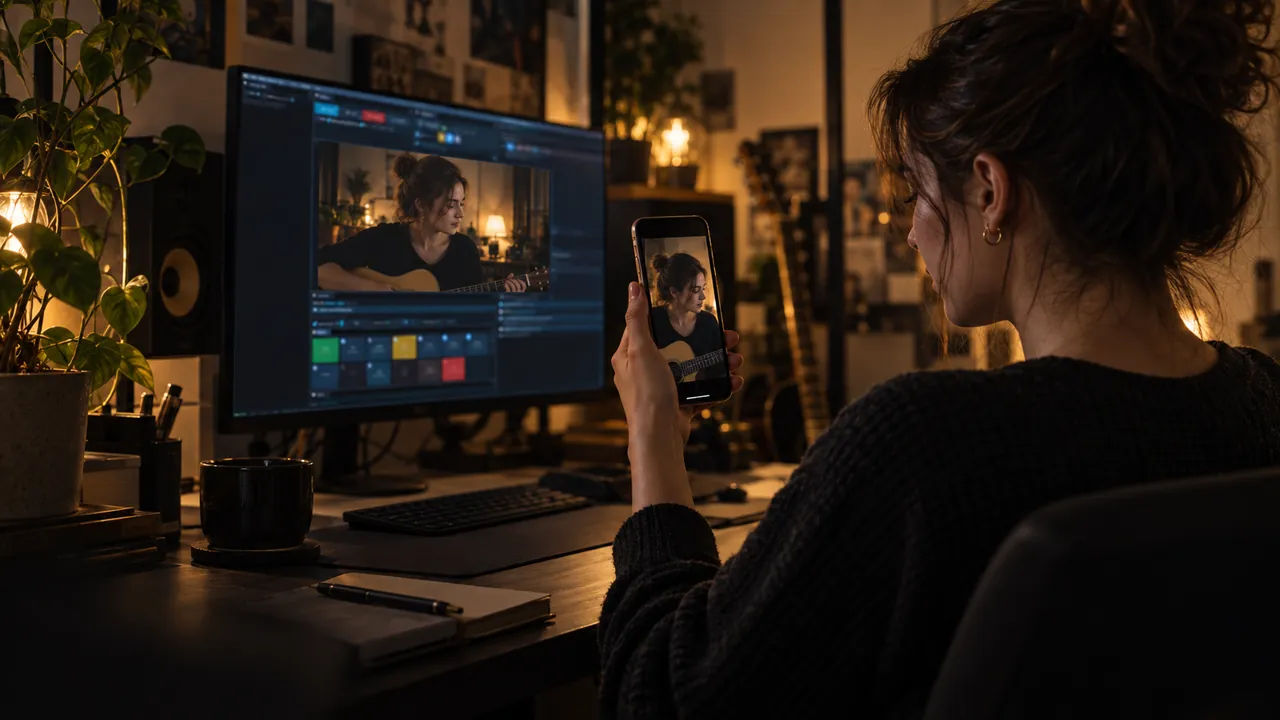
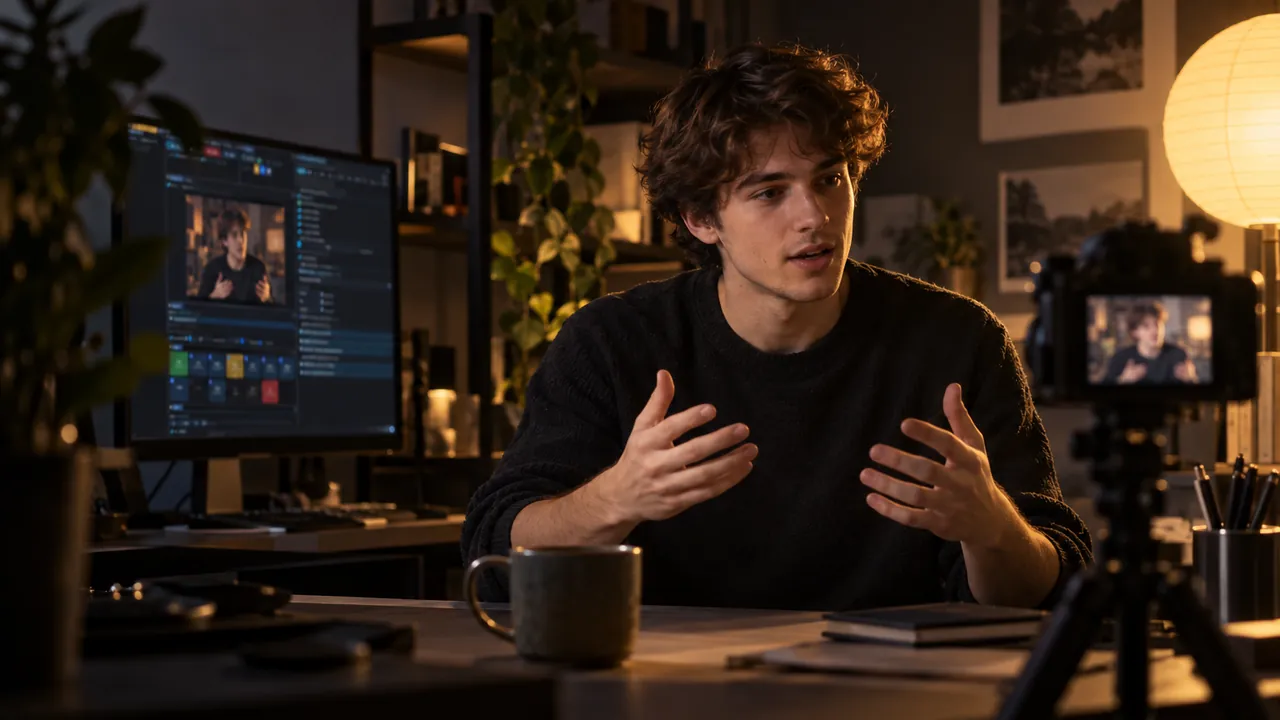
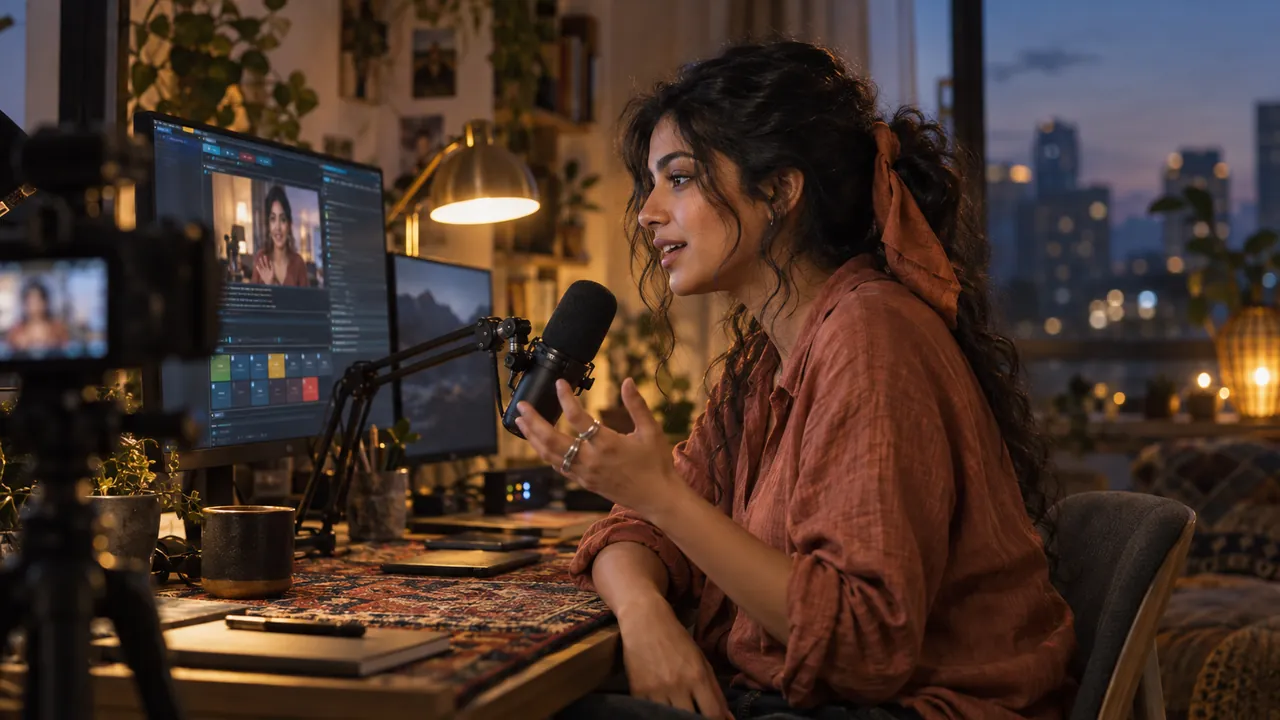
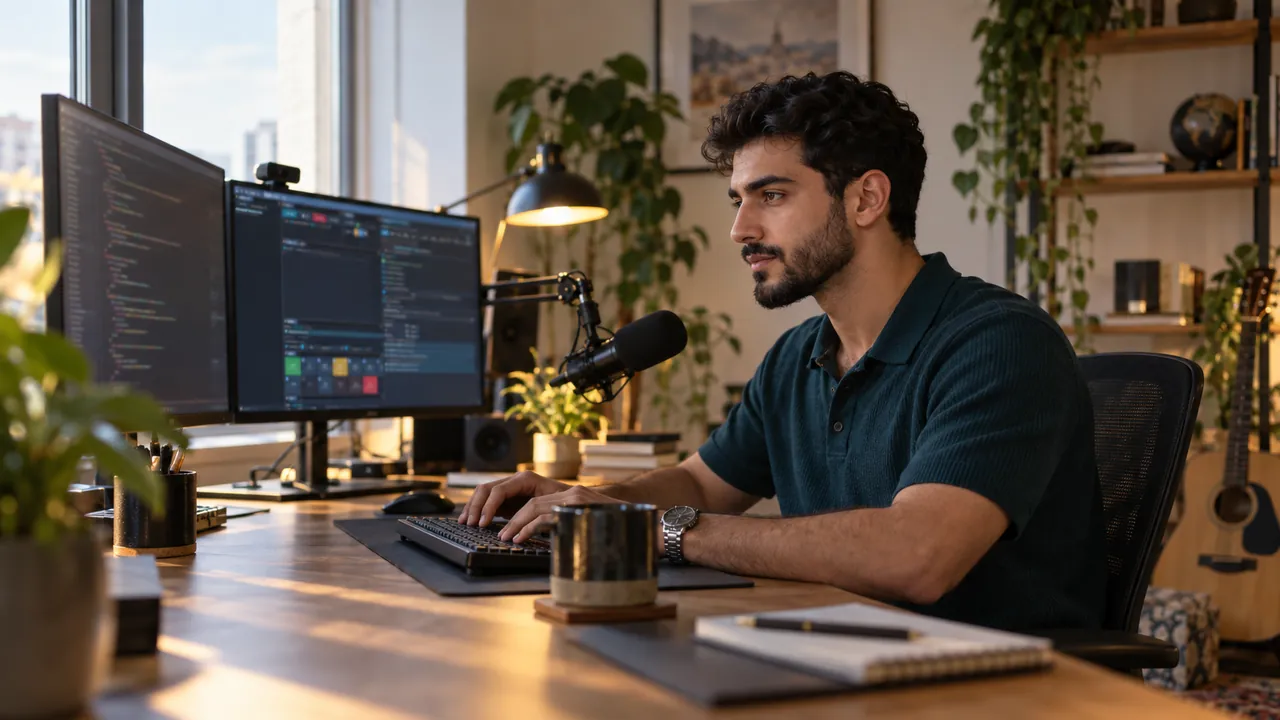
A native Windows live studio. It records and streams a 16:9 and a 9:16 master from one session, while an AI director frames every shot. Audio is mastered automatically and every take is crash-safe ISO multitrack.
Why is it free, and what is the catch?
The studio is freeware: every feature, for life, with no account and no limits. Your output carries a small live.hexart.io logo in the corner, and that is the whole catch. To remove the logo, write to us about a license.
Do I need an NVIDIA card or a gaming PC?
No. Any GPU works, integrated Intel or AMD graphics included, and an ordinary i5 laptop holds a steady 60 fps. The app picks the best encoder itself: NVENC, Quick Sync, AMF or a CPU x264 safety net. NVIDIA gets the zero-copy path.
Do I need two GPUs for both formats?
No. Both masters render and record on a single GPU. A second GPU adds headroom for the heaviest setups, such as two 4K60 encodes at once.
Will the AI ruin my stream with random zooms?
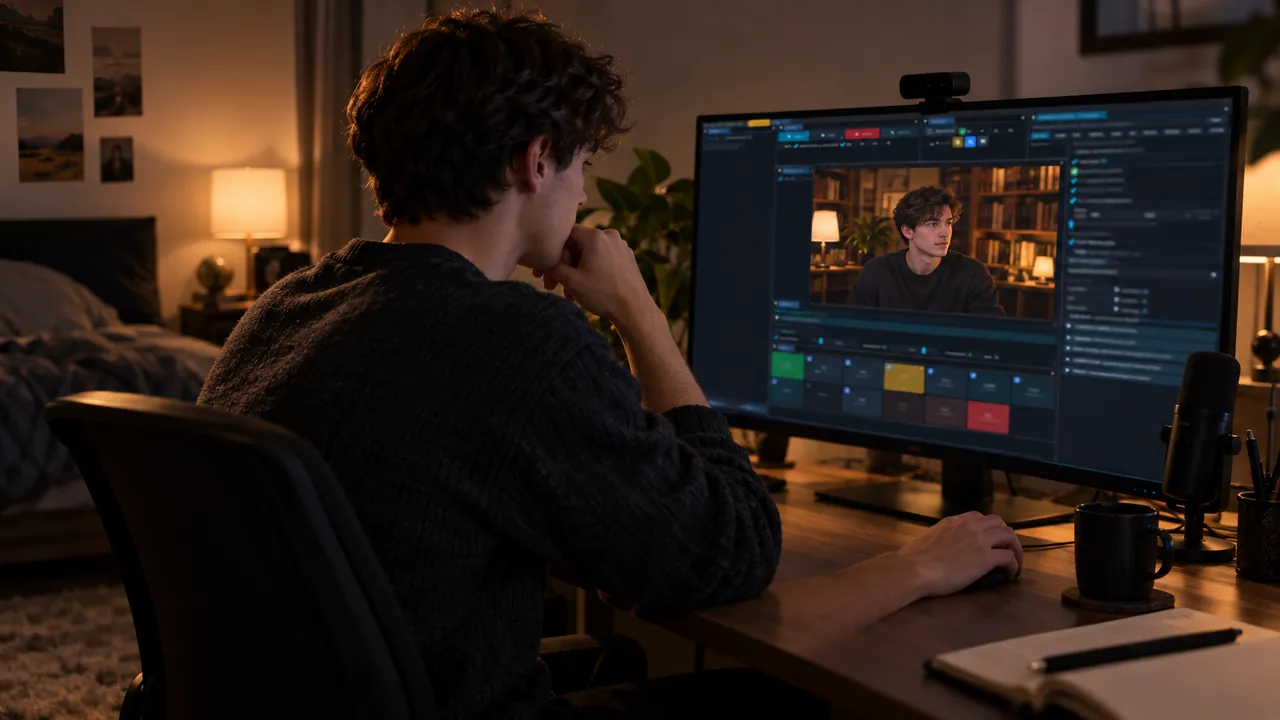
It does the opposite. It reads real signals (voice, eye landmarks, cursor and typing) and cuts with confidence-weighted framing and cinematic inertia. When it is not sure, it does not move. You can pin or override any shot.
How do guests join?
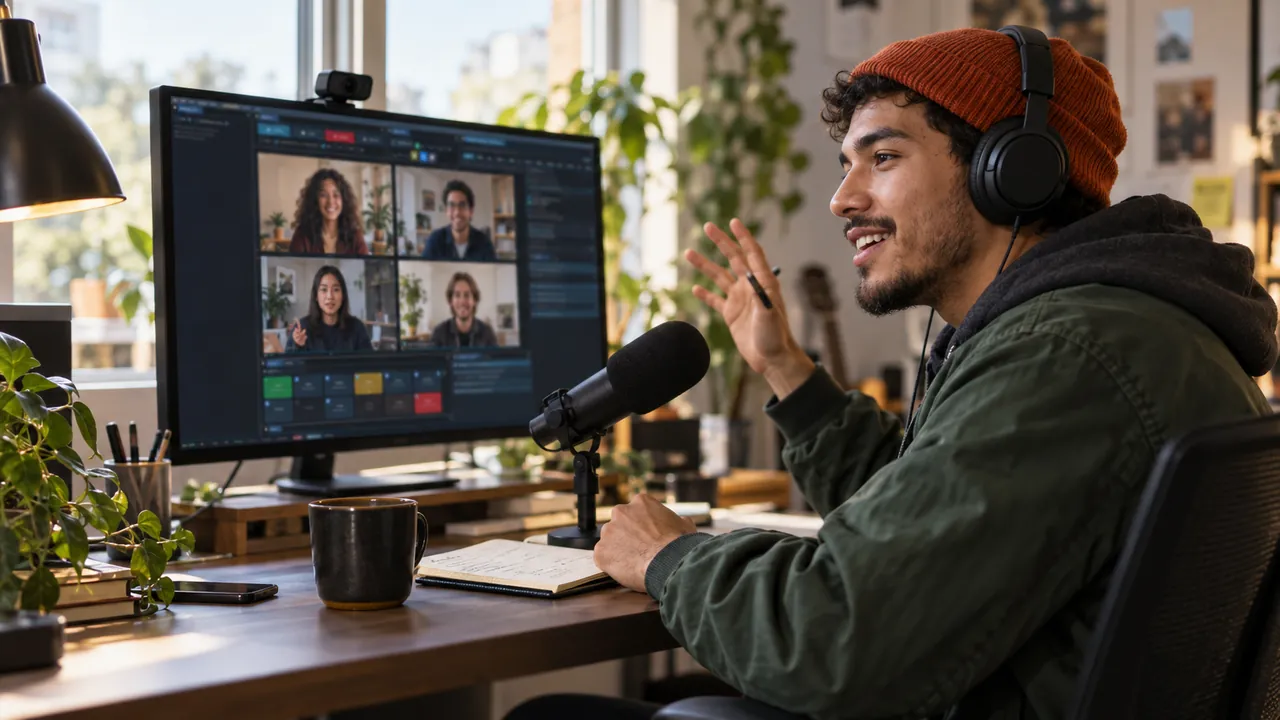
You create a room and send a link. The guest opens it in a browser, with nothing to install. Mix-minus audio means nobody hears their own echo. You moderate each guest and pick one of four co-hosting layouts.
Is it a subscription?
No. The tool is free for life and no subscription exists. A small logo shows on the output. Removing it takes a one-time license, and you only need to write if you want that.
Will a crash mid-stream cost me the recording?
No, and that is the point of the architecture. ISO multitrack sits in a crash-safe container with one shared timecode, stems included. A dropped stream or a crash keeps every recorded track intact.
Does it run on macOS?
Not yet. Windows 10/11 is available today and macOS is planned. Write to us and we will let you know when it lands.
What are the system requirements?
You need Windows 10 or 11 (64-bit) and any GPU, integrated Intel or AMD graphics included. Add a regular dual- or quad-core CPU, 8 GB of RAM and about 3 GB of disk space. Everything the app needs ships in the installer.
Can I use it commercially?
Yes. The freeware license covers commercial use: client work, monetised channels and company streams. The output carries the small live.hexart.io logo, and a one-time license removes it.
Is the app safe? Why does Windows warn me during install?
Yes: no account, no spyware and no ads. Your recordings and API keys never leave your PC. live.hexart.io is in alpha and the builds are not code-signed yet, so Windows SmartScreen does not recognise the publisher. In the "Windows protected your PC" window, click More info, then Run anyway. Do this only for the installer downloaded from live.hexart.io. The full terms are on the EULA page.
What is Cinematic mode, and do I need the browser add-on?
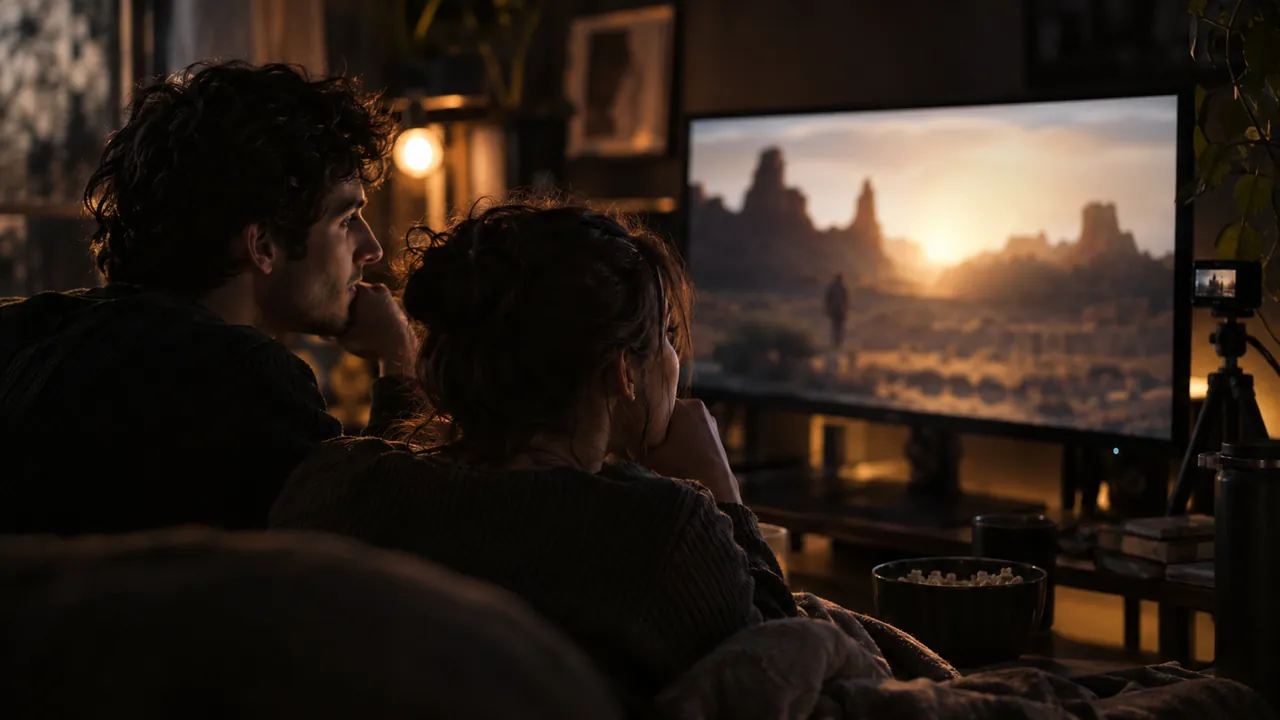
When a web video plays, Cinematic mode turns your stream into a screening while the room dims. The optional add-on shows the studio where the player sits, for pixel-perfect framing. The app works without it. Install it in 2 minutes.
Where can I stream?
YouTube, Twitch, TikTok Live, Facebook Live and Kick, each with its own format and quality, from one session. YouTube can take 16:9 and 9:16 in one broadcast, and NDI sends both formats to other software.
Can an AI agent control the studio?
Yes. A built-in MCP server lets agents such as Claude Code change settings and fire actions. Setup AI also runs on Claude Code, Codex and Gemini CLI. Going live, recording, privacy and payments wait for you.
Can I edit my recordings in the app?
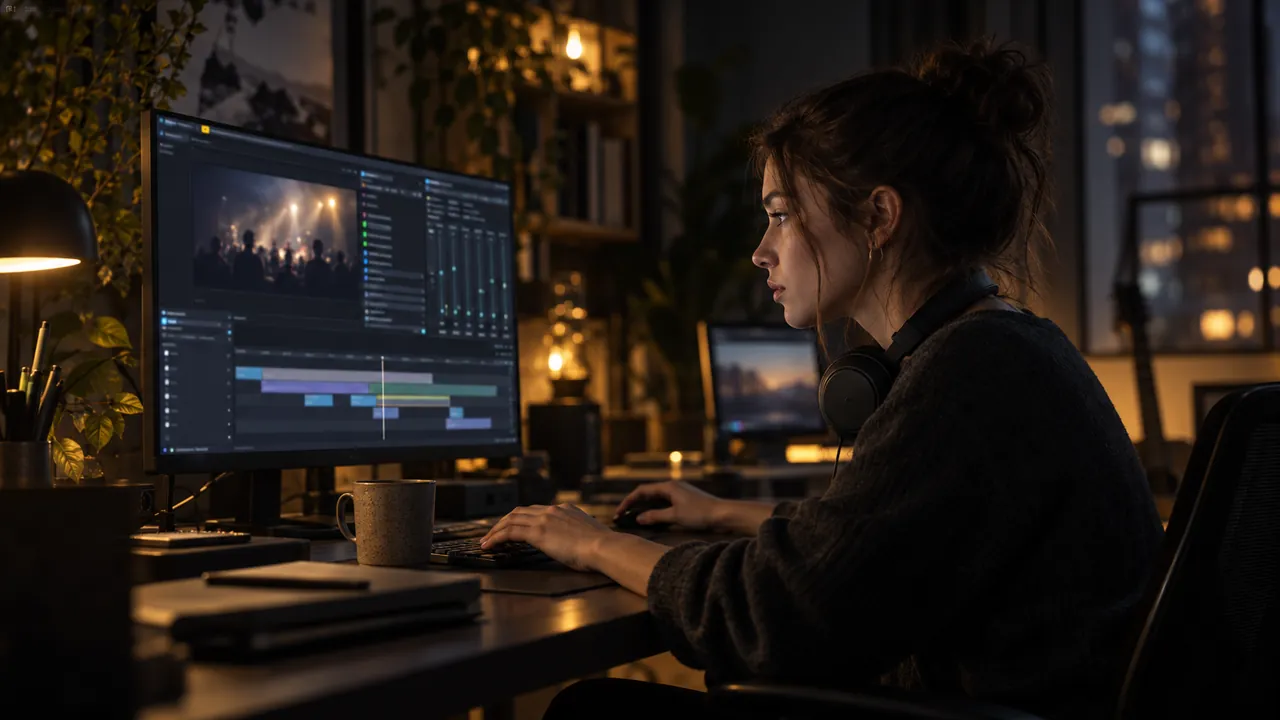
Yes. Turn on the session tape in OUTPUTS and open EDIT after the session. You pick moments on five heat lanes and the studio renders a new film from the originals, in 16:9, 9:16 or 1:1.
Does it handle multi-camera podcasts?
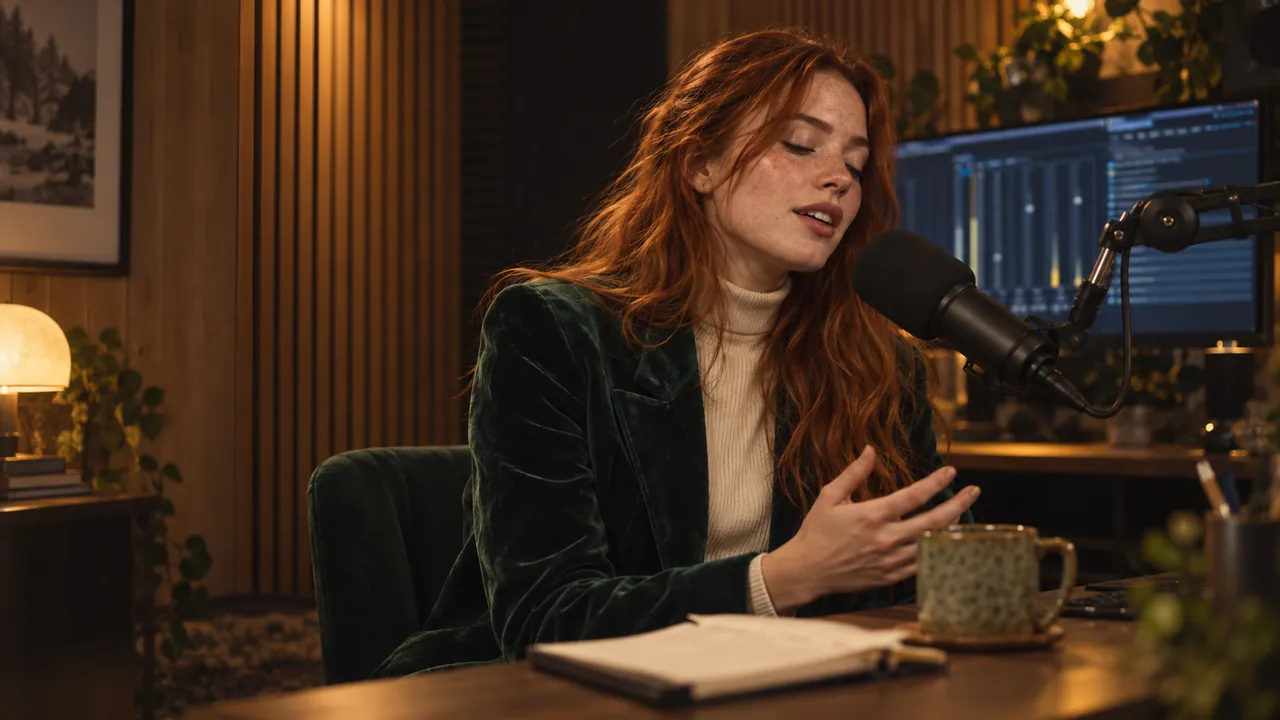
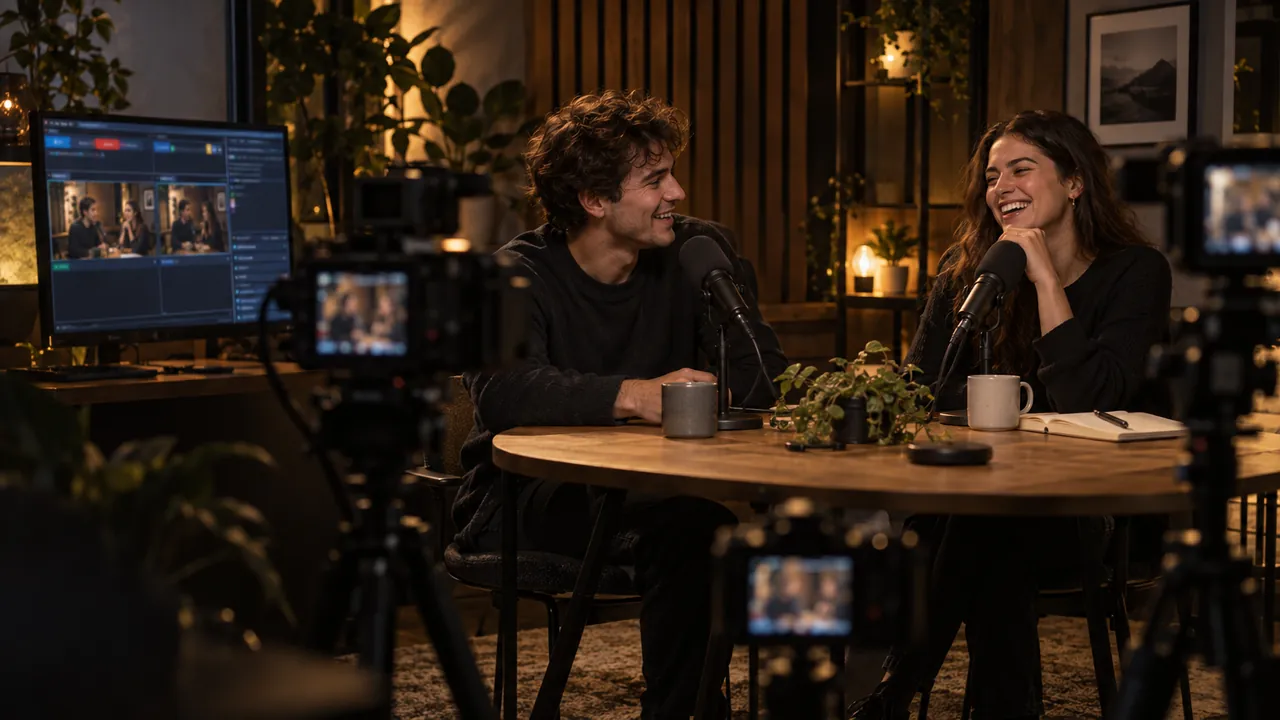
Yes. STUDIO mode treats every camera as a seat and cuts to whoever speaks, with broadcast timing. Each seat can have its own wireless mic, and MOSAIC shows everyone at once.
Do the AI features cost anything?
The studio and the AI director are free and run on your PC. Optional cloud extras, such as translated captions, voice-over, the AI commentator and AI backgrounds, use your own provider keys. Every paid background waits for your click.