Browser add-on
Play a film and the stream becomes a cinema.
Press play on any web video and your stream turns into a screening. The lights dim and the film fills the frame, pixel-perfect and untouched. You stay in the picture to react. When you move on, the stage comes back by itself, with nothing to click.
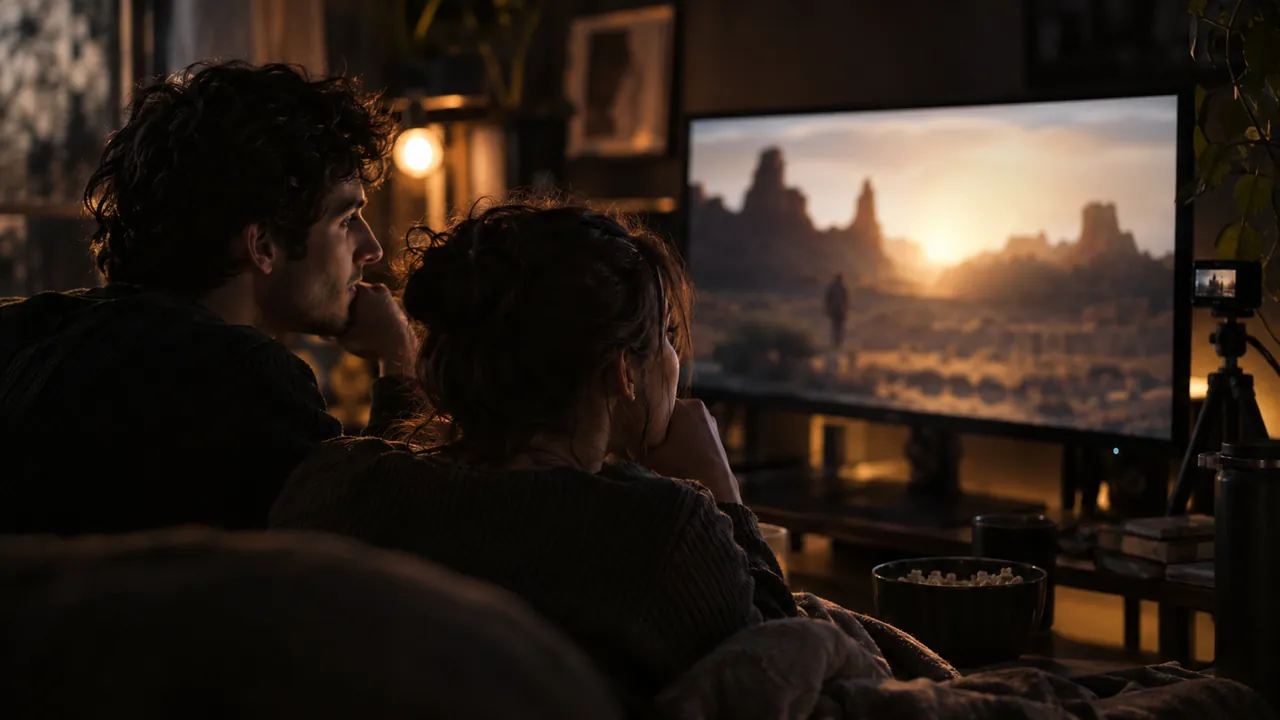
- The film is shown exactly as it is: nothing recolours, sharpens or crops it.
- Your camera stays in frame, so your reactions are part of the show.
- It starts when a video plays and ends when you are done, fully automatic.
Why the small add-on?
Cinematic mode needs to know one thing: where exactly the video player sits on the page. A free browser add-on of about 10 KB tells it. The frame then lands on the player to the pixel, even across monitors with different scaling. It works on YouTube, X, TikTok, Instagram, Facebook, Dailymotion and almost any video site. The app works fully without it, and the framing is at its best with it.
Install it in 2 minutes
- Download the add-on. Get the .zip here (about 10 KB) and unpack it anywhere: right-click it and choose Extract all.
- Open the extensions page of your browser. In Chrome or Edge, type
chrome://extensionsinto the address bar and press Enter. - Turn on Developer mode. It is a small switch in the top right corner of that page.
- Click Load unpacked and pick the unpacked
smart-regionfolder from step 1. - Done. Start live.hexart.io and play any web video. The moment your cursor is over it, your stream becomes a cinema.
Tip: the same add-on files ship with the app, in {app}\extension\smart-region. You can point Load unpacked there and download nothing.
Is it safe? Yes. The add-on talks only to the live.hexart.io app on your own computer. Nothing is sent to the internet and nothing is collected. It does one job: it tells the studio where the video player is. It is free, like everything here.