Skip to content
live.hexart.io

This studio records itself.

Donations fire clips on air.

An AI directs your stream live.

One take for YouTube and Shorts.

Free, on an ordinary laptop.

This is live.hexart.io.

See how it works
Video generated by AI.

100%Freeware for Windows

Record once, publish in 16:9 and 9:16.

live.hexart.io is a free studio for Windows. Its AI director frames your stream live, and a donation, follow or sub can play a clip on air.

Free for life, every feature · Windows 10/11 · any GPU

latest · Version history and changelog

  • AI Director
  • 16:9 + 9:16 live
  • Crash-safe
  • 2masters from every take, with no re-edit
  • 60fpsrender and capture, profiled frame by frame
  • 1,300+settings, and Setup AI or your own agent can drive each one
  • ∞free for life, with every feature unlocked

01Built in

A one-person studio with everything built in.

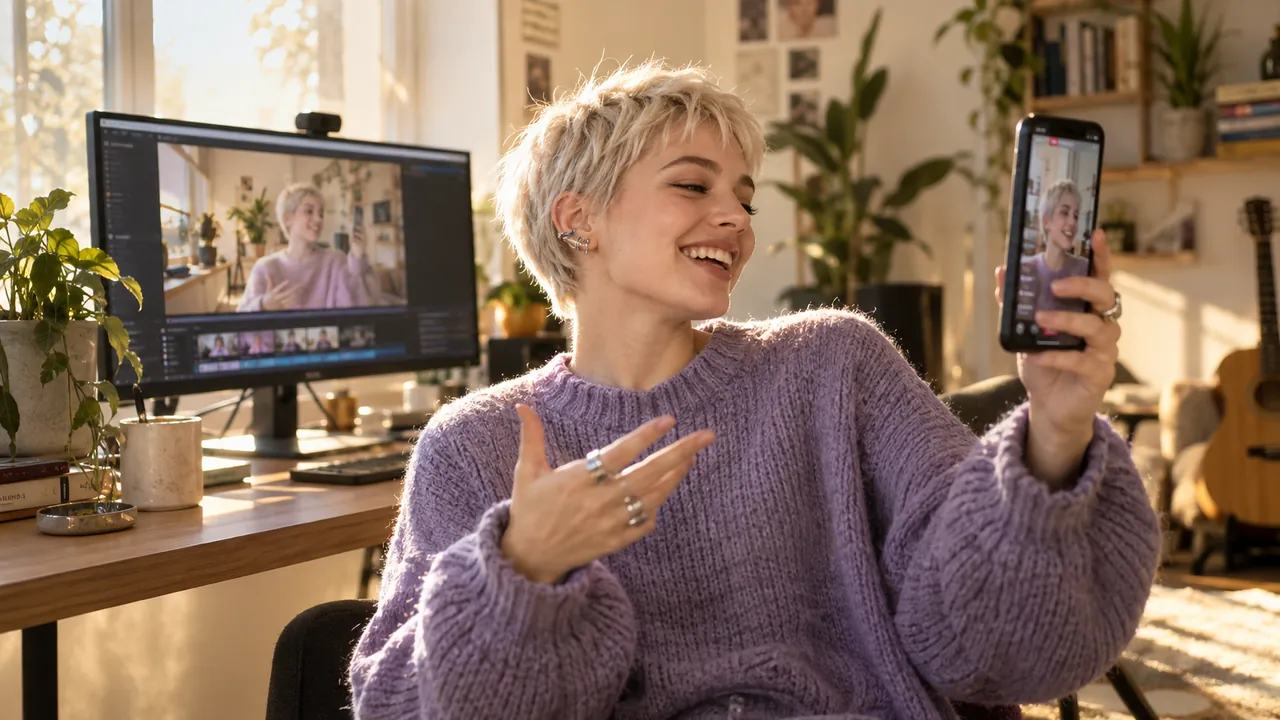
A creator checks a vertical clip of herself on her phone while the same shot plays wide on her monitor Image generated by AI.

Dual master

Publish twice as much from the same hour.

The 16:9 show and the 9:16 Shorts master record together, in sync. Every session gives you two finished files. The vertical is directed live, so in the editor it is a source swap, not a second edit.

  • 1920×1080 and 1080×1920 rendered at the same moment, frame-locked
  • Live preview of both masters while you record
  • Works even on a single GPU
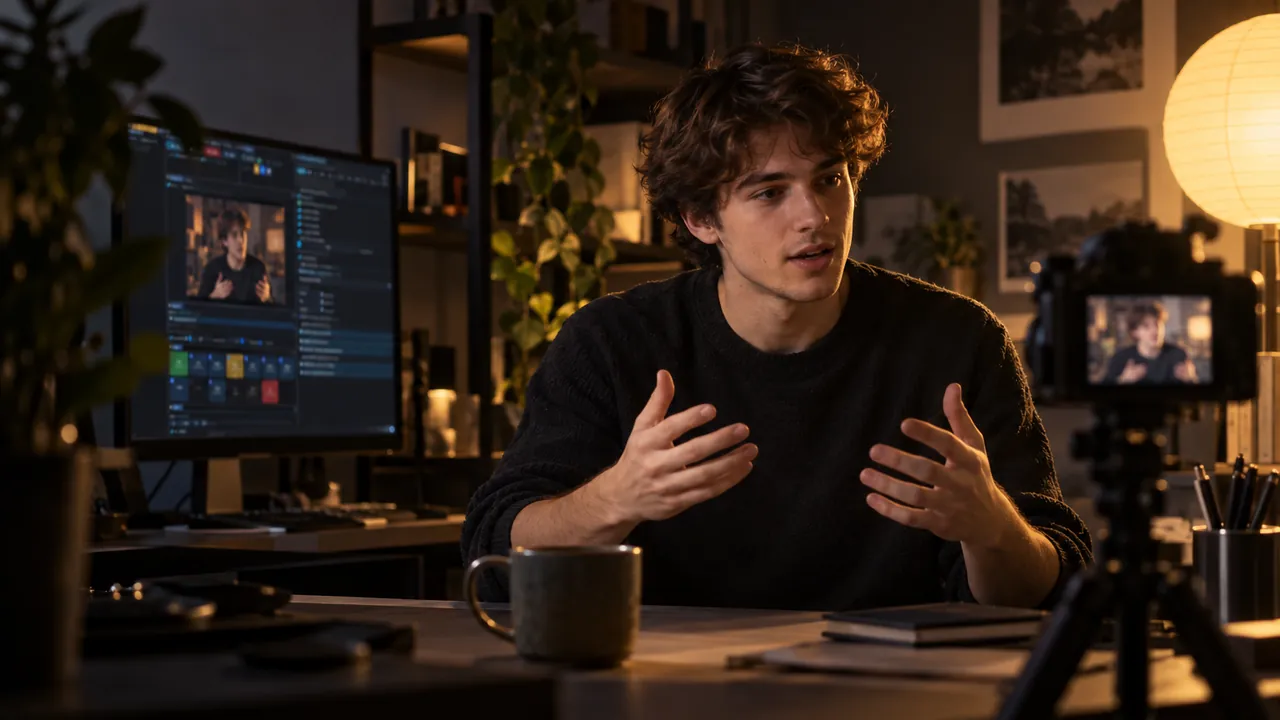
A young video essayist explains something to a small camera while the deck frames his close-up Image generated by AI.

AI Director

Look directed without a director.

The AI Director reads real signals: your voice, gaze landmarks, the cursor and the keyboard. It moves the frame with cinematic inertia. The shot follows what you actually do and never snaps to a pointless zoom.

  • Talking-head, hybrid, working, cursor-focus, cinematic and game shots
  • Confidence-weighted framing, with no pointless moves
  • Override or pin any shot at any moment
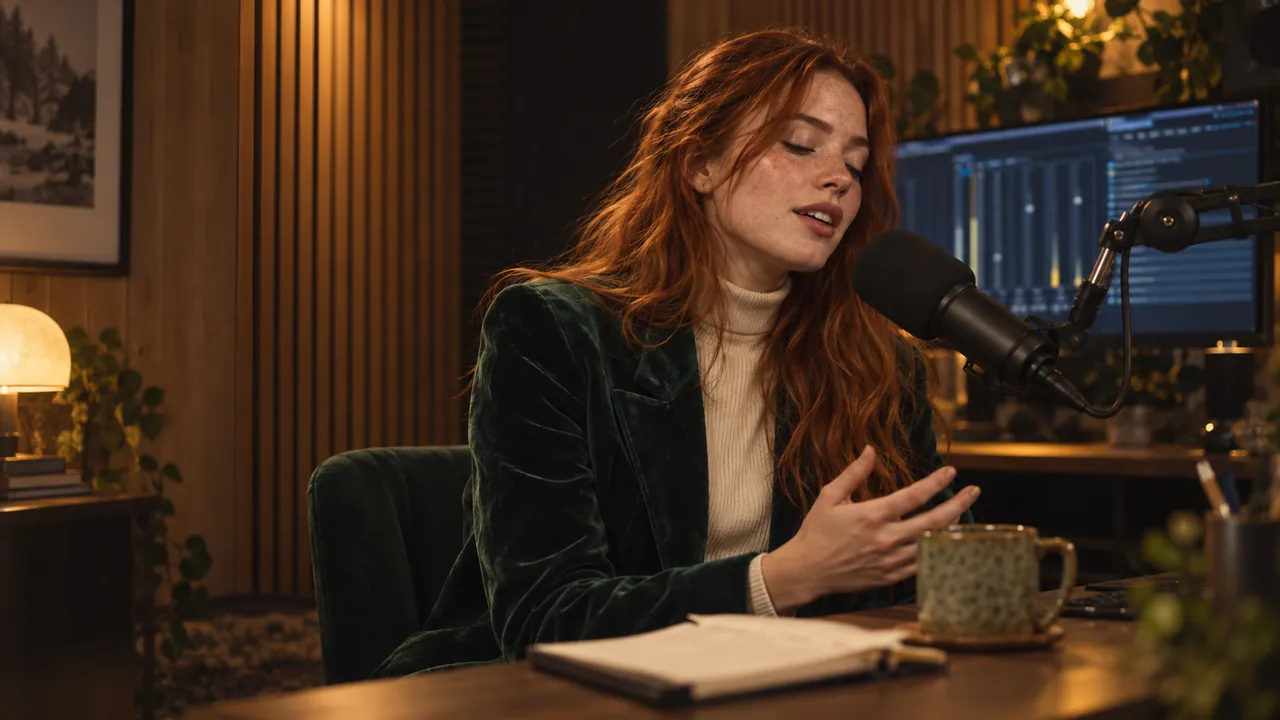
A podcaster in a green velvet blazer speaks into a broadcast microphone in a warm wood-panelled booth Image generated by AI.

Auto audio

Produced sound without touching a fader.

A broadcast audio chain runs on its own while you talk: noise reduction, gate, compressor, music ducking under your voice and LUFS mastering. Your voice sits above the music in every take.

  • Broadcast loudness (LUFS mastering) out of the box
  • Music ducks under your voice automatically
  • Nothing to wire and nothing to tune
  • Bring your VST 3 plug-ins to any channel
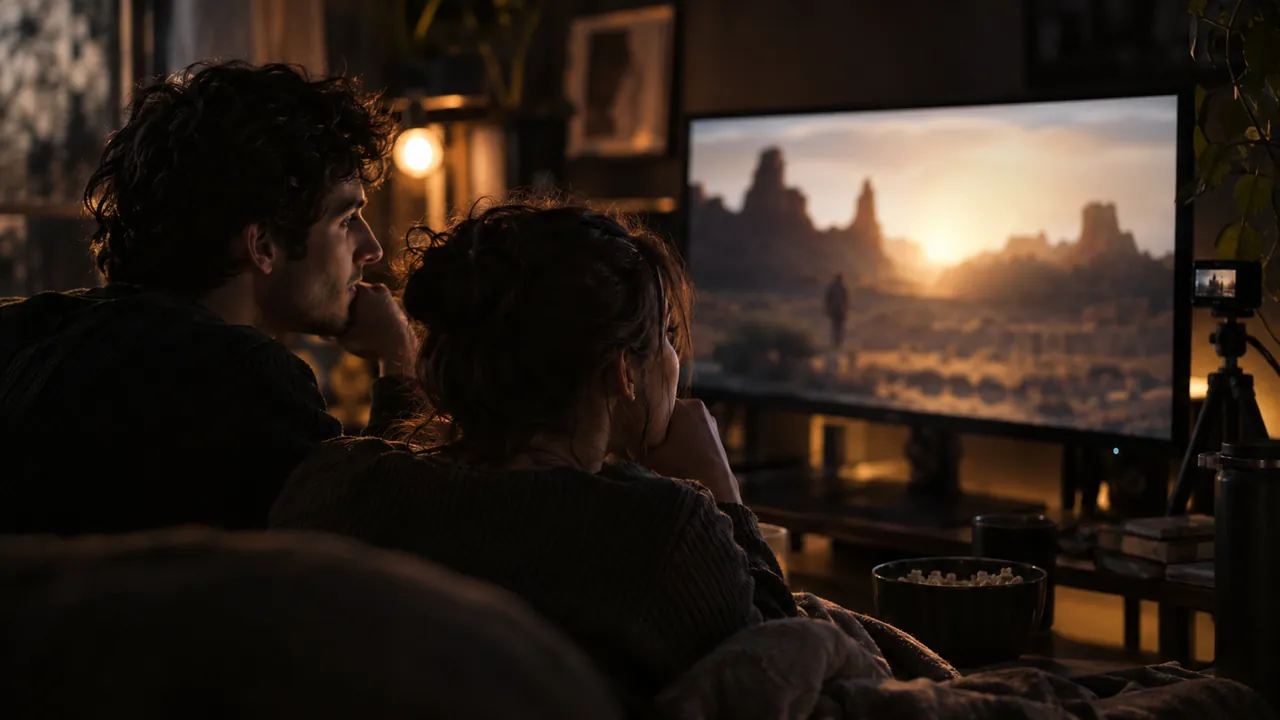
Two friends watch a desert film together on a monitor during a watch-along stream Image generated by AI.

Cinematic mode

Play a film and become a cinema.

When a browser video plays, Cinematic mode frames it to the pixel and shows it 1:1. The post-processing chain is bypassed, so the film stays untouched. The room around it goes dark and soft.

  • Pixel-perfect frame on the player, like a real screening
  • Camera backdrop dimmed and blurred, house lights off
  • Exits on its own the moment you move on
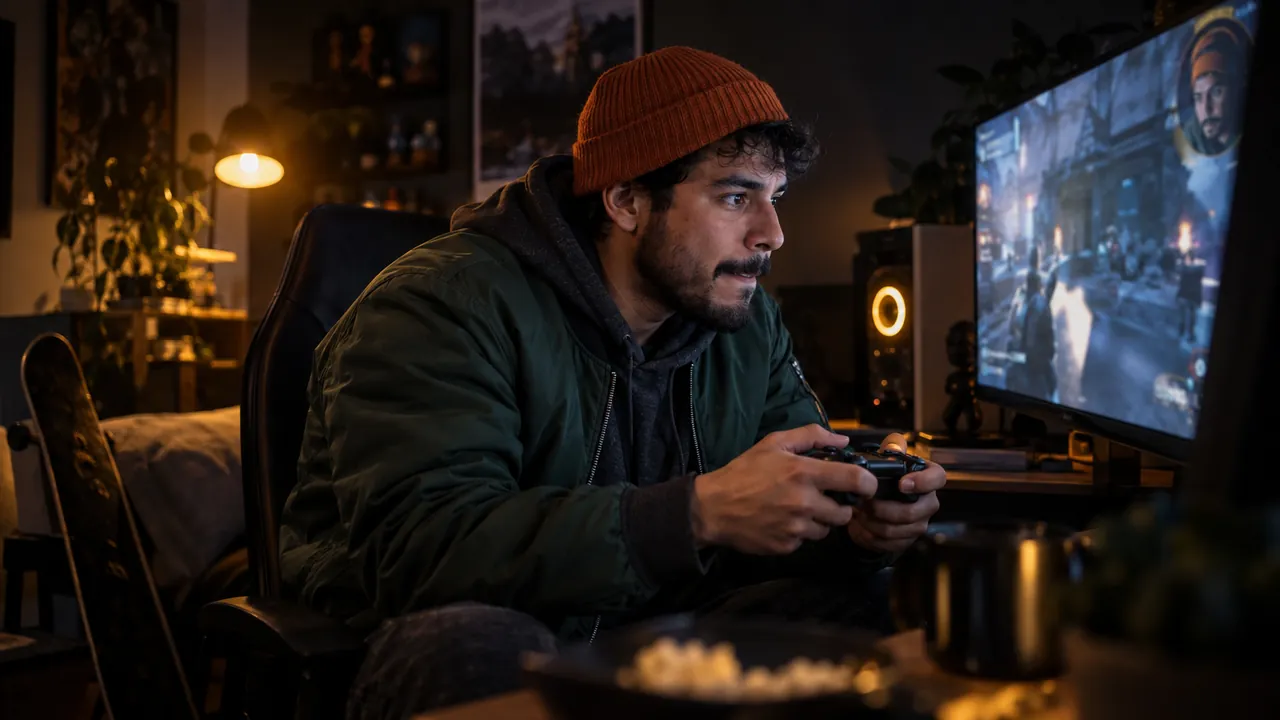
A gamer in an orange beanie grips his controller as the game fills the screen, his face in a small corner bubble Image generated by AI.

Game mode

Fullscreen games go edge to edge instantly.

Game mode detects a fullscreen app by itself. It drops the holographic frame and shows the game edge to edge, with you in a clean PiP. No hands and no scene switching mid-match.

  • Automatic detection, with nothing to click
  • Edge-to-edge picture, no frame and no borders
  • Your camera PiP and cursor stay visible
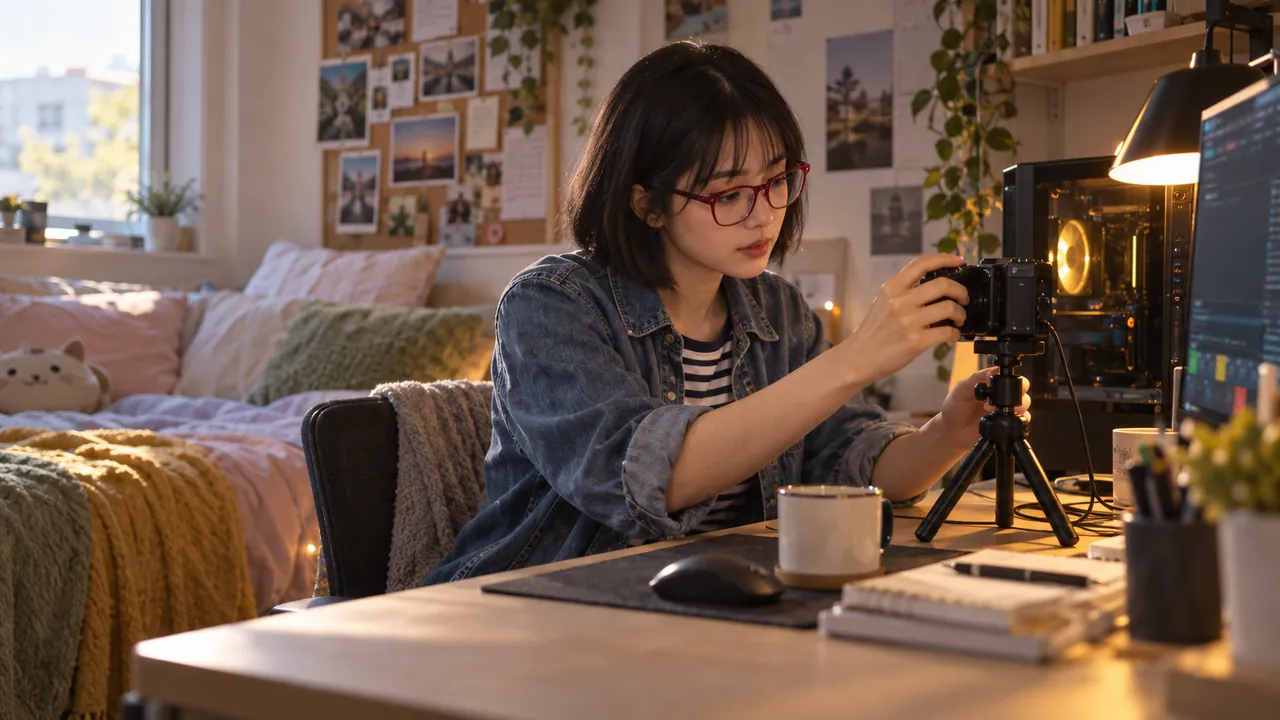
A student in red glasses adjusts her camera next to a compact PC in a bright dorm room Image generated by AI.

Any GPU

Any graphics card can ship the show.

NVIDIA gets zero-copy NVENC. Intel Quick Sync and AMD AMF are matched automatically, with a CPU encoder as the safety net. There are no encoder settings to learn: the studio picks the best path for your machine.

  • NVENC, Quick Sync or AMF, chosen automatically
  • Integrated graphics are enough
  • The CPU fallback means it always records
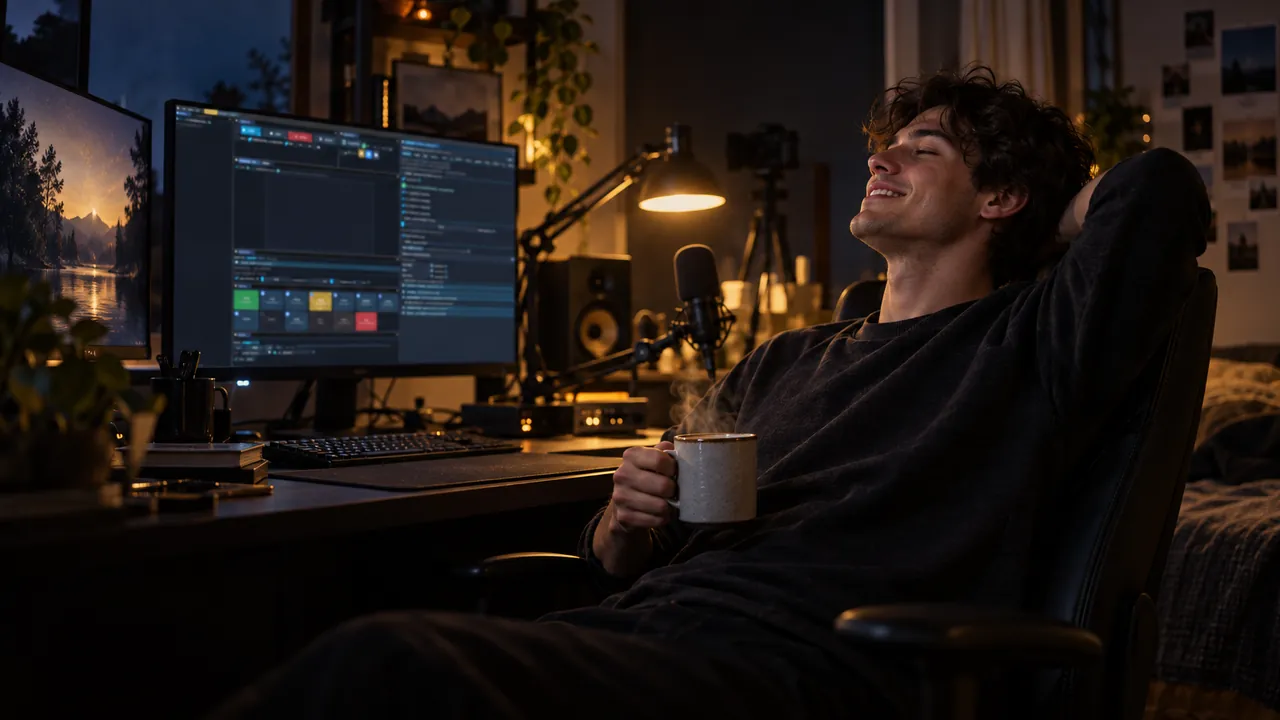
A streamer leans back with a coffee and a relieved smile, his recording still intact on the deck Image generated by AI.

Crash-safe ISO

A crash never costs you the take.

Every track records as ISO multitrack with one shared timecode, in a crash-safe container. If the stream drops or the PC dies mid-take, every track survives: camera, screens and audio stems, still aligned.

  • One timecode across all tracks and stems
  • Crash-safe container, playable even after a power cut
  • A clean MP4 delivered right after the take
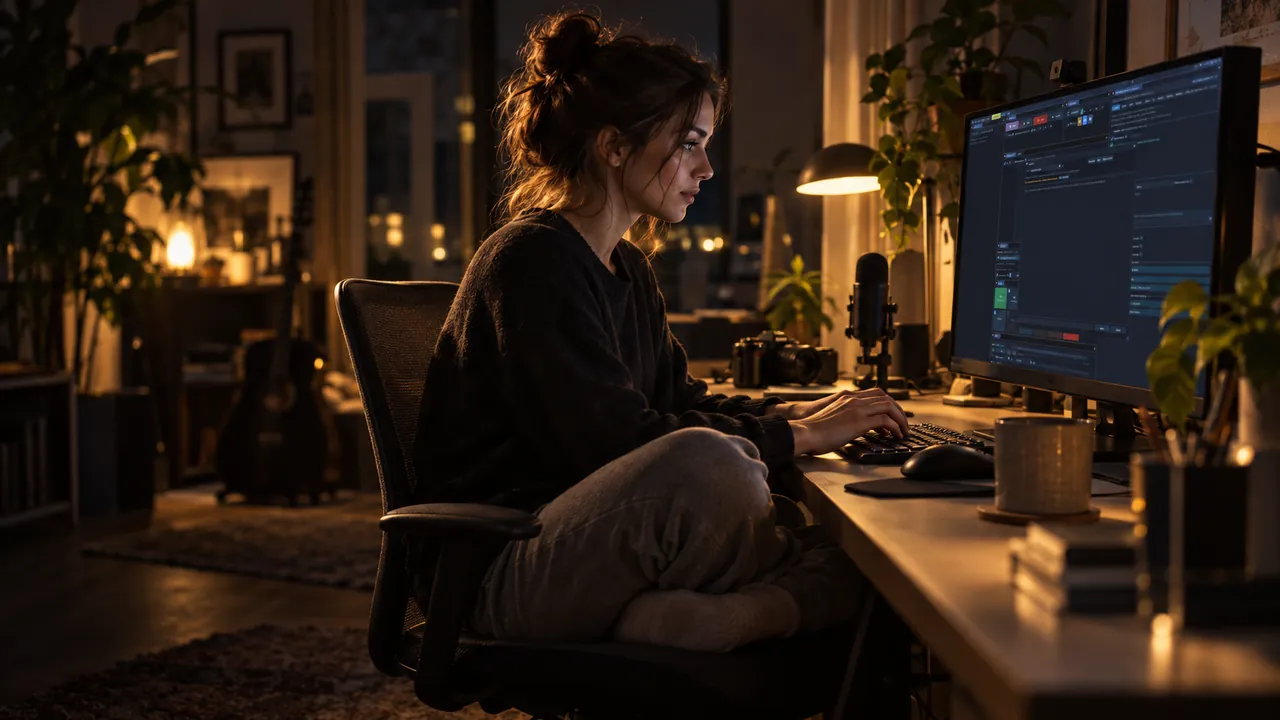
A creator sits cross-legged in her chair and types a plain sentence into Setup AI Image generated by AI.

Setup AI

Configure the studio in your own language.

The built-in Setup AI knows all 1,300+ settings. Describe what you need and it proposes a plan, then applies it live. Every option also carries a plain-language hint.

  • All 1,300+ settings under plain-language control
  • Proposes a plan and applies it live
  • Builds whole scenes: background, cutout, framing and look
Video generated by AI.

Made for creators

Stream your work while the studio runs itself.

Talk, paint, code or play. The AI director frames every moment, so you never touch a scene switcher.

Download live.hexart.io for free
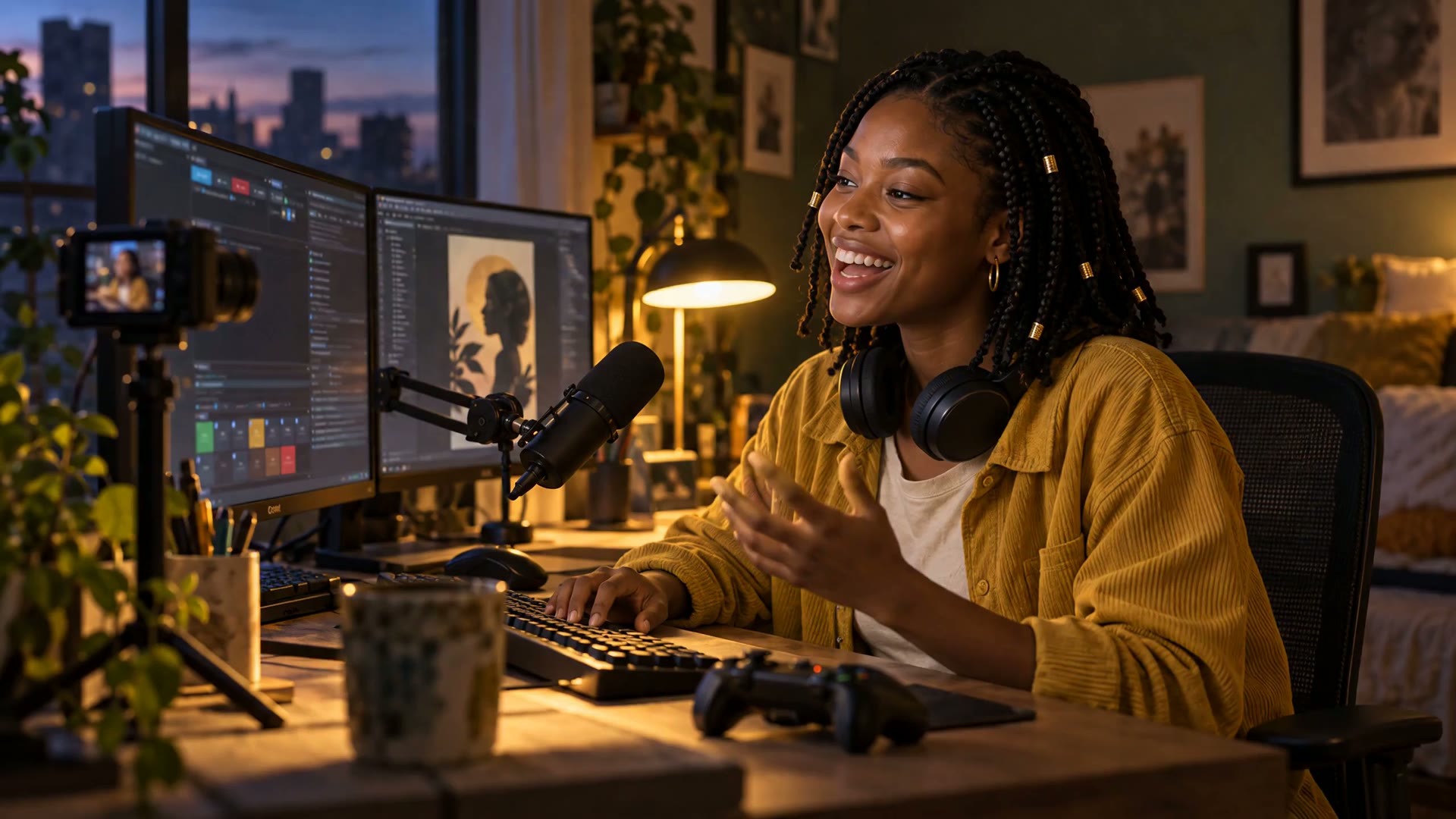
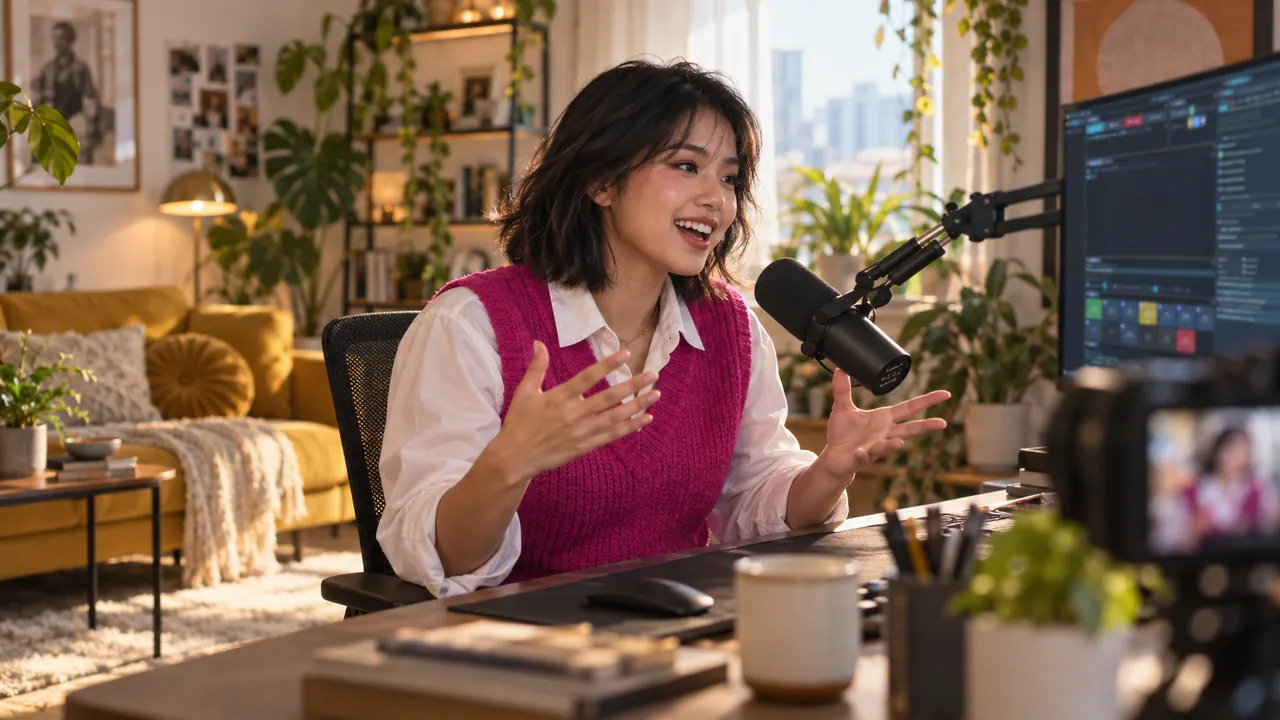
A creator in a fuchsia vest explains something to camera in a sunny studio, the deck showing her wide and vertical masters Image generated by AI.
The studio at work: one camera, one deck, and a wide and a vertical master from the same take.
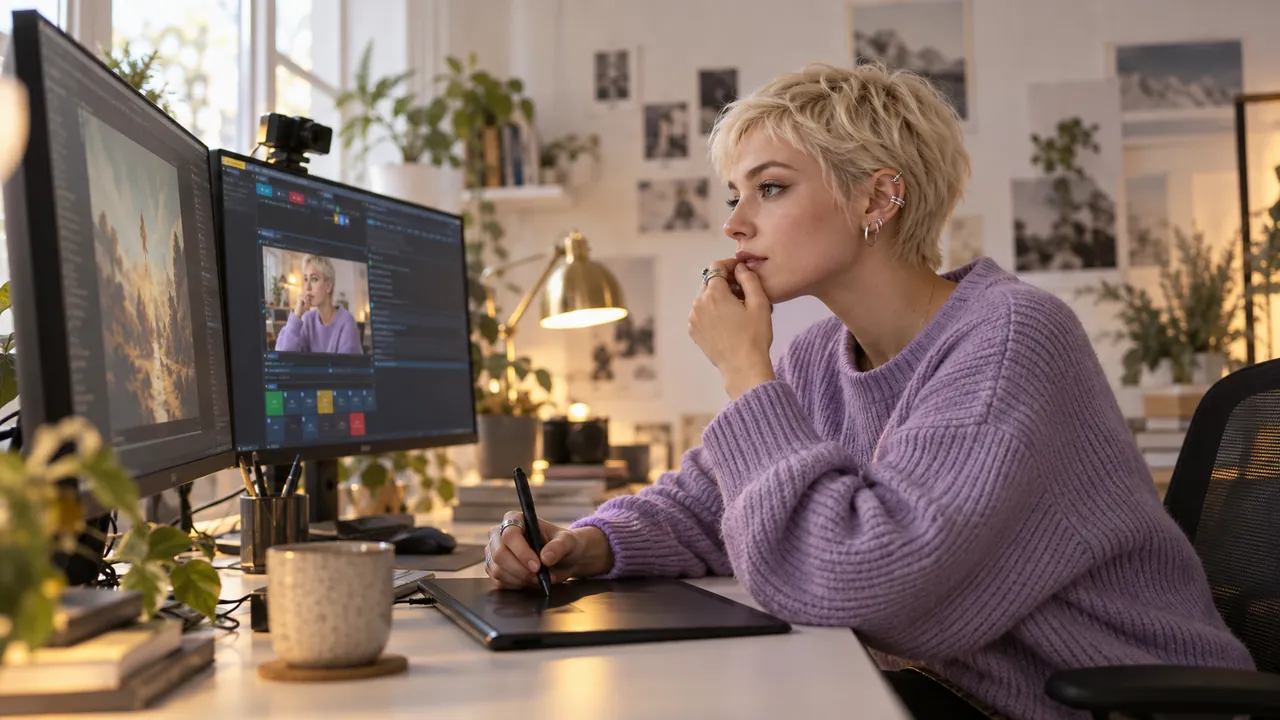
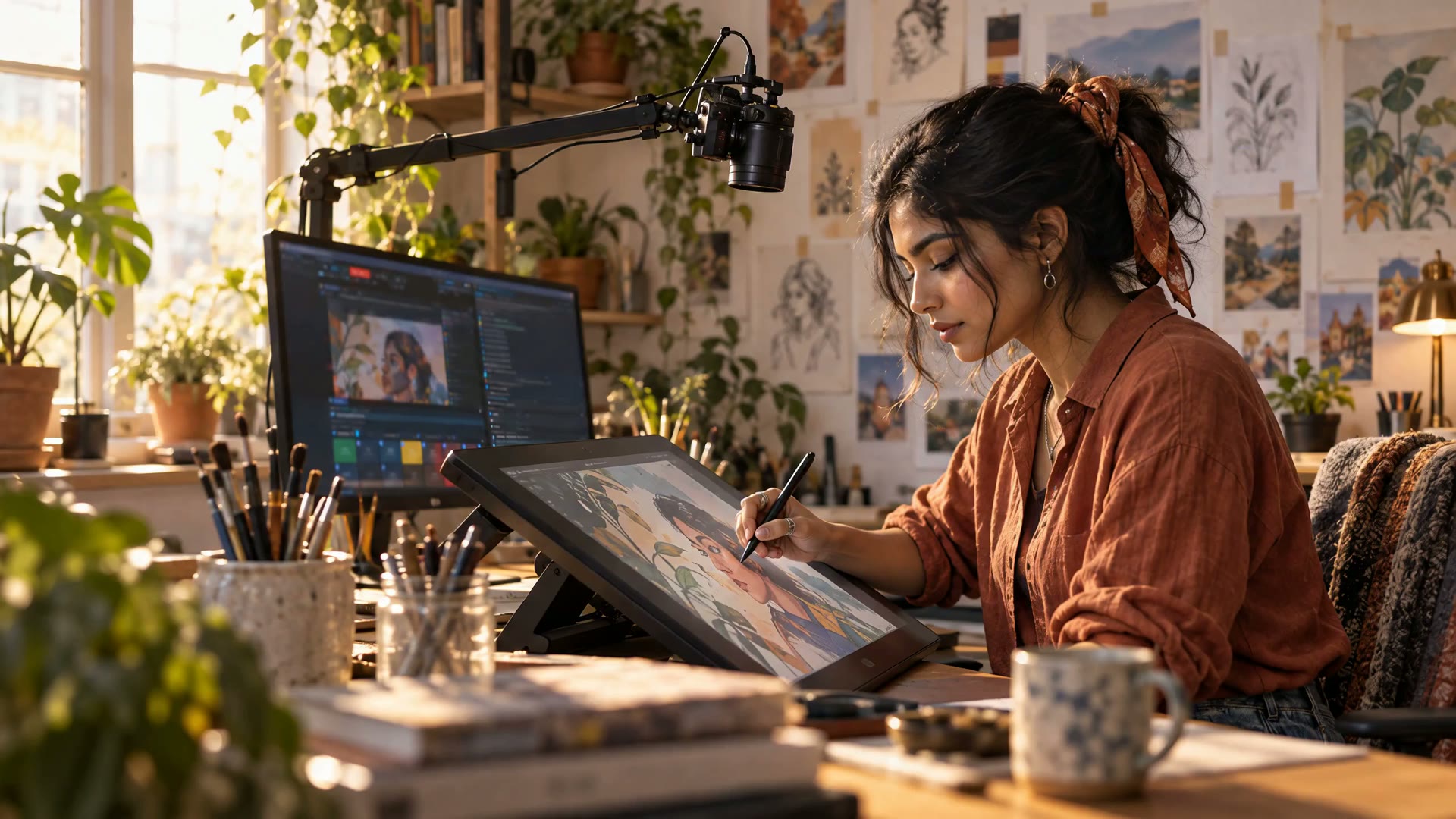
A designer in a lilac sweater works with a drawing tablet while the deck frames her in a bright studio Image generated by AI.

02AI Director

A director that watches how you work.

It reads your voice, eye and iris landmarks, the cursor and the keyboard. It switches between six shot types with weight and beat-synced inertia. Confidence-weighted framing never snaps to a pointless zoom. You can pin or override any shot.

  • Follows the window you actually work in
  • Cinematic mode: a pixel-perfect frame on any playing web video
  • Game mode: fullscreen apps go edge to edge automatically
  • Every cut is eased, so it reads as directed
Video generated by AI.

Live direction

The edit happens while you record.

The AI director cuts both formats live. You end the session with finished masters instead of an evening in the editor.

03Two formats

Both formats from one take, with no re-edit.

Elsewhere you shoot wide and re-cut a vertical by hand for every upload. This studio renders a full 1920×1080 stage and a full 1080×1920 stage at the same moment. Both are live and frame-locked, even on a single GPU.

YouTube · Twitch · the main show
Shorts · Reels · TikTok
A creator holds up her vertical stream on a phone while the monitor behind her shows the same moment in 16:9 Image generated by AI.

In your editor the vertical cut is a source swap. The framing is already directed and recorded. You end every session with both masters in hand.

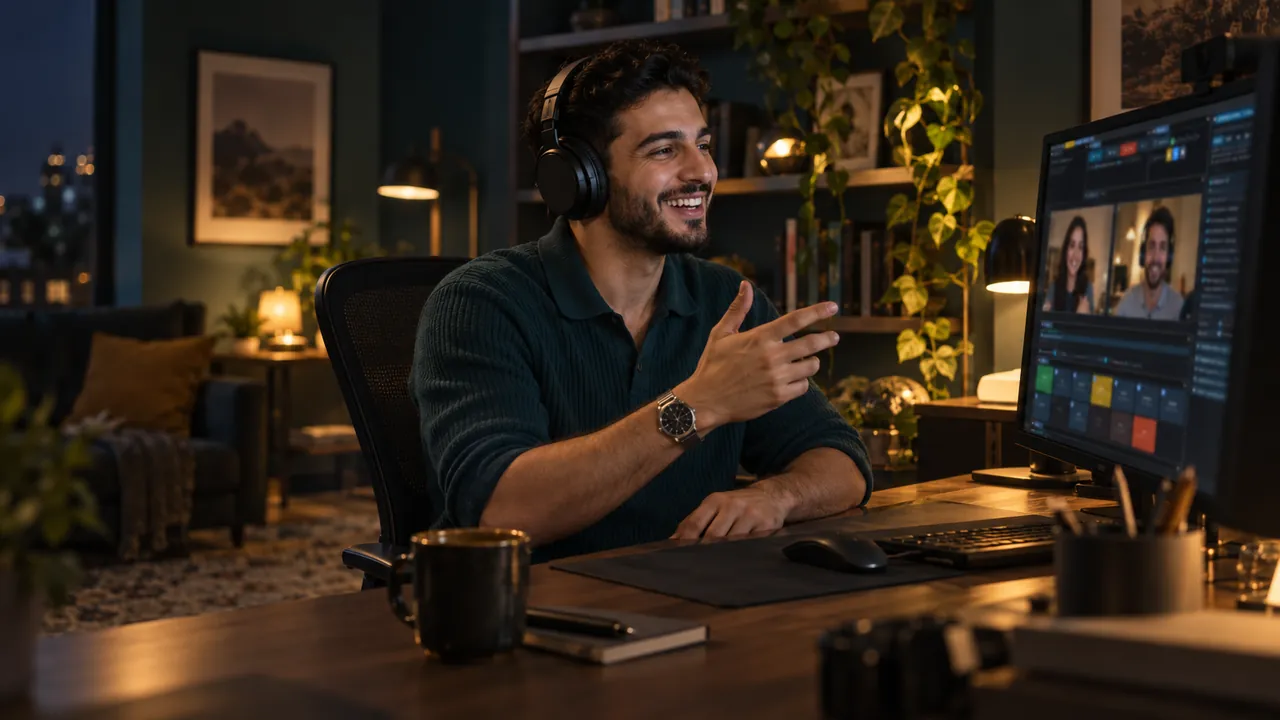
A host in a teal polo laughs with two remote guests shown in the deck Image generated by AI.

Guest rooms

Guests join by link, you host natively.

Send a room link and your guest joins from any browser, with nothing to install. You host with four layouts: interview, screen focus, panel and guest solo. The room engine ships in the installer and works on a fresh PC.

  • Browser guests, with zero setup on their side
  • Mix-minus: nobody hears their own echo
  • The active speaker grows in the layout automatically
  • Moderation per guest: volume, mute or remove
Video generated by AI.

04Studio and edit

Three rooms in one app: screencast, studio, edit.

SCREENCAST directs your screen and camera. STUDIO cuts a multi-camera talk show by who speaks. EDIT turns recorded sessions into new films. One switch in the menu bar moves between them.

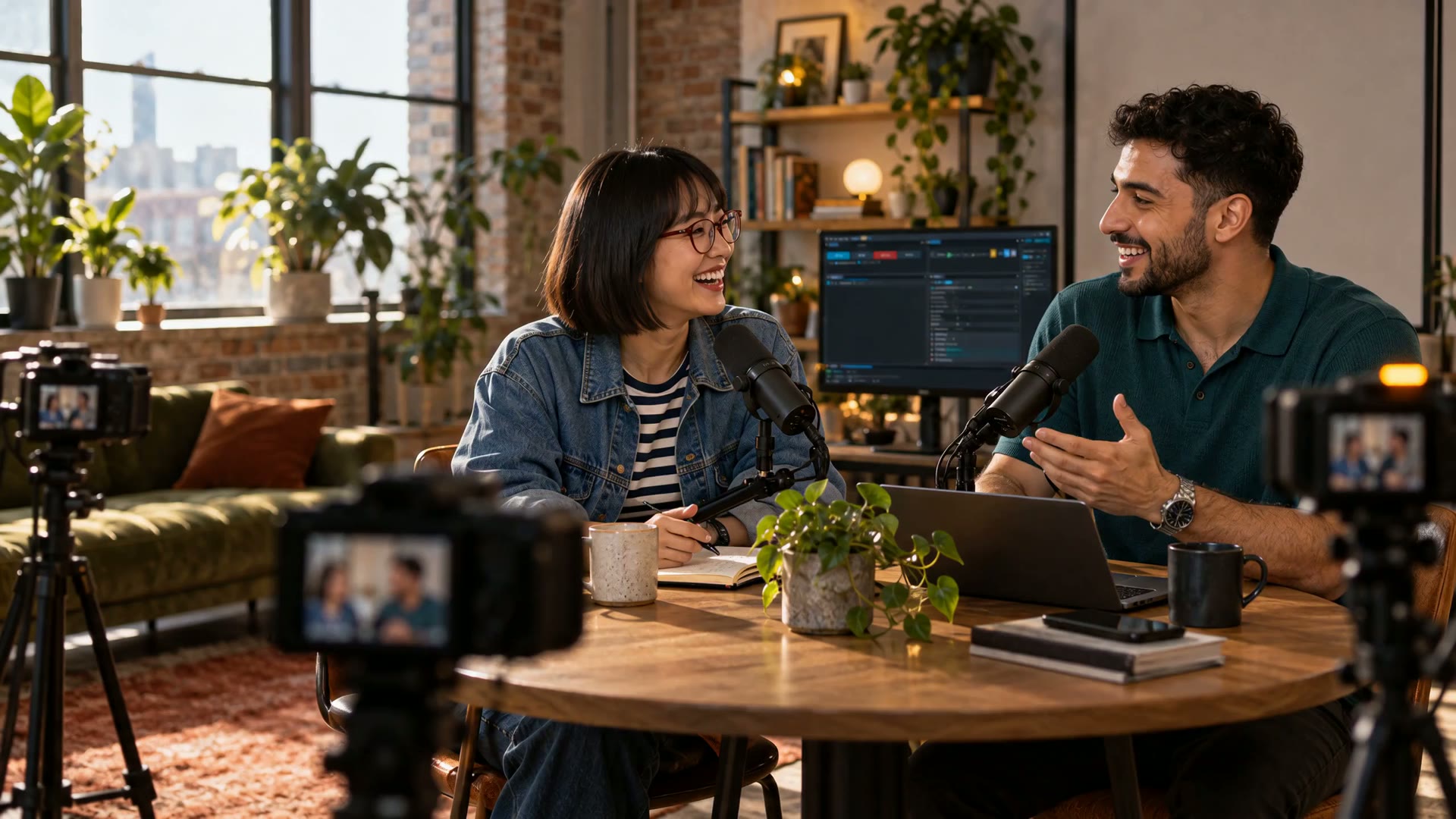
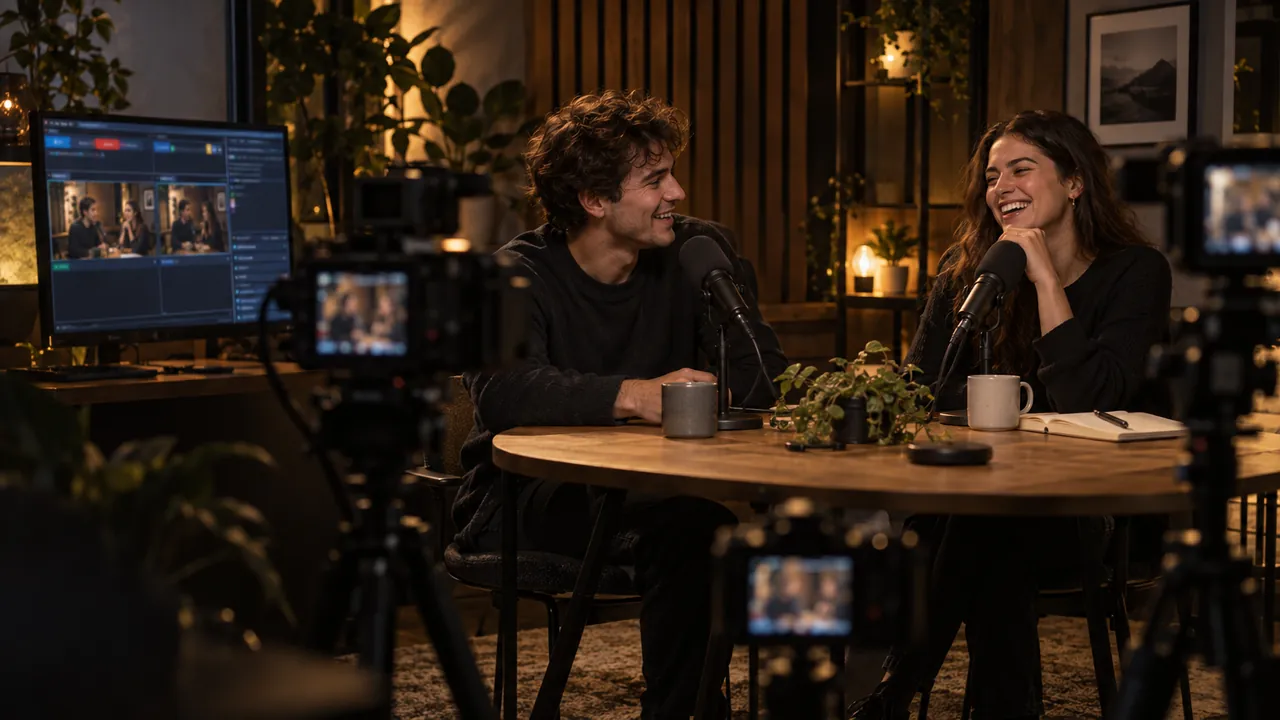
Two podcast hosts laugh at a round table while three cameras and the STUDIO deck cover them Image generated by AI.

STUDIO mode

A video podcast with no vision mixer.

Every camera is a seat. The studio director cuts to whoever speaks, by broadcast rules. A quick “mhm” never steals the shot, two voices get a two-shot and silence goes wide.

  • Up to six cameras, each framed on its own face
  • A wireless mic per seat sharpens who-is-speaking detection
  • MOSAIC tiles 16:9 in columns and 9:16 in rows
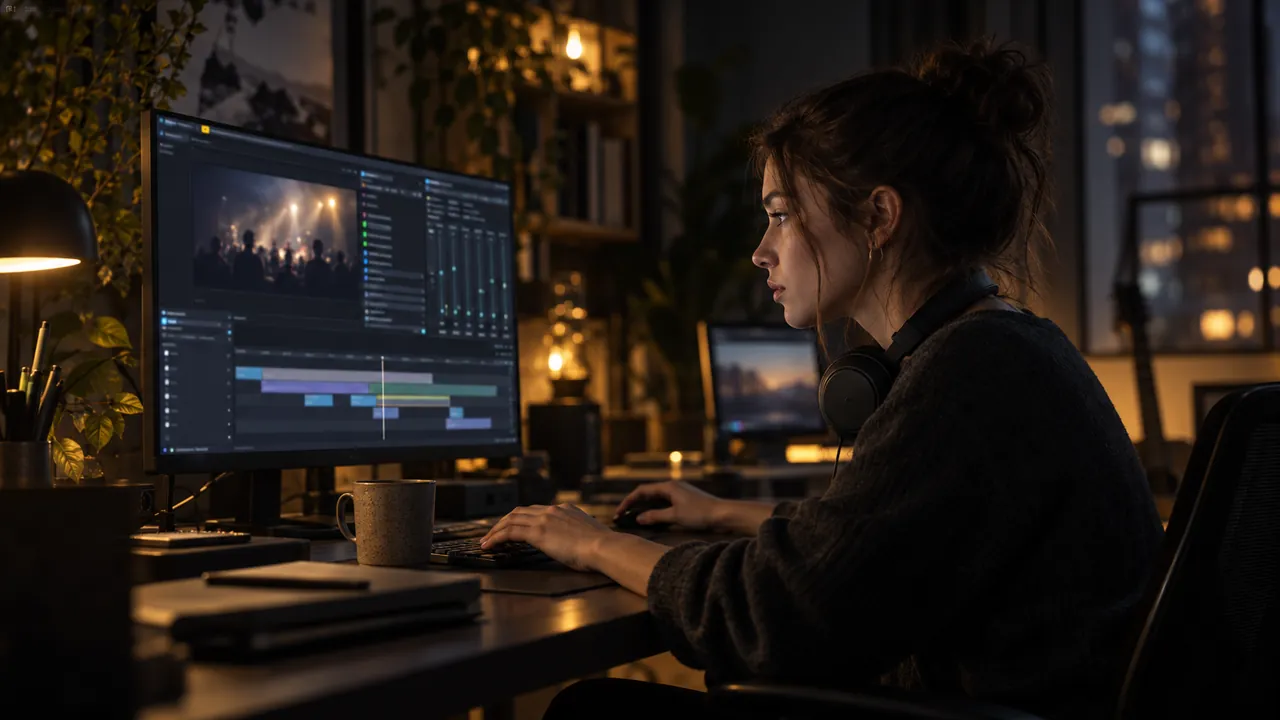
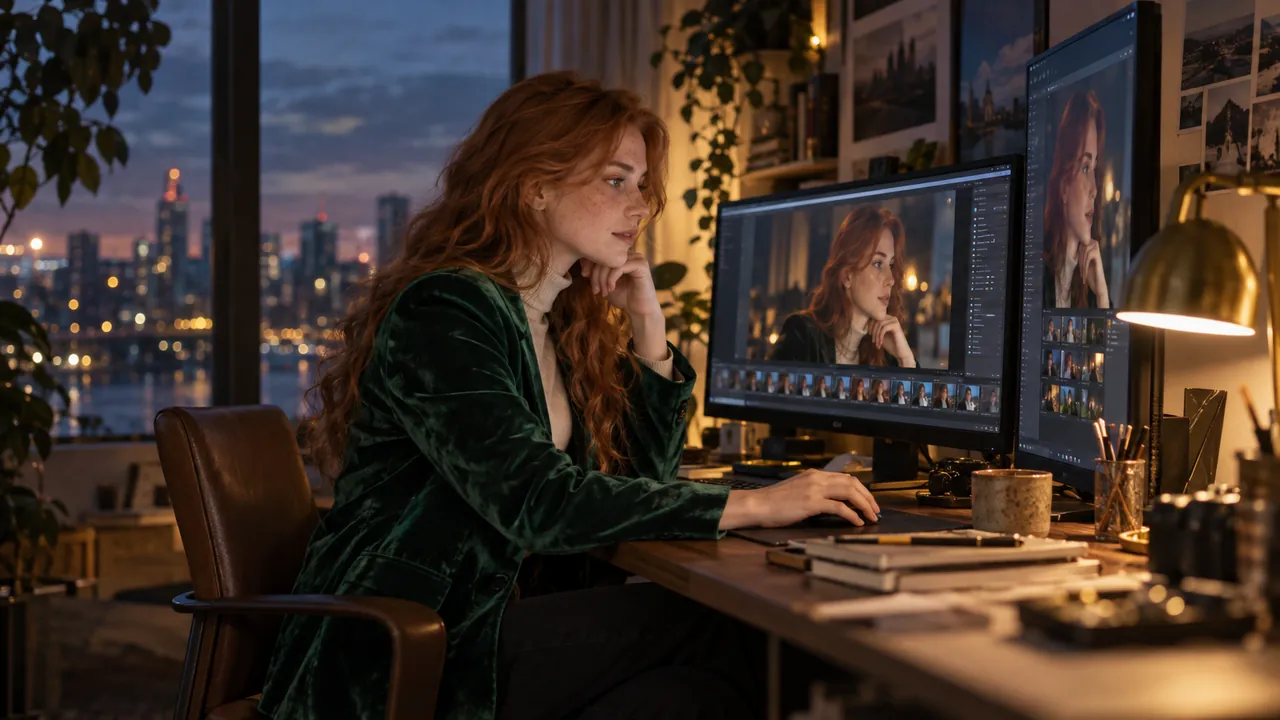
An editor scrubs a recorded session on the EDIT timeline late at night Image generated by AI.

EDIT mode

Edit the session, not just the file.

Turn on the session tape and the studio logs every input as you record. In EDIT you pick moments from five heat lanes. The director then renders a new film from the originals.

  • Mark a good moment with one key while you record
  • Speed-ups skip speech, so no voice ever squeaks
  • One edit renders 16:9, 9:16 and 1:1 from the source
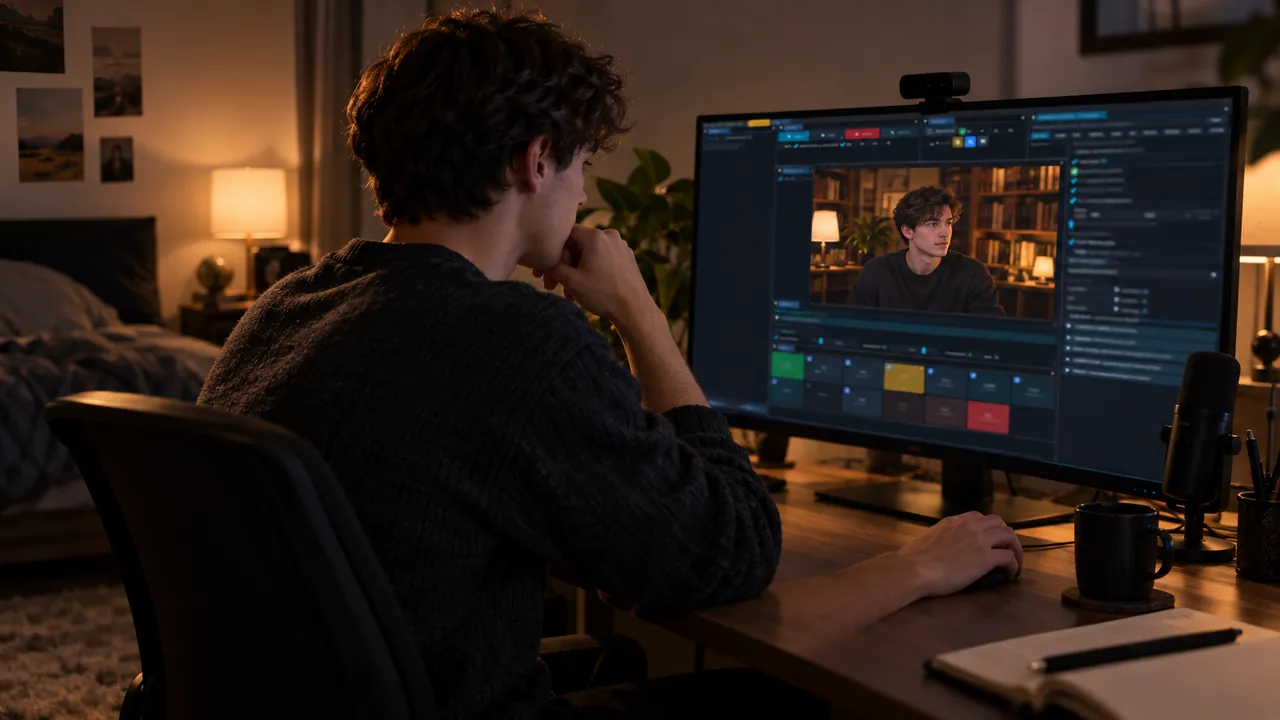
A creator sits by a plain wall while his preview shows him in a warm library set Image generated by AI.

Camera Composer

A new set behind you, no green screen.

The Composer learns your empty room and cuts you out on the GPU. Put a color, an image, a soft blur or a looping video behind you. A pro chroma key is ready when you do have a screen.

  • Lens blur with real bokeh on any layer
  • Background clips can react to follows, subs and donations
  • AI background plates from your own camera frame, generated only after your click
Video generated by AI.

05Reach and automate

More platforms, more languages, fewer clicks.

Live captions translate while you talk. One START button opens every platform and one feed collects every chat. Your own AI agent can tune the studio for you.

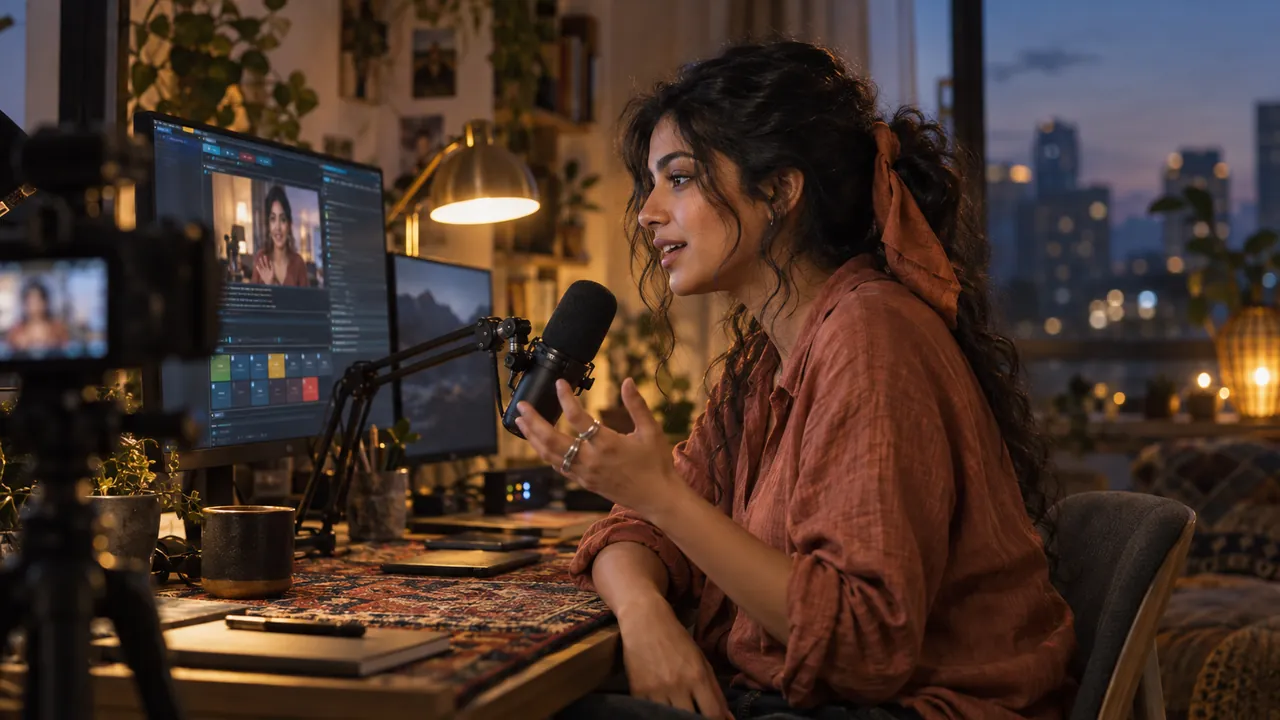
A streamer in a terracotta shirt talks to camera at blue hour while captions run under her preview Image generated by AI.

Captions and voice-over

Speak once, reach viewers in other languages.

Live AI captions follow your speech and translate it as you talk. They can post to YouTube as a real caption track. A realtime voice-over reads them aloud, with its own voice for every speaker.

  • Captions land mid-sentence, not after a long pause
  • Speaker labels carry into the SRT export
  • An optional AI commentator remembers your regular viewers
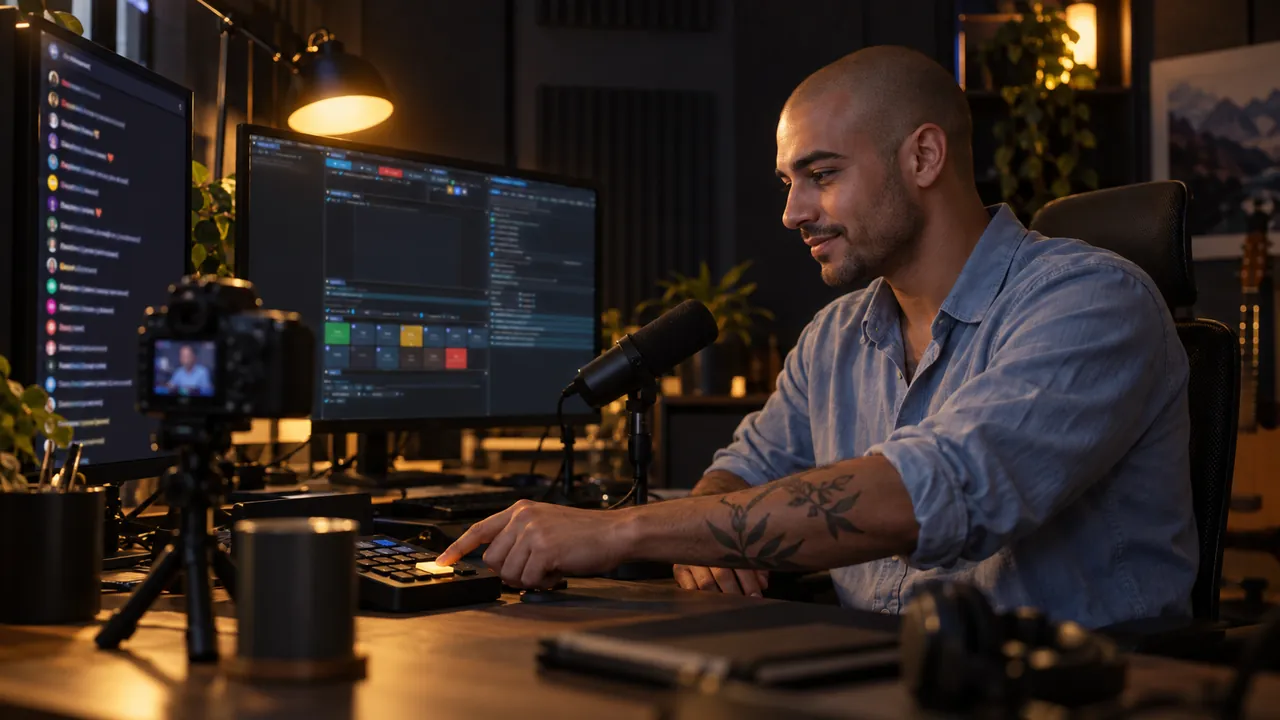
A streamer with tattooed forearms presses one start button as chat fills the side monitor Image generated by AI.

Multistream and chat

One START for every platform, one chat.

Tick YouTube, Twitch, TikTok, Facebook or Kick and press START. Identical streams share one hardware encode. YouTube can take 16:9 and 9:16 in one broadcast, and every chat lands in one feed.

  • A chat overlay on screen, with AI moderation
  • Follows, subs and donations become live events
  • NDI out in 16:9 and 9:16 at the same time
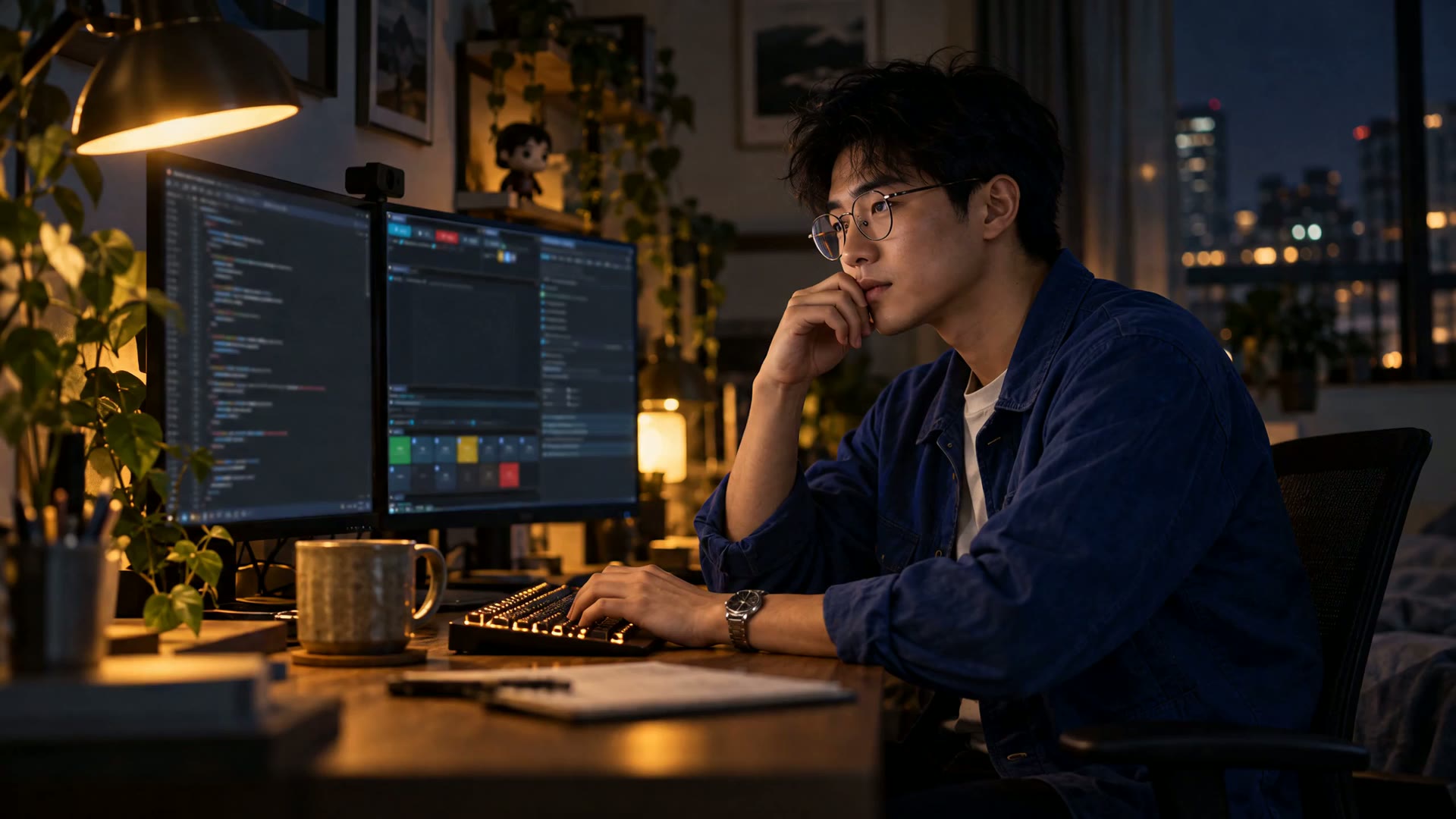
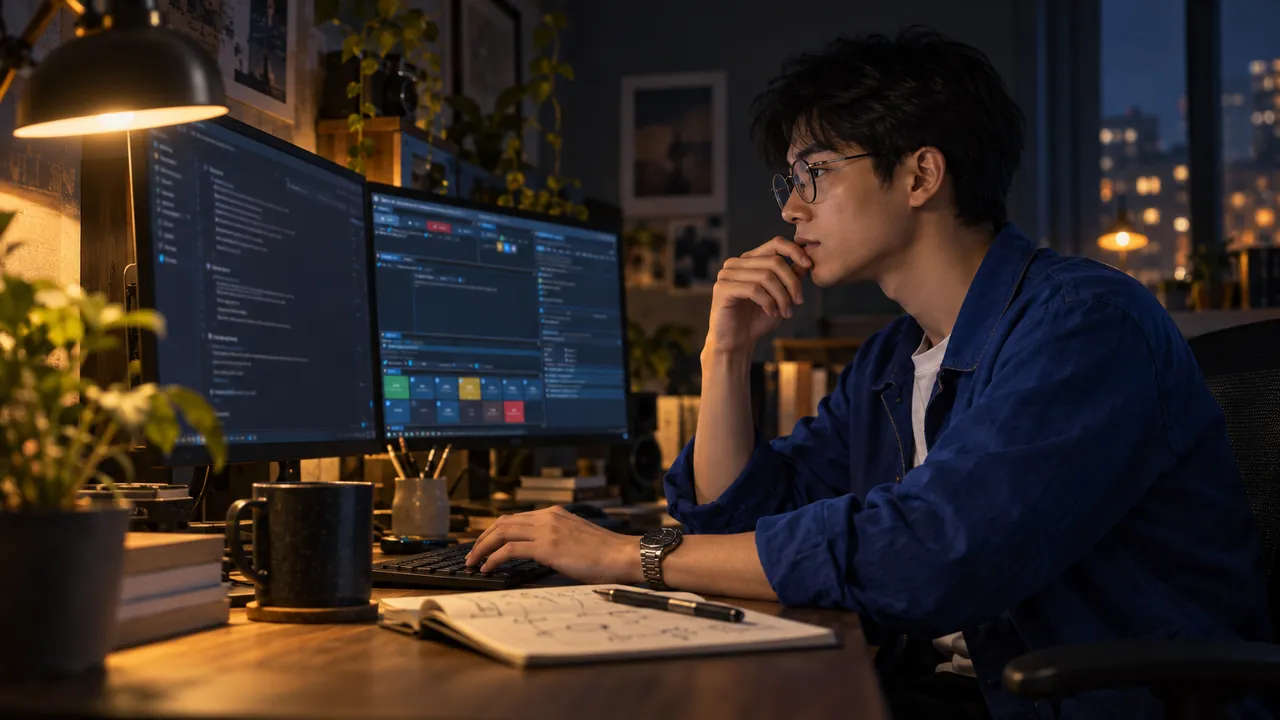
A developer in round glasses talks to a coding agent at night while the deck changes settings on the second screen Image generated by AI.

AI agents

Let your own AI agent run the studio.

A built-in MCP server lets an agent such as Claude Code read and change any of 1,300+ settings, fire actions and take screenshots. Every change shows in the deck and can be undone.

  • Setup AI can think with Claude Code, Codex, Gemini CLI and other ACP agents
  • Going live, recording, privacy and payments stay in your hands
  • The server listens only on your own PC, behind a token
Download live.hexart.io for free

Free for life, every feature · Windows 10/11 · any GPU

06Compared

Why not just use OBS?

Free capture tools record a screen very well. This studio was built for a different job: running your broadcast for you.

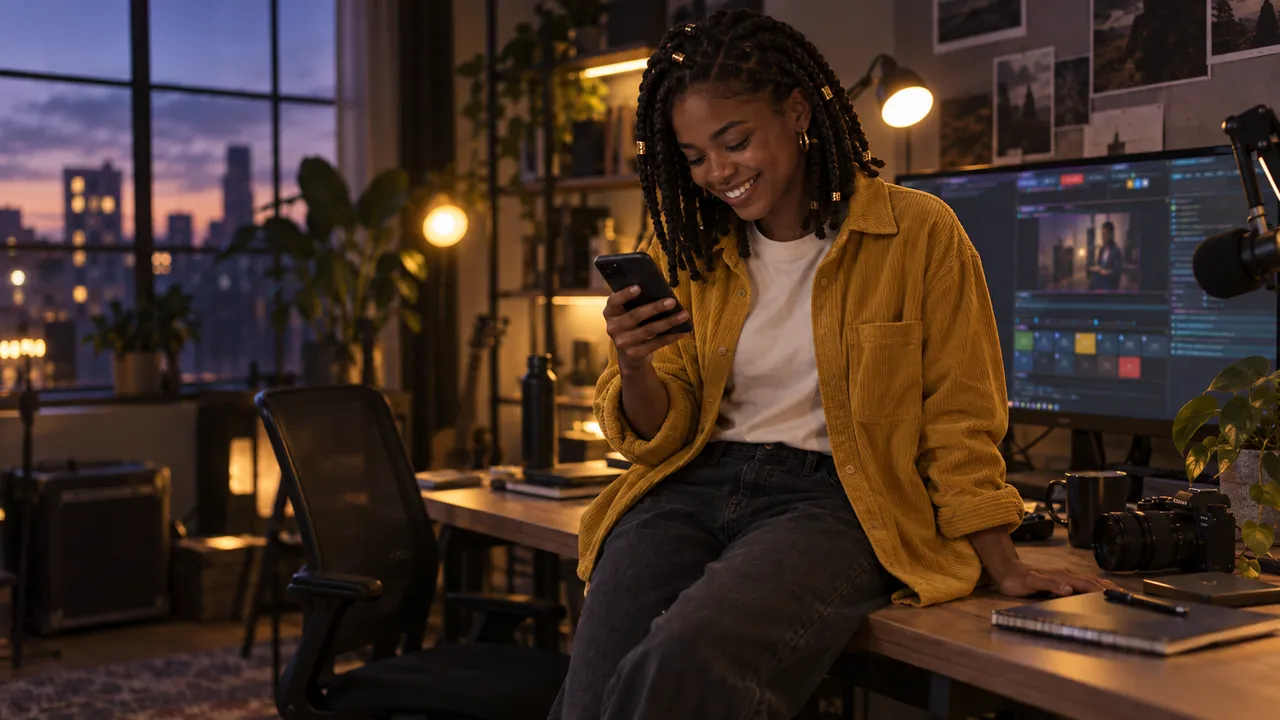
A creator in a mustard overshirt sits on her desk at dusk and scrolls her finished vertical clip Image generated by AI.

Shorts-ready

Your Shorts are done when the show ends.

While you talk, a second, vertical master is directed and recorded for you. There is no second edit in the evening: you publish when you stand up.

  • Every session ends with 16:9 and 9:16 in hand
  • No re-framing, no re-cutting, no re-watching
  • Instead of shooting wide and hand-cutting a vertical for every upload
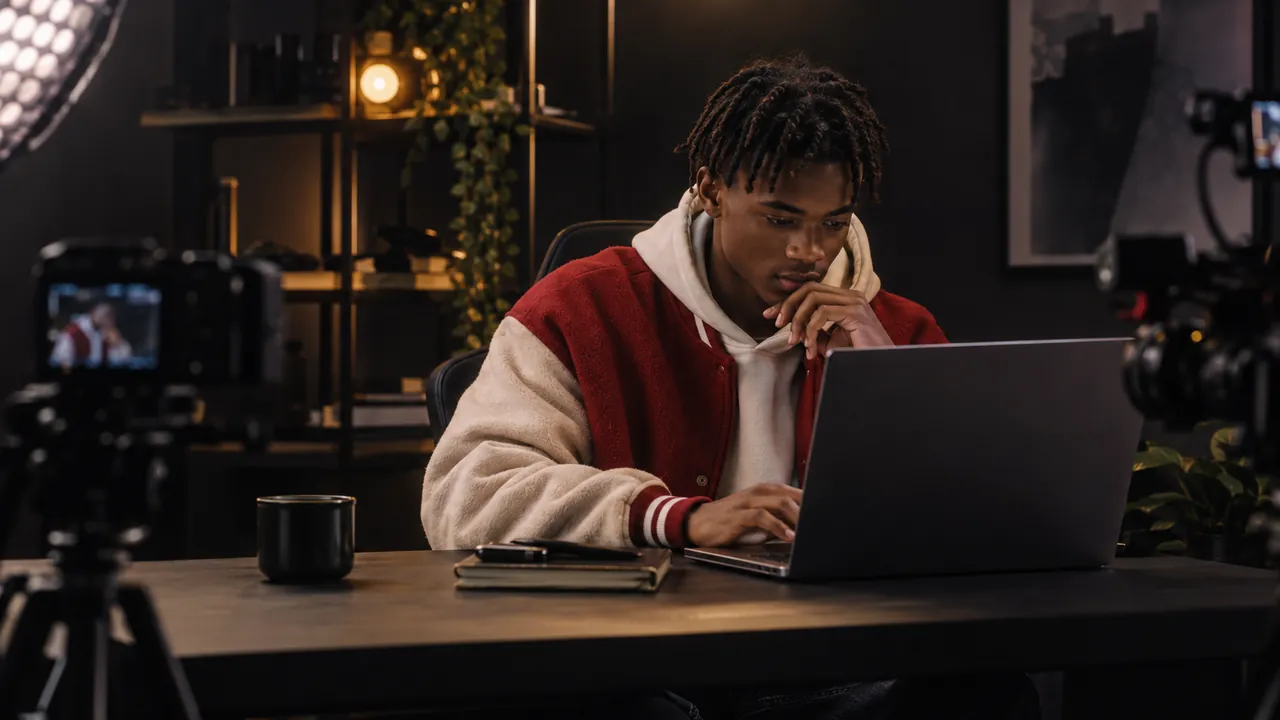
A creator in a red bomber jacket works alone at a desk lit like a small TV set Image generated by AI.

Your crew

Look like you brought a crew.

The shot follows you when you speak, point or type. Viewers see a directed show while you do your work.

  • No hotkeys to remember mid-sentence
  • No single frozen layout for an hour
  • Instead of switching scenes by hand while trying to think
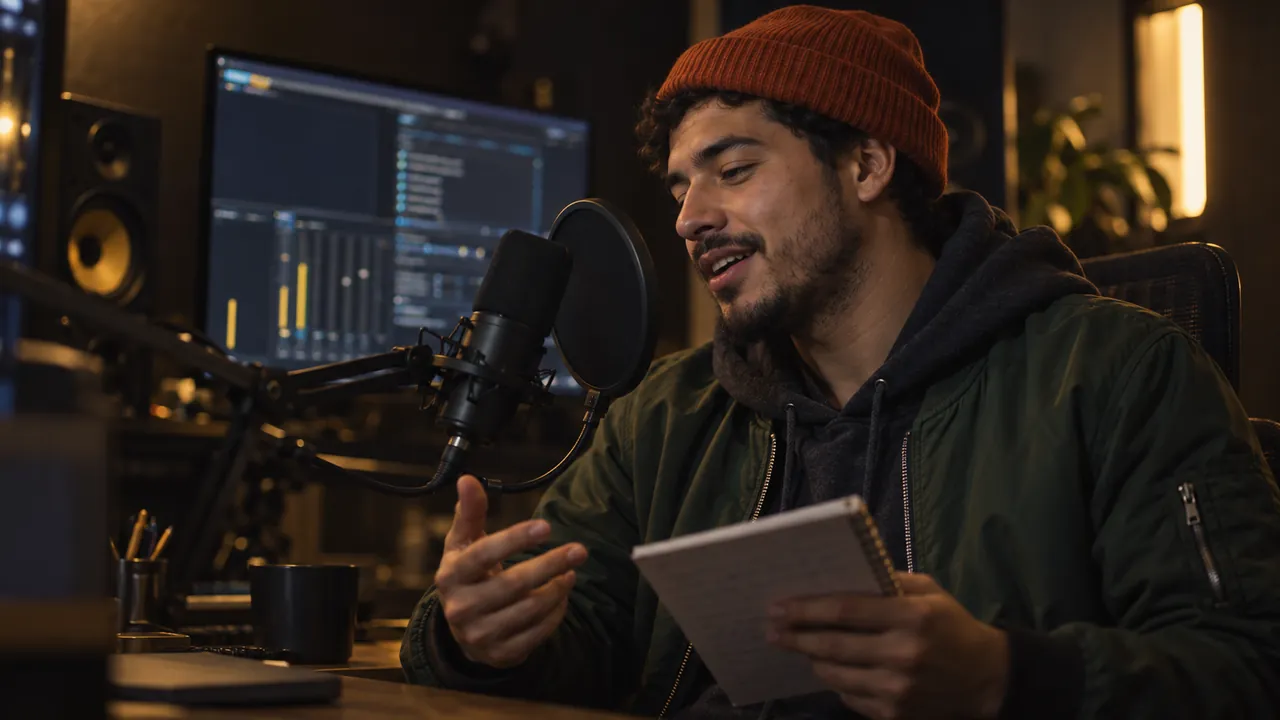
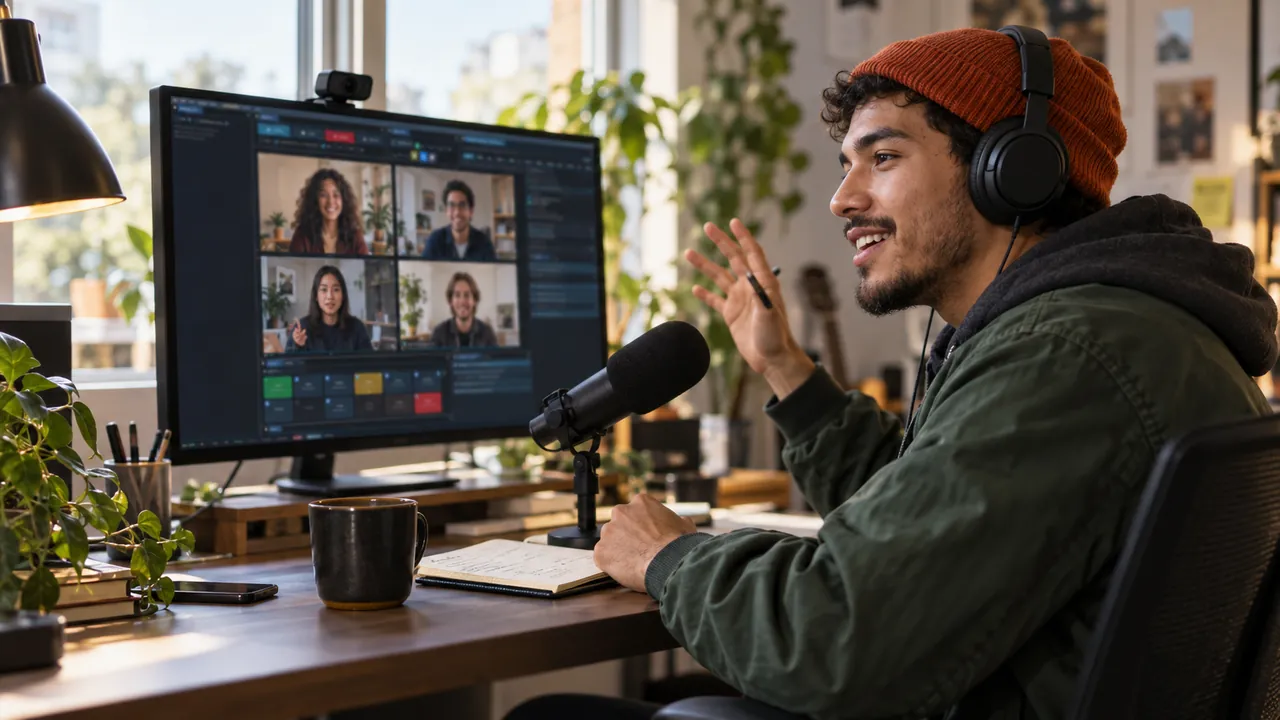
A host in an orange beanie speaks into a microphone with a pop filter, notes in hand Image generated by AI.

Radio voice

You sound produced from the first word.

Your voice comes out clean, even and always above the music. Nothing to wire, tune or keep an eye on.

  • Noise fades away and music makes room for your voice
  • Loudness lands where the platforms want it
  • Instead of building and tuning filter chains for every source
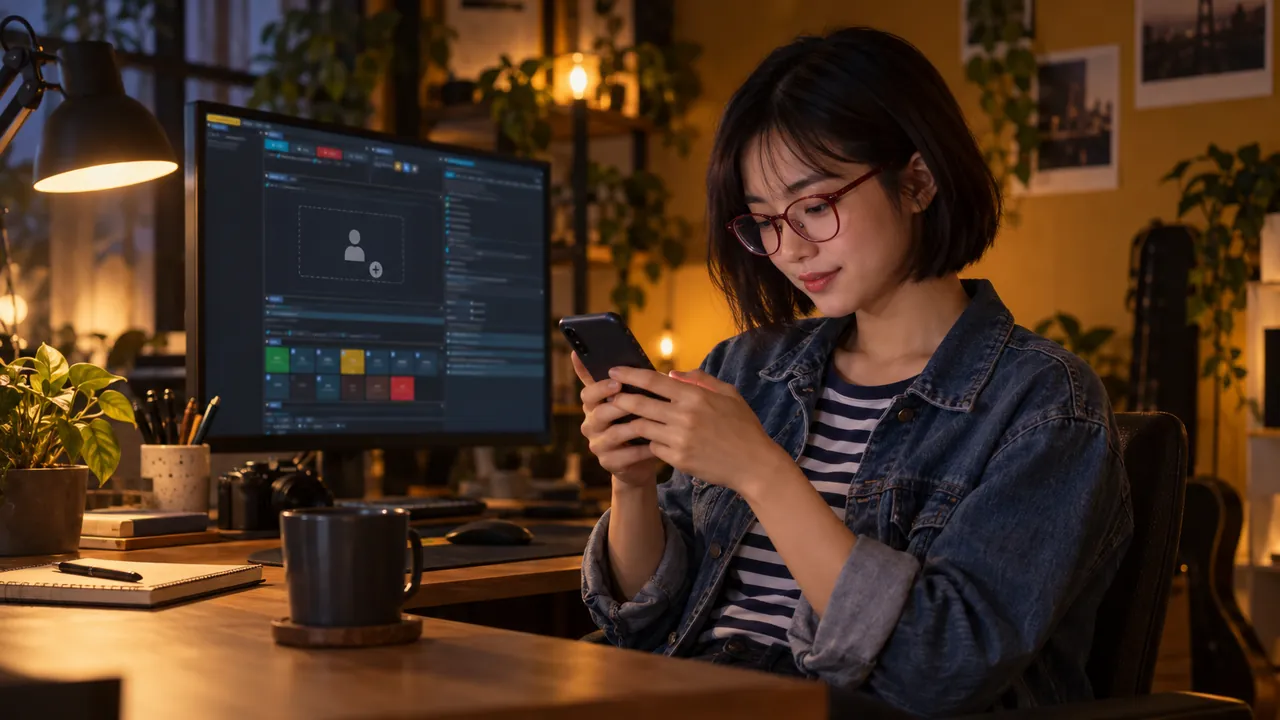
A creator in red glasses sends a guest link from her phone while an empty guest seat waits in the deck Image generated by AI.

One link

Your guest is one link away.

Send a link and your guest is in, from any browser. No echo, no cable maze and no “can you hear me now?”

  • Nobody hears their own echo
  • Volume, mute and remove per guest, in one place
  • Instead of a separate call app, virtual cables and echo hunting
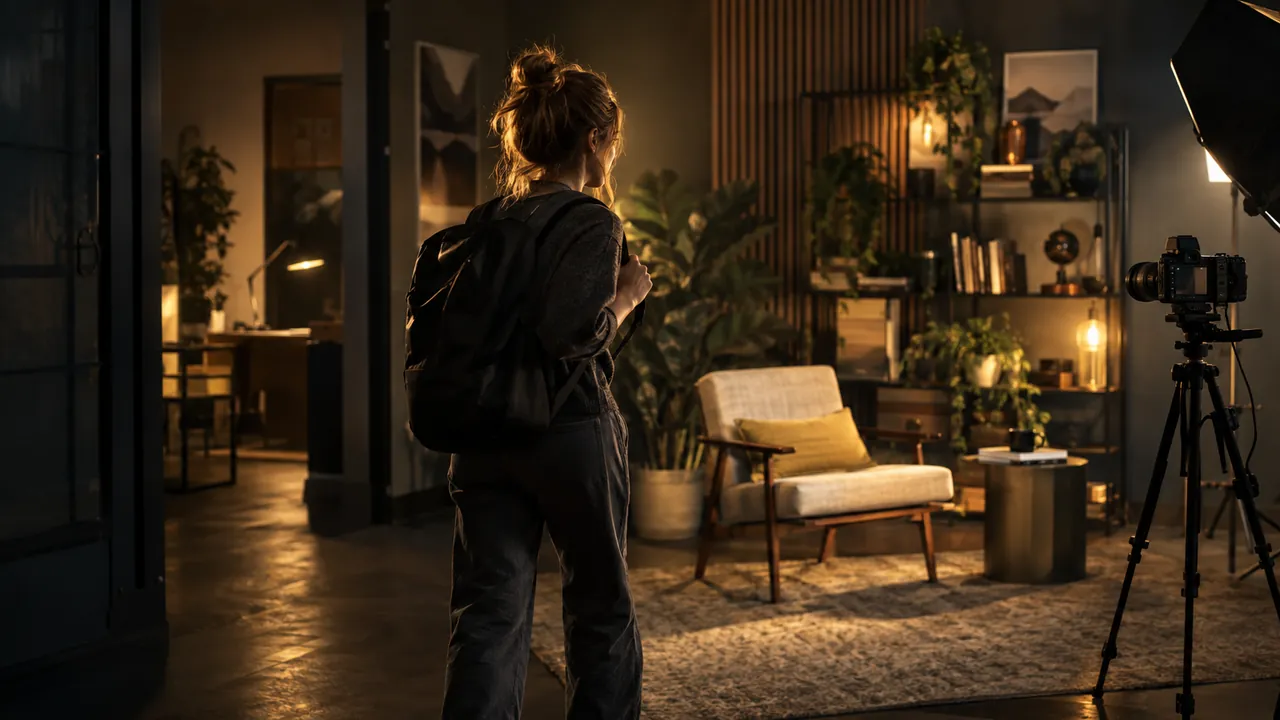
A creator walks into a softly lit set that is already finished, an armchair waiting in the light Image generated by AI.

Ready-made look

A finished look before you touch anything.

Holographic glass, depth and living light dress the stage the moment you open the app. You bring the content and the studio brings the look.

  • Zero plugins and zero evenings spent building scenes
  • Camera exposure balances itself
  • Instead of assembling a blank canvas plugin by plugin, every time
Video generated by AI.

07For you

Built around the way you work.

A broadcast app that adapts to you, not the other way around.

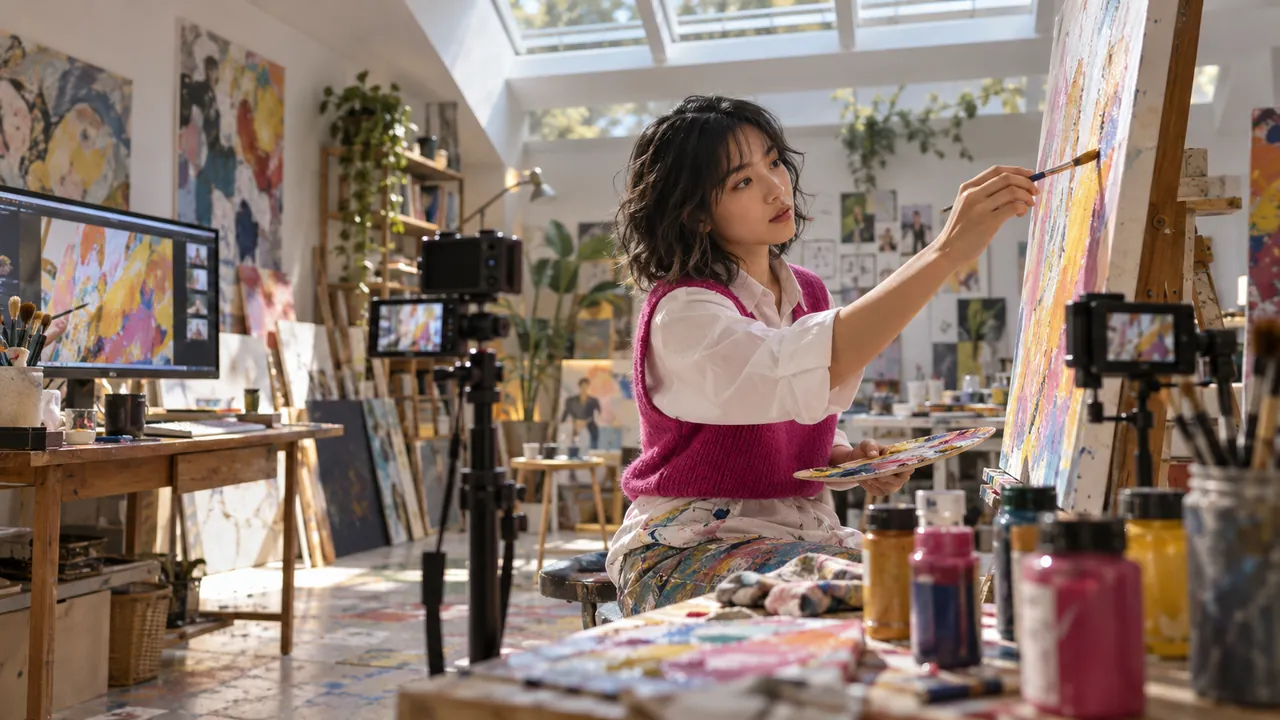
A painter in a fuchsia vest works at an easel under a skylight while two small cameras film the canvas Image generated by AI.

For artists

Artists keep painting while the studio films.

Two or three monitors, reference boards and your canvas in the middle: work the way you always do. The director finds the story on your screens and frames it for the audience.

  • Every monitor is a stage the shot can visit
  • The frame follows your brush, not the other way round
  • Your workflow stays exactly as it was
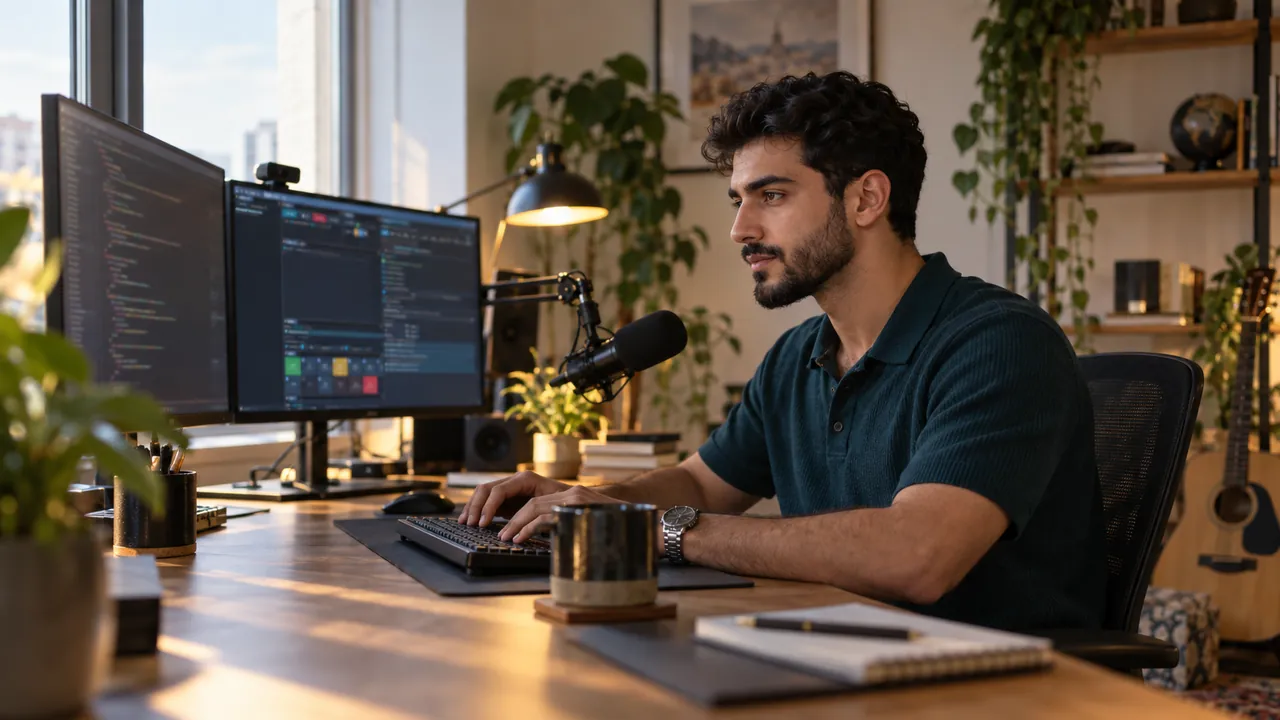
A developer in a teal polo streams a coding session in morning light Image generated by AI.

For vibe coders

Code live and keep your keys off screen.

The frame follows your caret while you type and holds the work shot until you stop. Pages with API keys, tokens or stream keys are frosted before viewers can read them.

  • KeyCast shows your shortcuts, never your passwords
  • Your AI agent can drive the studio while you code
  • Typing never triggers a talking-head cut
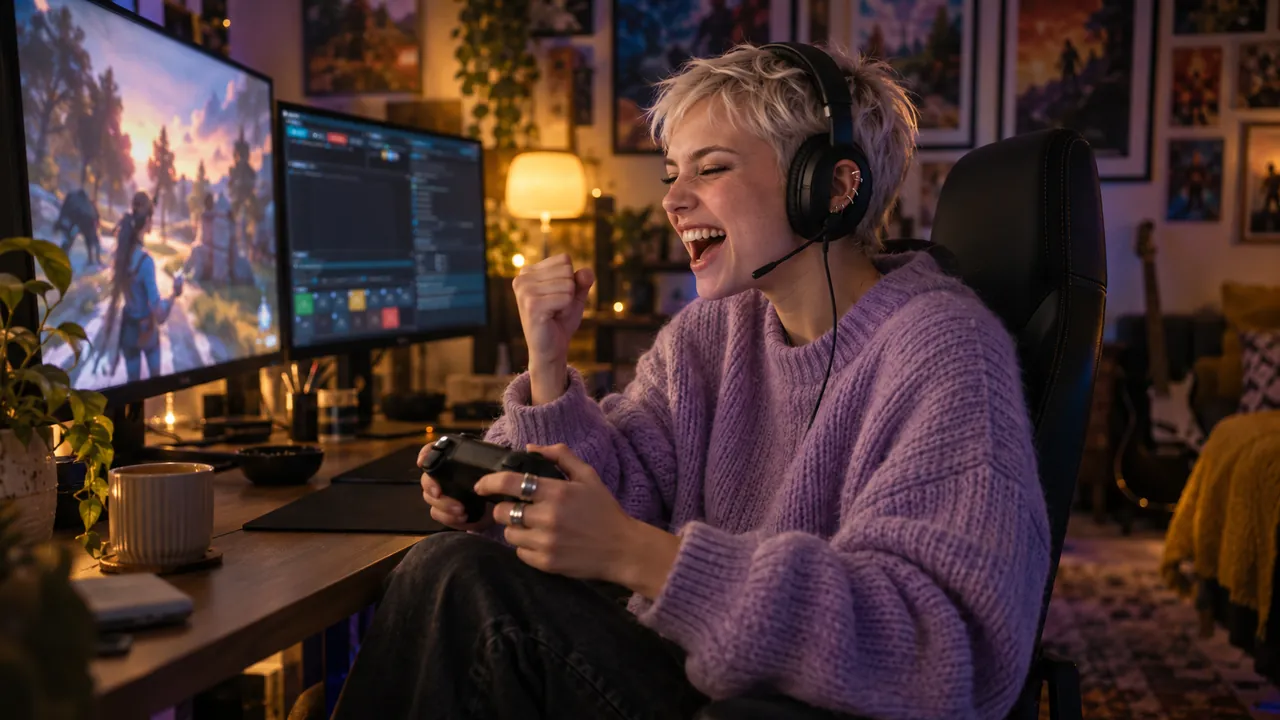
A gamer in a lilac sweater laughs at a win with her controller in hand Image generated by AI.

For gamers

Just play and the show follows the game.

When your game goes fullscreen, the show goes with it: edge to edge, with you in the corner. You press no keys mid-match.

  • Fullscreen is detected on its own
  • You stay visible and the game keeps every pixel
  • No scene switching in the heat of a fight
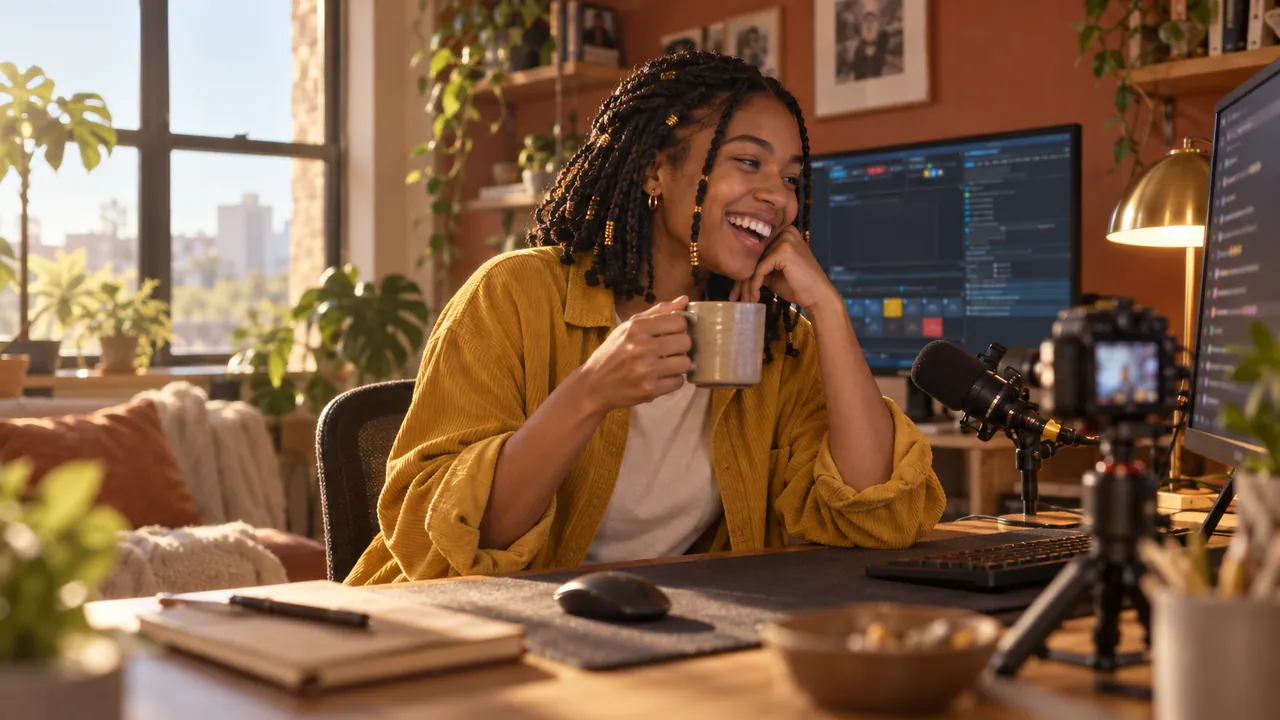
A streamer with a cup of tea laughs at chat in a sunny room with a terracotta wall Image generated by AI.

For just chatting

Talk to chat while the show directs itself.

Chat from every platform shows up on screen, each author in a color of their own. The camera follows your face and gaze, and the music steps back the moment you speak.

  • One feed for YouTube, Twitch, TikTok and Facebook chat
  • Follows and donations can trigger a background clip
  • Six one-click looks, from CIRCLE to VHS
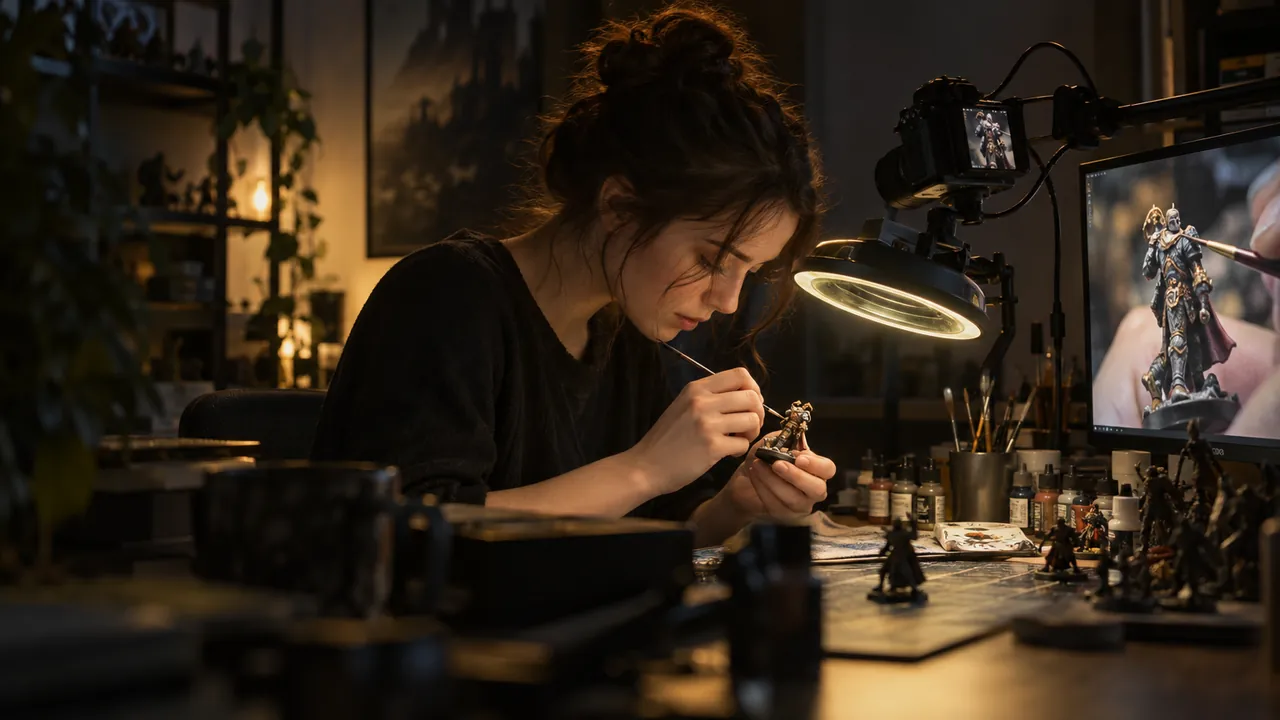
A miniature painter works under a magnifier lamp while a camera on an arm captures every stroke Image generated by AI.

Native 4K

Work in native 4K, viewers see every detail.

You like a sharp canvas, and so do your viewers. Work at native resolution and the smallest stroke, the thinnest line and the tiniest node still reach their screen.

  • The zoom dives exactly where you work
  • Fine detail survives all the way to the audience
  • No more “let me zoom in so you can see”
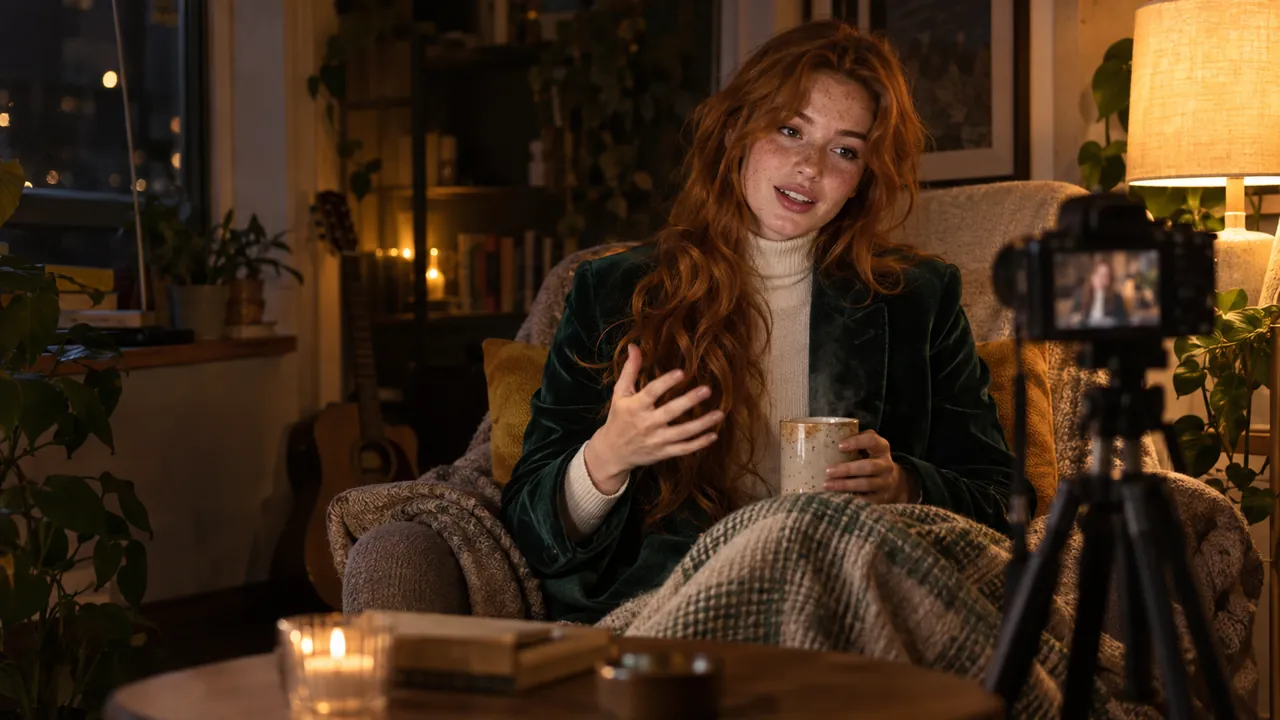
A streamer wrapped in a blanket talks calmly to a small camera from an armchair at night Image generated by AI.

Comfort first

The stream adapts to you.

A broadcast studio designed around comfort. No scene collections, no overlays to maintain and no second monitor given up to a control room. You work and it broadcasts.

  • Sit down, press record and do your work
  • The show directs itself around what you do
  • Comfort is the feature

08Together

Let’s build it together.

live.hexart.io grows with its creators. Stream, paint or teach, and help decide what the studio does next.

A streamer in a fuchsia vest tells a story with both hands in a bright, colourful room Image generated by AI.

For streamers

Streamers are the show, not the operator.

Run the whole broadcast hands-free and let the studio direct. Use it on air and tell us what your format needs. Features here come from real streams, and partner channels become our showcase.

  • Tell us what your format needs and it shapes the roadmap
  • A direct line to the maker, with no ticket queue
  • Partner channels are featured on this site and our socials
A ceramicist shapes a bowl on the wheel while a small camera films it in a daylit workshop Image generated by AI.

For artists

Your process is the performance.

Speed-paints, 3D sessions and design breakdowns: the studio films your craft like a documentary crew while you stay at the canvas. Partner with us and your art hangs in our gallery, credited and linked.

  • Your work featured, always credited and linked
  • Multi-monitor, native 4K and pen-friendly by design
  • Hand tracking started as an artist’s wish

Partner program

Partner with live.hexart.io

Using the studio on your channel, or about to start? Send a link to your stream or portfolio and a few words about your work. We read every message and reply personally.

Video generated by AI.

09Partners

Partners: resellers, creators and integrators.

Reseller, creator or integrator? Write to us and we reply personally, in English or Polish.

Resellers

Sell logo-free licenses to your clients, with a partner margin, instant keys and priority technical support.

Creators

Stream and create with live.hexart.io. We feature your channel on the site and socials, and your needs shape the roadmap.

Integrations

Building the studio into your product, agency or school? Get technical support straight from the maker and joint promotion.

Fields marked * are required.

Download live.hexart.io for free

Free for life, every feature · Windows 10/11 · any GPU

Video generated by AI.

10All features

Built to look directed, not captured.

Every feature below works in the free version.

A creator at blue hour works between a wide and a vertical monitor, both showing her framed shot Image generated by AI.

Two masters

Two live masters from one take.

The wide show and the vertical cut render and record at the same moment, locked to one clock. You watch both live while you work.

  • 16:9 and 9:16 stay frame-locked
  • Live preview of both masters as you record
  • One ordinary graphics card is enough
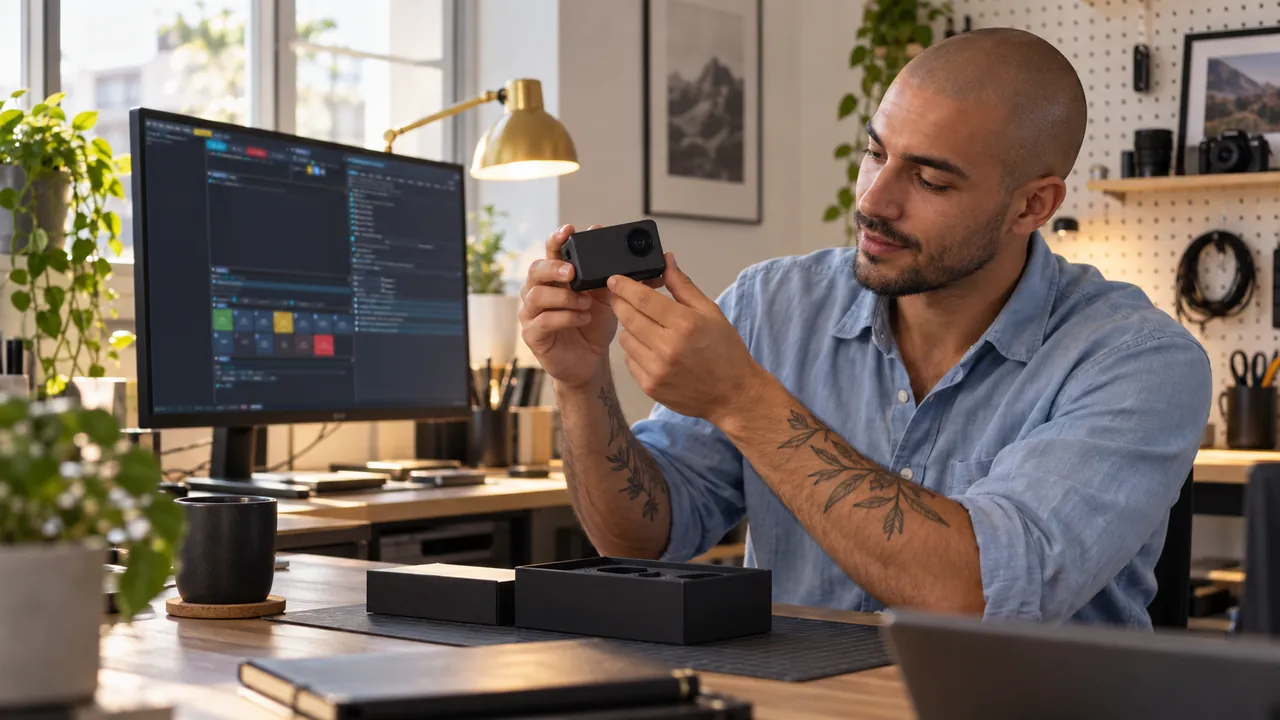
A tech reviewer turns a small gadget toward the camera at a bright desk Image generated by AI.

Six shot types

Six shot types, picked for you.

Close-up when you talk, desk view when you work, pointer chase when you demo. Film frame when you watch, edge to edge when you play.

  • Talking-head, hybrid, working, cursor, cinematic and game shots
  • A cut happens only when it is sure
  • Pin or override any shot whenever you like
A gamer in a plum tracksuit jacket leans back with her controller as the lights dim for a film Image generated by AI.

Self-switching

Cinematic and Game modes switch themselves.

Play a web video and the stage becomes a cinema, with the film shown as it is. Go fullscreen in a game and the show goes edge to edge, with you in the corner. Both modes end on their own.

  • The film stays untouched: nothing recolours or sharpens it
  • The game keeps every pixel, with no borders
  • Enter and exit are automatic in both
A streamer in headphones talks over quiet music with a small audio mixer in front of him Image generated by AI.

Voice first

Your voice outranks everything.

Your mix has a fixed order: voice on top, game or app sound below it and music at the bottom. The studio keeps it that way in every take. Other apps can use the studio as their microphone.

  • Voice first, then system sound, then music
  • Cleaned, evened out and broadcast-loud on its own
  • Works as a virtual mic for Discord, calls and more
A creator fits an ordinary graphics card into an open PC case Image generated by AI.

Probe-tested

Your hardware is tested, not guessed.

At launch the studio tries your machine’s encoders from NVIDIA, Intel and AMD. It picks the one that truly works, with a CPU fallback standing by. You never open an encoder menu.

  • A real probe at startup, not a lookup table
  • NVIDIA, Intel and AMD are all first-class
  • If everything fails, the CPU still records
An editor in headphones works through separate audio tracks on his monitor at night Image generated by AI.

Every track

One recording with every track separate.

Camera, each monitor and your audio stems are separate files sharing one timecode. In the edit you can remix anything, and after a crash you lose nothing.

  • Camera and screens as separate tracks
  • Audio stems: voice, system and music apart
  • One timecode lines it all up in any editor
A host in an orange beanie moderates four remote guests shown in the deck Image generated by AI.

Co-hosting

Host like a studio, moderate like a director.

Guests join from a browser while you run the room natively. Four co-hosting layouts and per-guest volume, mute or remove sit in one place.

  • Four layouts that follow the conversation
  • The active speaker grows on its own
  • Everything ships in the installer and works on a fresh PC
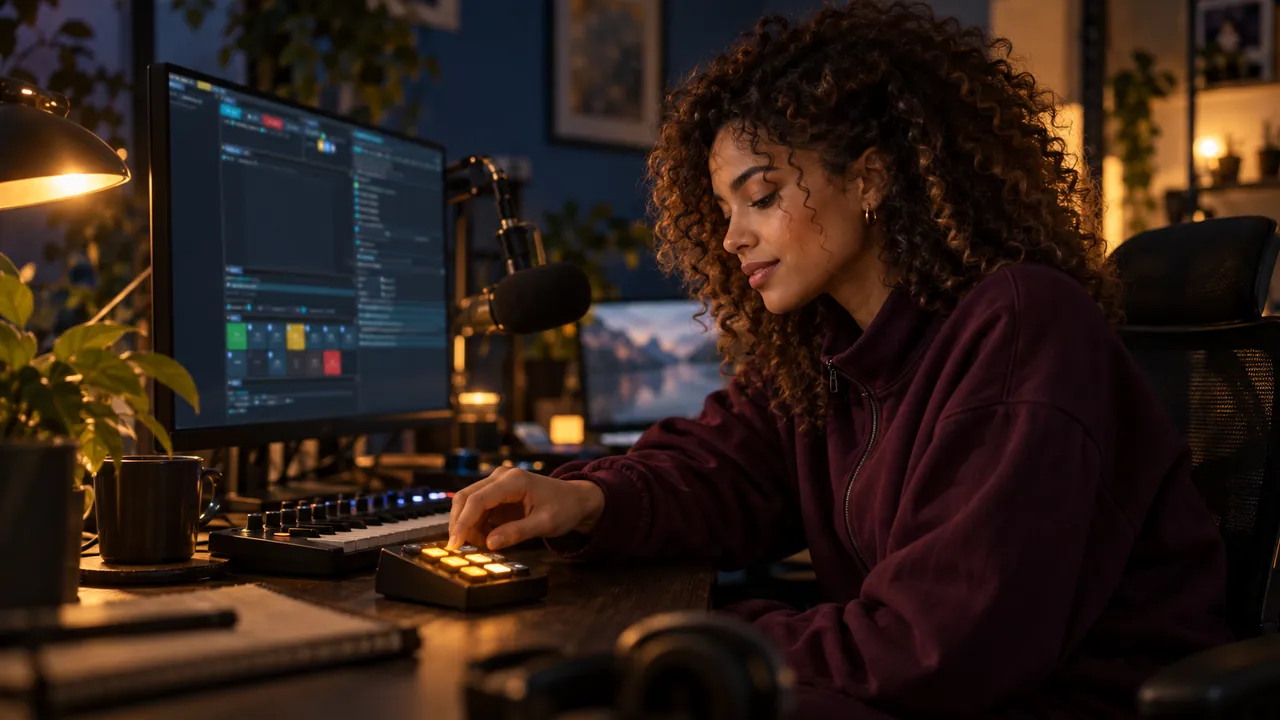
A streamer presses a glowing key on a small macro keypad next to a MIDI controller Image generated by AI.

Total control

Say it or press it.

Tell the built-in Setup AI what you want and it configures the studio live. Prefer your hands? Every action also maps to hotkeys, MIDI and Stream Deck.

  • All 1,300+ settings under plain-language control
  • Hotkeys, MIDI and Stream Deck cover every action
  • Every option explains itself in plain words

Also in the box

  • PLUGIN RACK

    VST 3 effects on every audio channel. A plug-in that crashes goes quiet and the show goes on.

  • NDI in two formats

    Send 16:9 and 9:16 as two named NDI channels with the same audio.

  • Six ready looks

    CIRCLE, STUDIO, CYBER, NOIR, VHS and PODCAST restyle the whole picture in one click.

  • Backdrop Screens

    Ten generative scenes for the monitors behind you, moving with your music and your voice.

  • Privacy Guard

    Pages with API keys or stream keys are frosted edge to edge, and PANIC hides everything at once.

  • Transmission Delay

    Delay the show by up to 10 s and the director zooms out before your mouse even moves.

  • Two-deck music

    Seamless crossfades, ducking under your voice and a LoFi pack included.

  • INTRO, OUTRO, BUMPER

    Stingers with alpha over the live show, saved as presets and fired from one key.

  • Program Send

    Your finished mix becomes a microphone for calls, with mix-minus so nobody hears an echo.

  • EyeLine

    With several cameras, the shot cuts to the one you are looking at.

  • HDR10 recording

    Record in HDR10 while every stream stays in clean SDR.

  • Touch bar

    A touchscreen monitor becomes a bar for modes, REC, mic and camera.

Browser add-on

Your stream becomes a cinema for shared videos.

Press play and the studio dims the lights. The film fills the frame untouched while you stay in the picture. A small free browser add-on lands the framing exactly on the player, on every video site.

Optional: the app works fully without it. The add-on is free, about 10 KB, talks only to the app on your own PC and ships in the installer.

11Requirements

Runs on an ordinary laptop.

No gaming rig required. An ordinary i5 laptop with integrated graphics holds a steady 60 fps. The app probes your hardware and picks the best encoder itself.

All you need

  • OSWindows 10 / 11 (64-bit)
  • GPUAny, integrated Intel or AMD graphics included
  • CPUAn ordinary dual- or quad-core, office-laptop class
  • RAM8 GB
  • DiskAbout 3 GB free
  • ExtrasNothing to install separately: FFmpeg, the music pack and the room engine ship inside

Nice to have

  • GPUA hardware H.264 encoder (Quick Sync, AMF or NVENC), picked automatically. The CPU fallback works too.
  • RAM16 GB for the heaviest AI extras
  • HeadroomNVIDIA RTX gets the zero-copy path; two GPUs give dual 4K60
  • DisplayA second monitor is comfortable, not required
  • CaptureAny USB webcam; Blackmagic DeckLink supported
  • Windows: available now
  • macOS: coming soon
  • Any GPU · NVIDIA · Intel · AMD · integrated
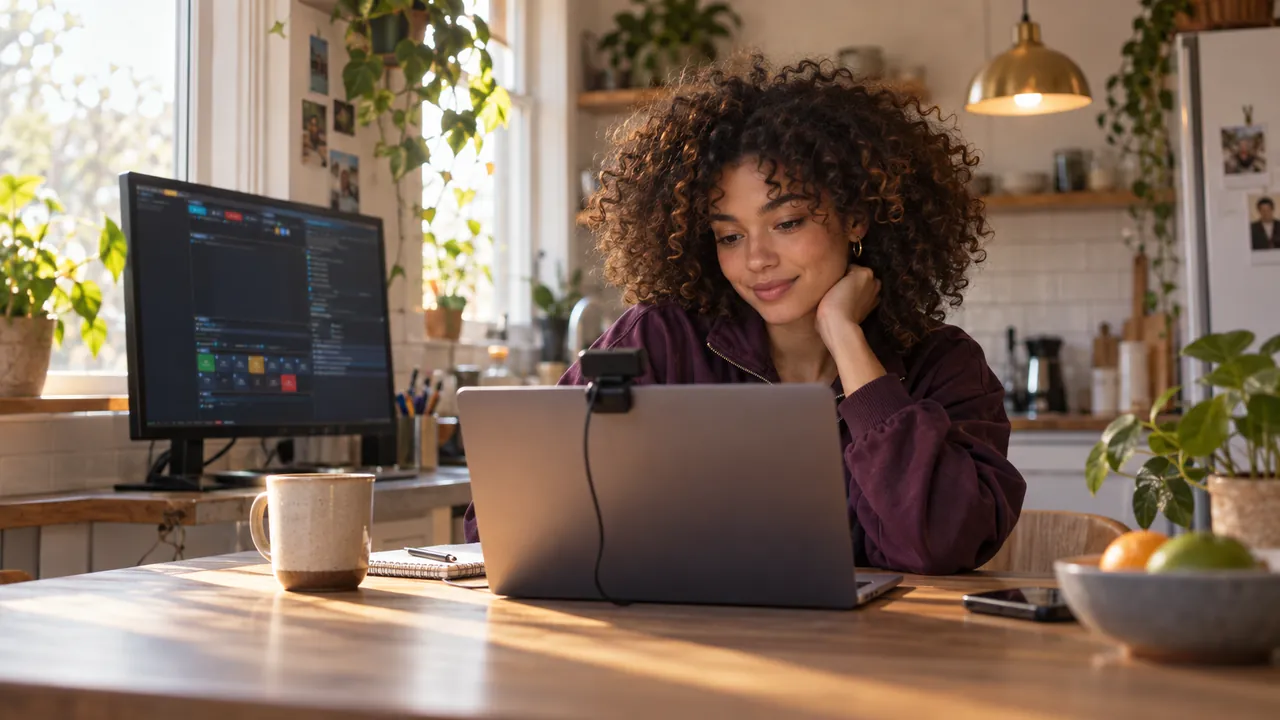
A student streams from an ordinary laptop with a clip-on webcam at a sunny kitchen table Image generated by AI.
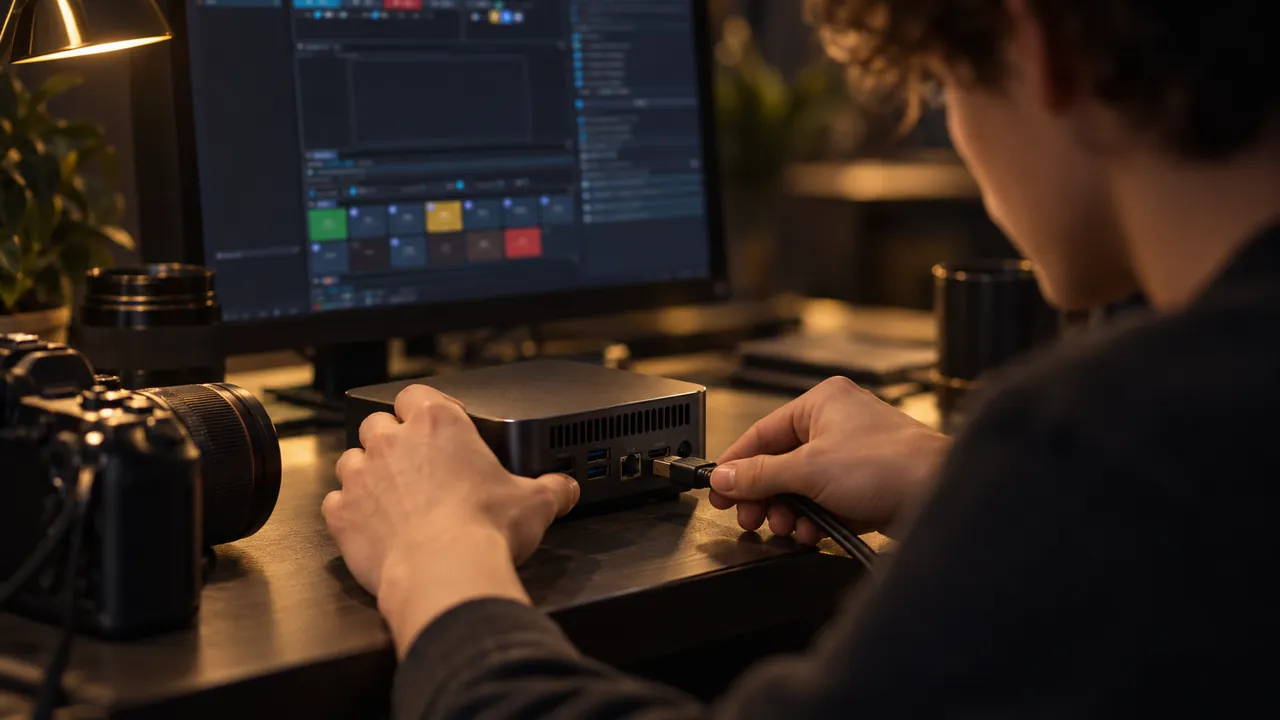
Hands plug a camera cable into a small mini PC next to a camera Image generated by AI.
Two friends set up their first stream on an ordinary laptop, one pointing at the screen Image generated by AI.

12Freeware

The whole studio is free for life.

100% freeware: every feature, for life, with no catch.

  • Free for life. Not a trial and not a demo.
  • Every feature works: AI Director, dual masters, rooms, streaming and ISO.
  • No account, no subscription, no time limits.
  • No spyware and no ads. Recordings and API keys never leave your PC.
  • Use it commercially. Your content is 100% yours.

Freeware covers the tool itself. The full EULA and safety statement are at live.hexart.io/eula.

A creator smiles at a finished video on his monitor Image generated by AI.

In return, the output carries a small logo.

Your recordings and streams carry a discreet live.hexart.io mark in the corner. That is the whole deal. If you want the logo gone or replaced with your own, write to us about a license.

  • Registered Polish company: HEXART Sp. z o.o.
  • Runs on ordinary laptops, integrated GPUs included
  • Crash-safe by design · ISO multitrack
  • No telemetry beyond a version check, see the EULA

13FAQ

Frequently asked questions

What exactly is live.hexart.io?

A native Windows live studio. It records and streams a 16:9 and a 9:16 master from one session, while an AI director frames every shot. Audio is mastered automatically and every take is crash-safe ISO multitrack.

Why is it free, and what is the catch?

The studio is freeware: every feature, for life, with no account and no limits. Your output carries a small live.hexart.io logo in the corner, and that is the whole catch. To remove the logo, write to us about a license.

Do I need an NVIDIA card or a gaming PC?

No. Any GPU works, integrated Intel or AMD graphics included, and an ordinary i5 laptop holds a steady 60 fps. The app picks the best encoder itself: NVENC, Quick Sync, AMF or a CPU x264 safety net. NVIDIA gets the zero-copy path.

Do I need two GPUs for both formats?

No. Both masters render and record on a single GPU. A second GPU adds headroom for the heaviest setups, such as two 4K60 encodes at once.

Will the AI ruin my stream with random zooms?

It does the opposite. It reads real signals (voice, eye landmarks, cursor and typing) and cuts with confidence-weighted framing and cinematic inertia. When it is not sure, it does not move. You can pin or override any shot.

How do guests join?

You create a room and send a link. The guest opens it in a browser, with nothing to install. Mix-minus audio means nobody hears their own echo. You moderate each guest and pick one of four co-hosting layouts.

Is it a subscription?

No. The tool is free for life and no subscription exists. A small logo shows on the output. Removing it takes a one-time license, and you only need to write if you want that.

Will a crash mid-stream cost me the recording?

No, and that is the point of the architecture. ISO multitrack sits in a crash-safe container with one shared timecode, stems included. A dropped stream or a crash keeps every recorded track intact.

Does it run on macOS?

Not yet. Windows 10/11 is available today and macOS is planned. Write to us and we will let you know when it lands.

What are the system requirements?

You need Windows 10 or 11 (64-bit) and any GPU, integrated Intel or AMD graphics included. Add a regular dual- or quad-core CPU, 8 GB of RAM and about 3 GB of disk space. Everything the app needs ships in the installer.

Can I use it commercially?

Yes. The freeware license covers commercial use: client work, monetised channels and company streams. The output carries the small live.hexart.io logo, and a one-time license removes it.

Is the app safe? Why does Windows warn me during install?

Yes: no account, no spyware and no ads. Your recordings and API keys never leave your PC. live.hexart.io is in alpha and the builds are not code-signed yet, so Windows SmartScreen does not recognise the publisher. In the "Windows protected your PC" window, click More info, then Run anyway. Do this only for the installer downloaded from live.hexart.io. The full terms are on the EULA page.

What is Cinematic mode, and do I need the browser add-on?

When a web video plays, Cinematic mode turns your stream into a screening while the room dims. The optional add-on shows the studio where the player sits, for pixel-perfect framing. The app works without it. Install it in 2 minutes.

Where can I stream?

YouTube, Twitch, TikTok Live, Facebook Live and Kick, each with its own format and quality, from one session. YouTube can take 16:9 and 9:16 in one broadcast, and NDI sends both formats to other software.

Can an AI agent control the studio?

Yes. A built-in MCP server lets agents such as Claude Code change settings and fire actions. Setup AI also runs on Claude Code, Codex and Gemini CLI. Going live, recording, privacy and payments wait for you.

Can I edit my recordings in the app?

Yes. Turn on the session tape in OUTPUTS and open EDIT after the session. You pick moments on five heat lanes and the studio renders a new film from the originals, in 16:9, 9:16 or 1:1.

Does it handle multi-camera podcasts?

Yes. STUDIO mode treats every camera as a seat and cuts to whoever speaks, with broadcast timing. Each seat can have its own wireless mic, and MOSAIC shows everyone at once.

Do the AI features cost anything?

The studio and the AI director are free and run on your PC. Optional cloud extras, such as translated captions, voice-over, the AI commentator and AI backgrounds, use your own provider keys. Every paid background waits for your click.

Video generated by AI.
Your next session

End your next session with both masters recorded.

The tool is free for life, with every feature

Download for free

latest · Version history and changelog