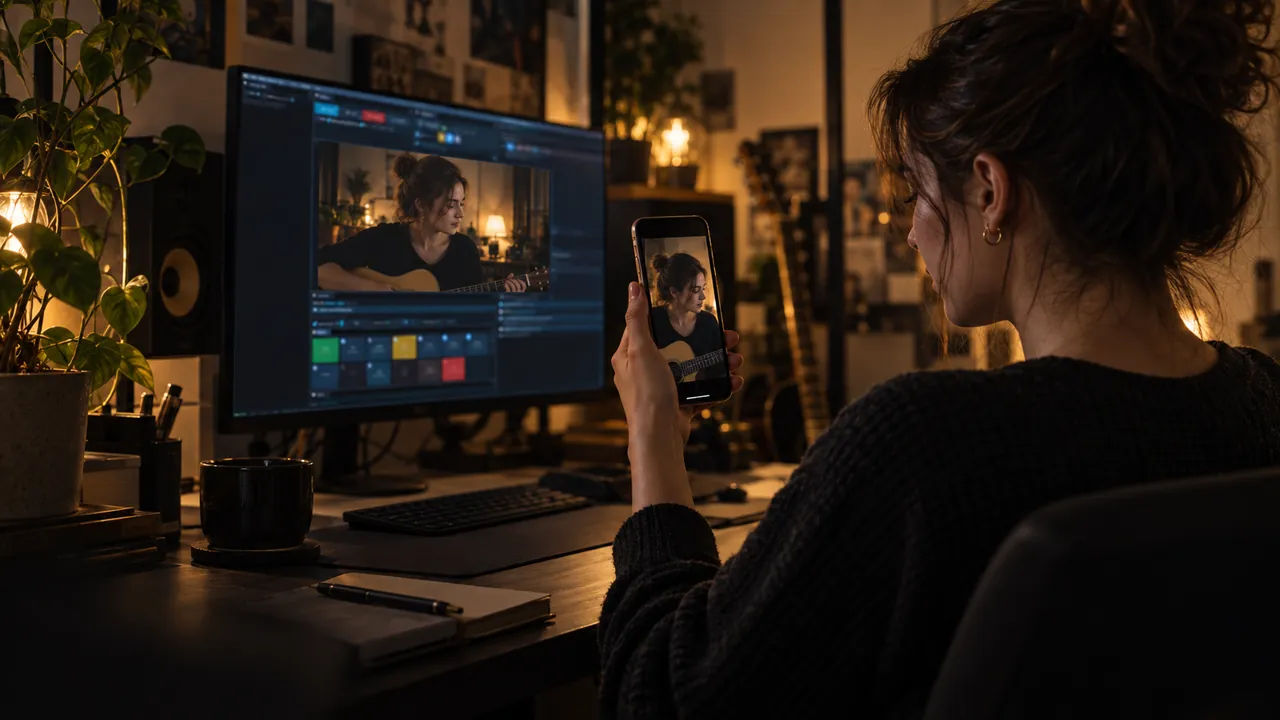
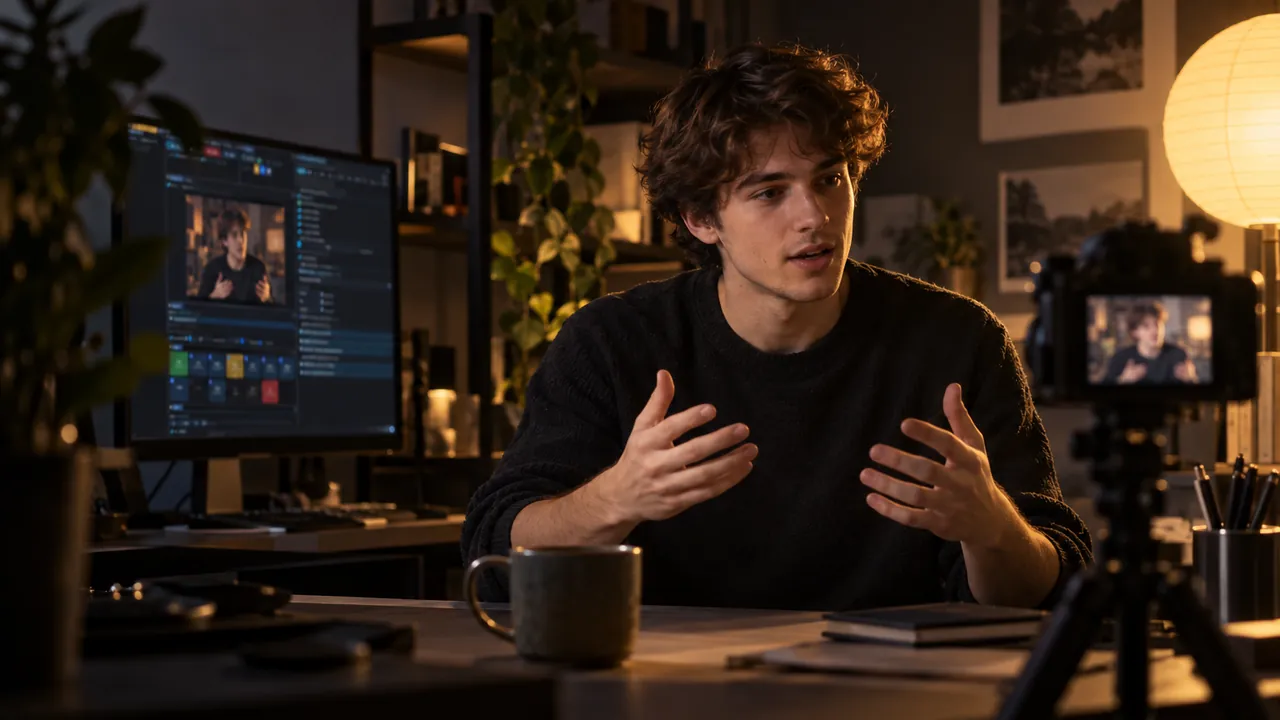
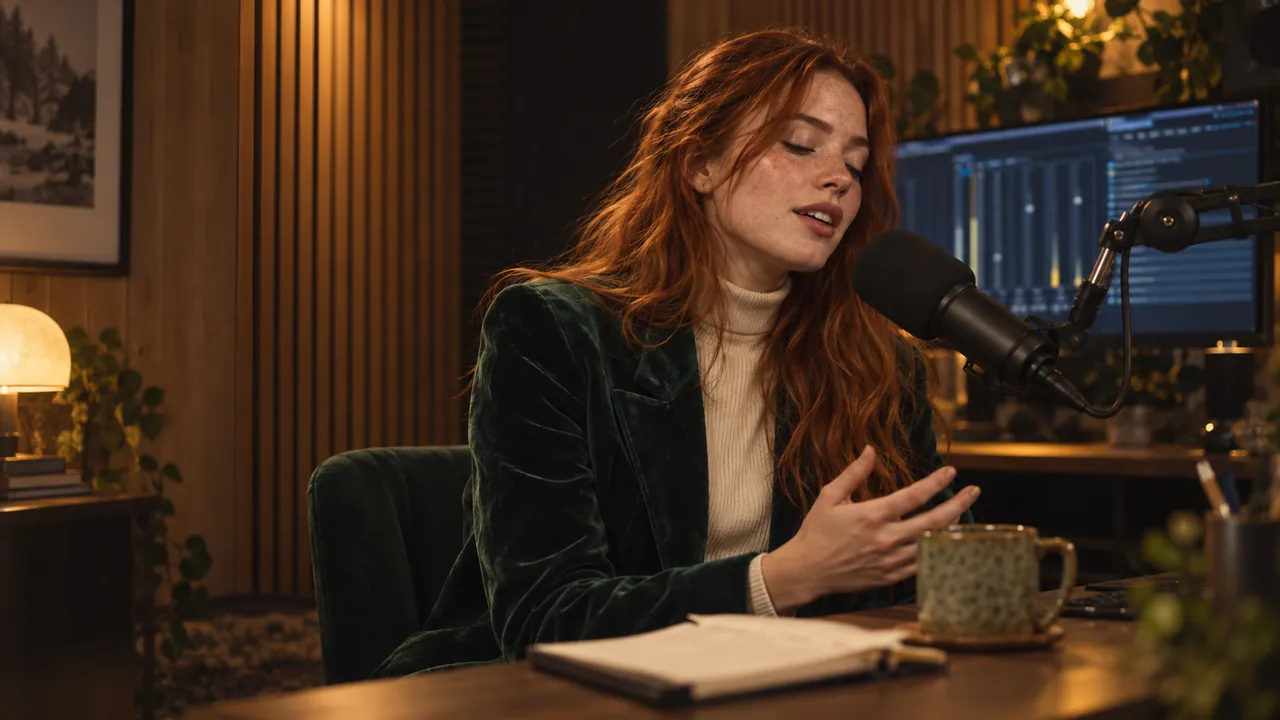
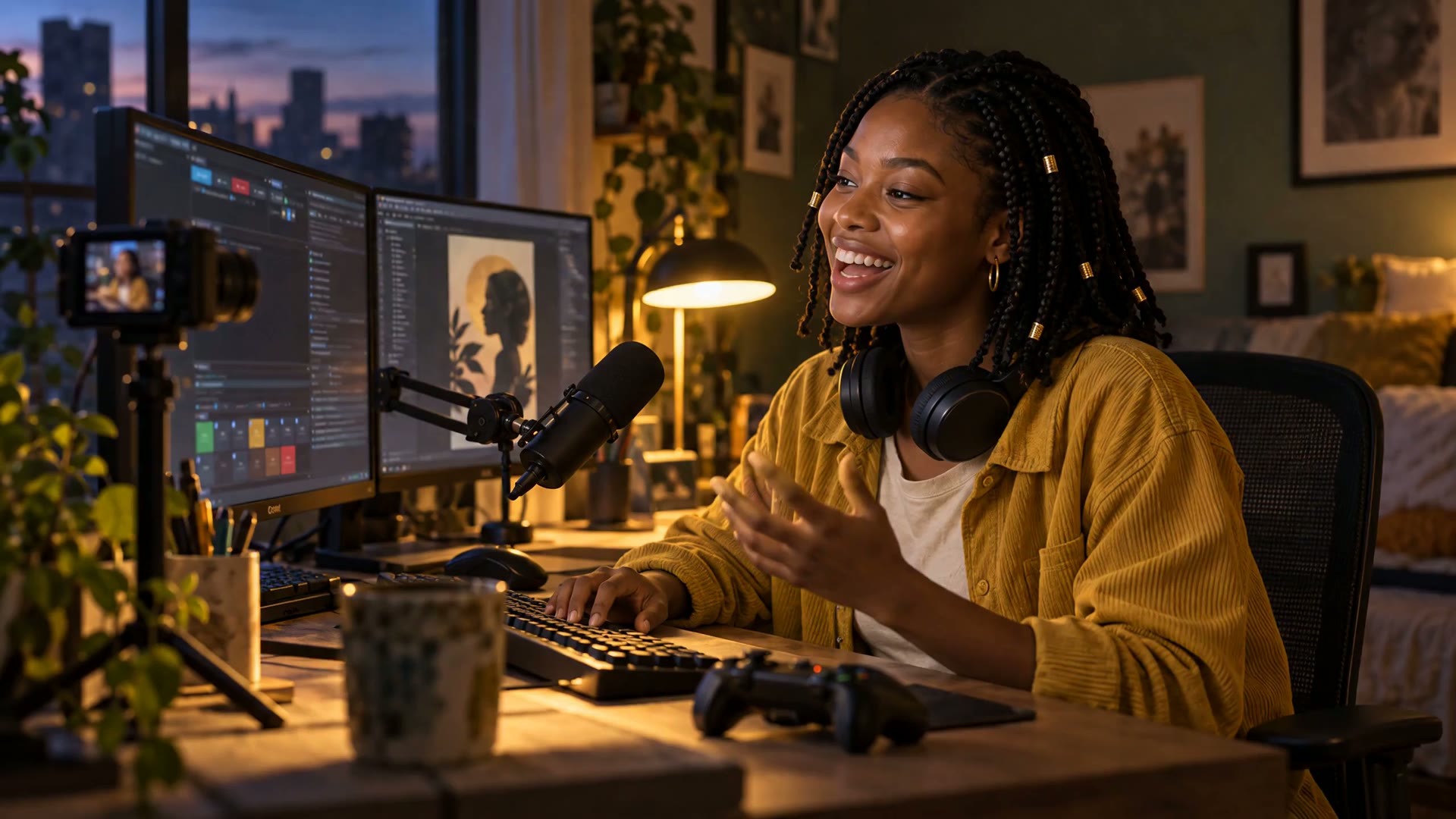
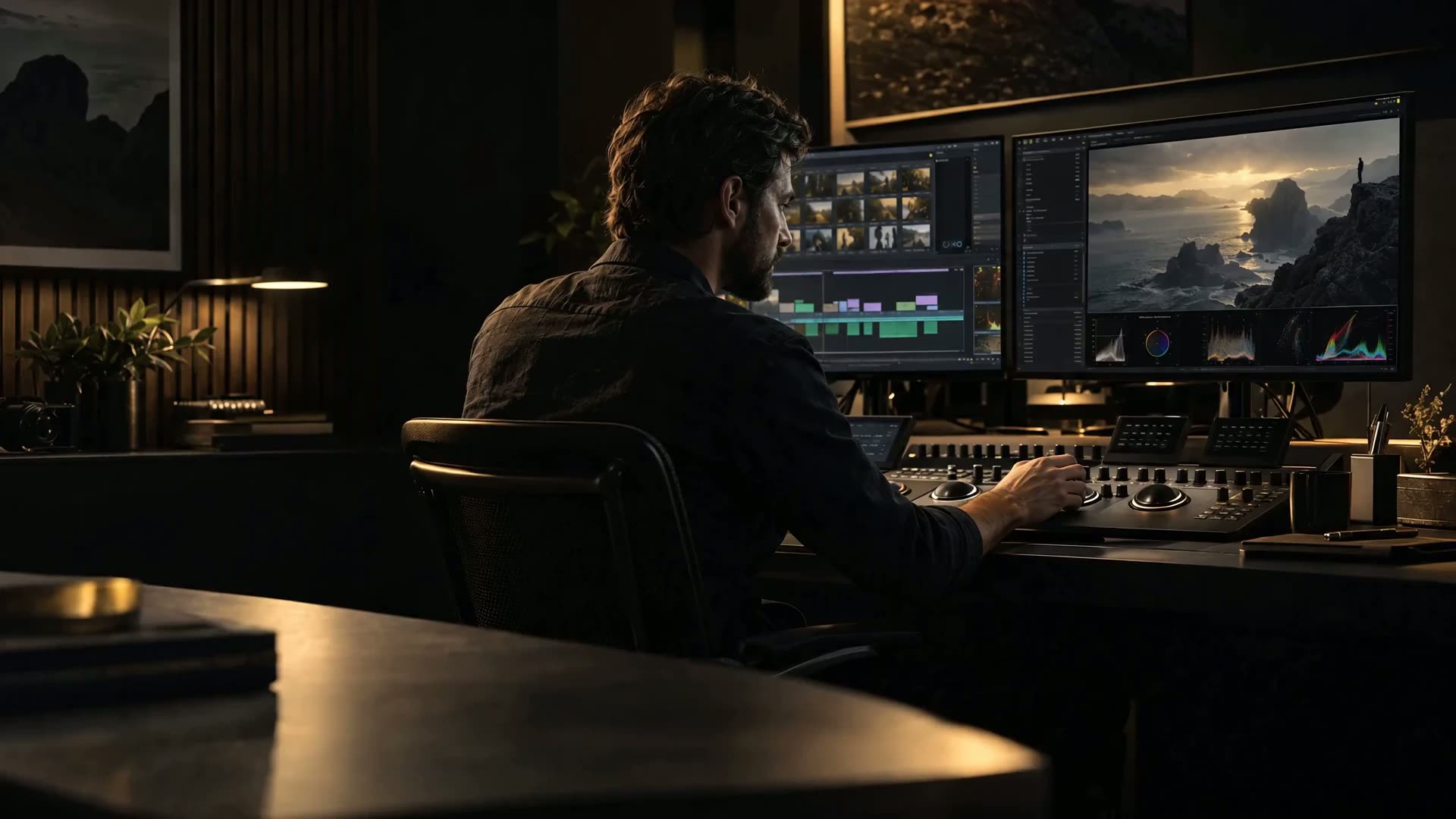
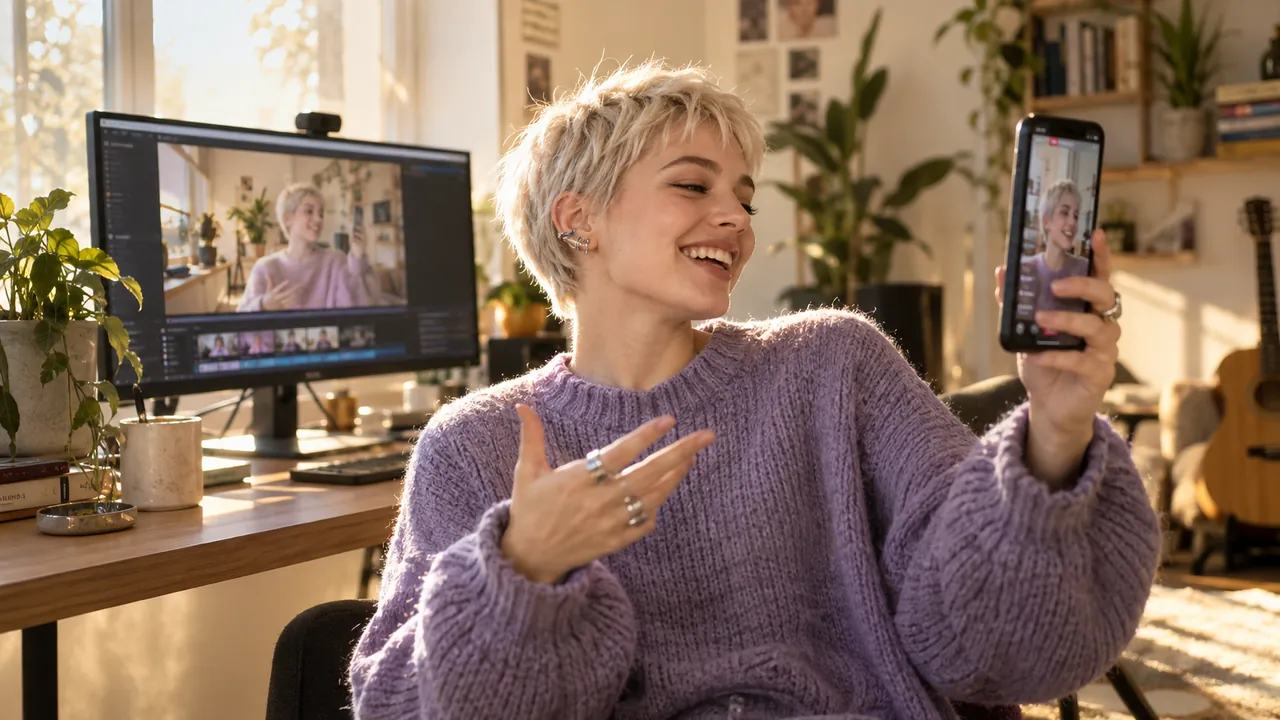
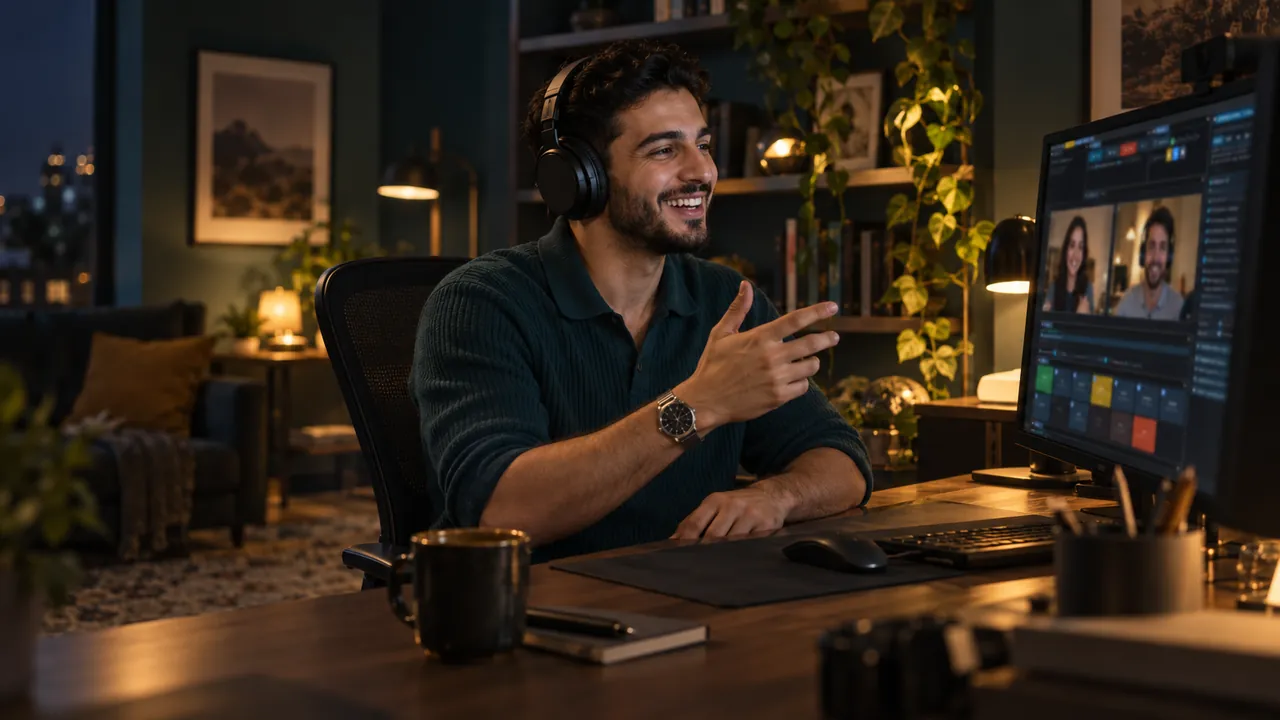
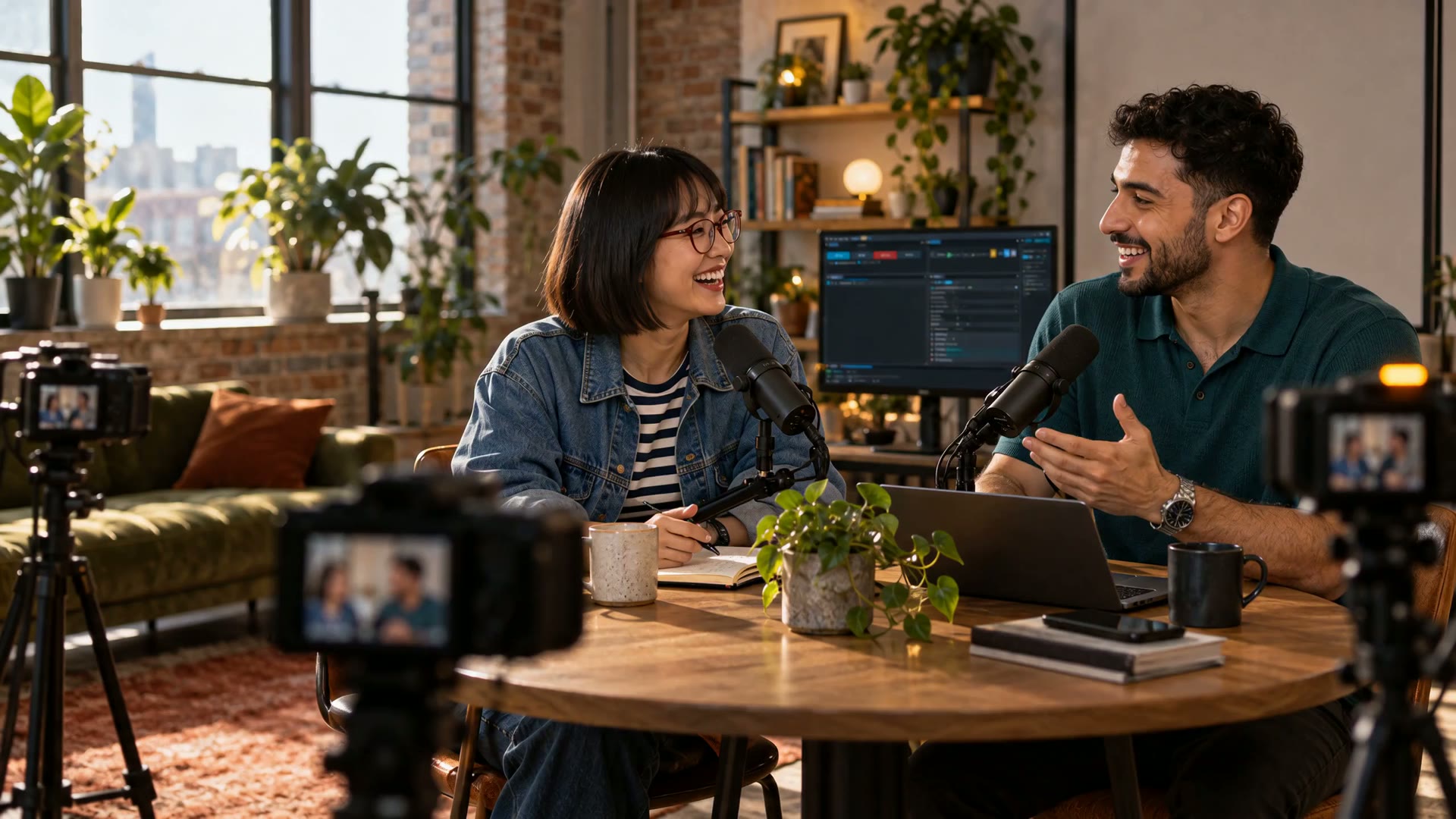
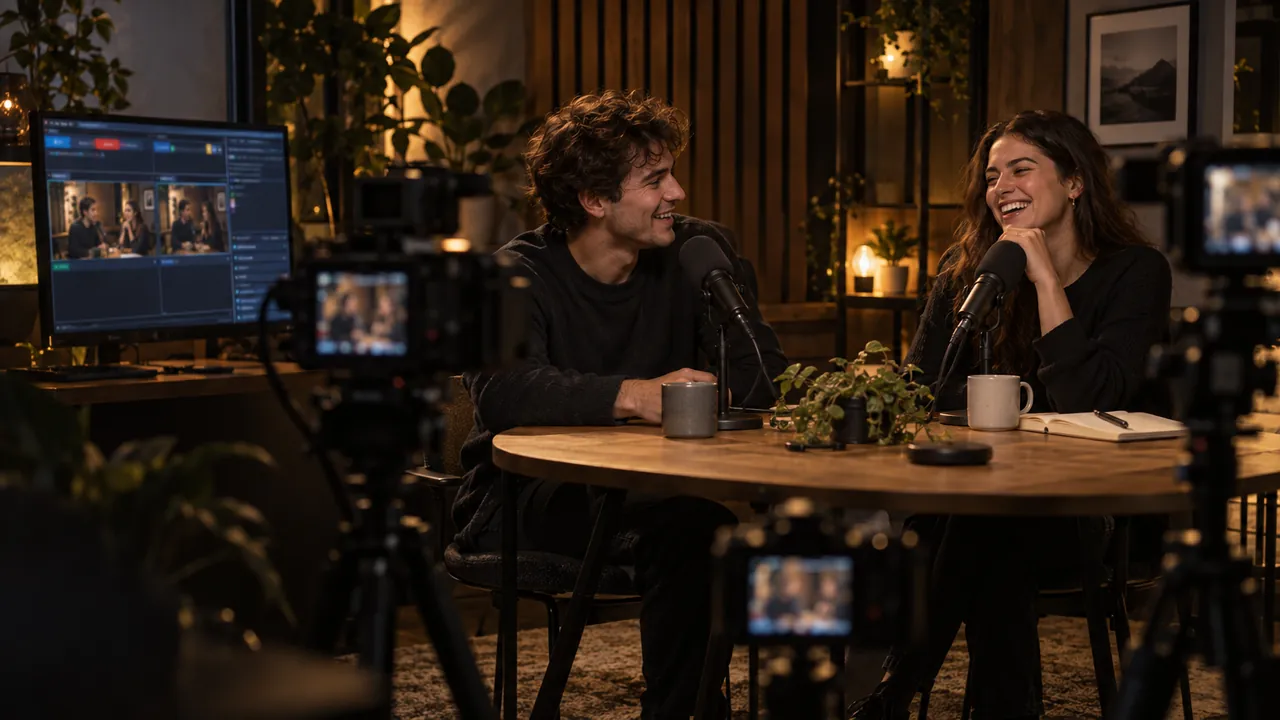
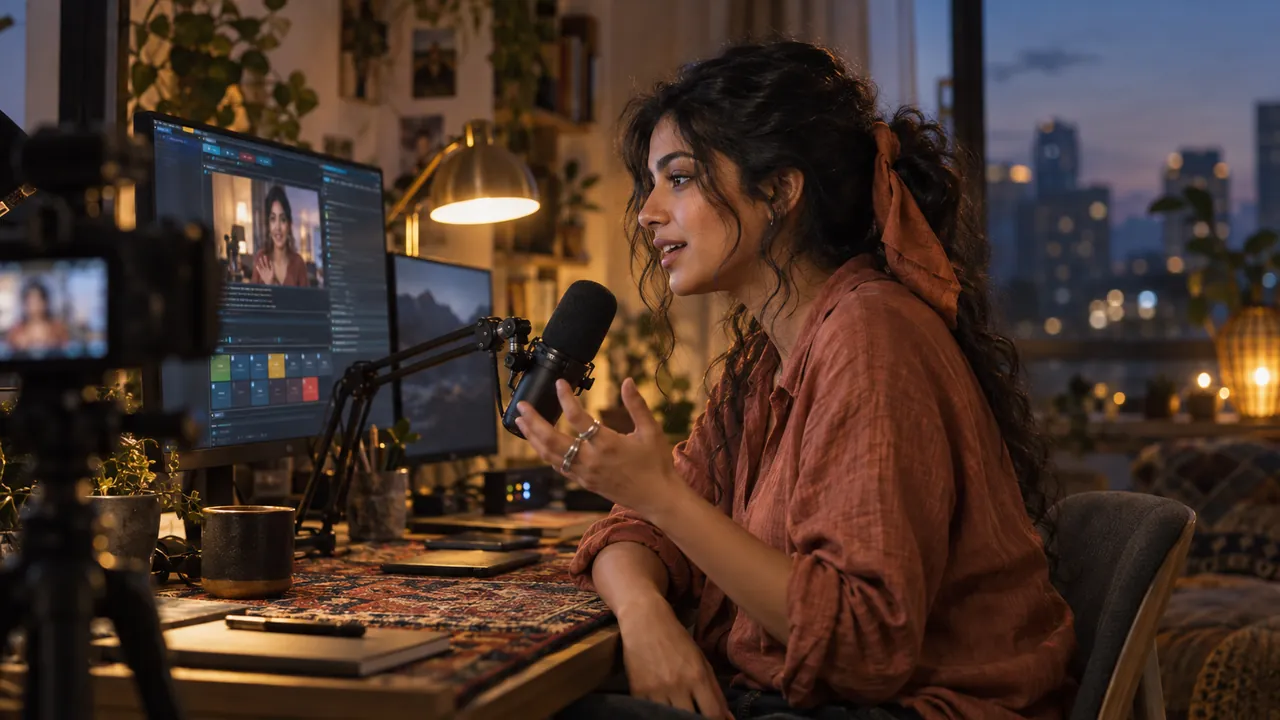
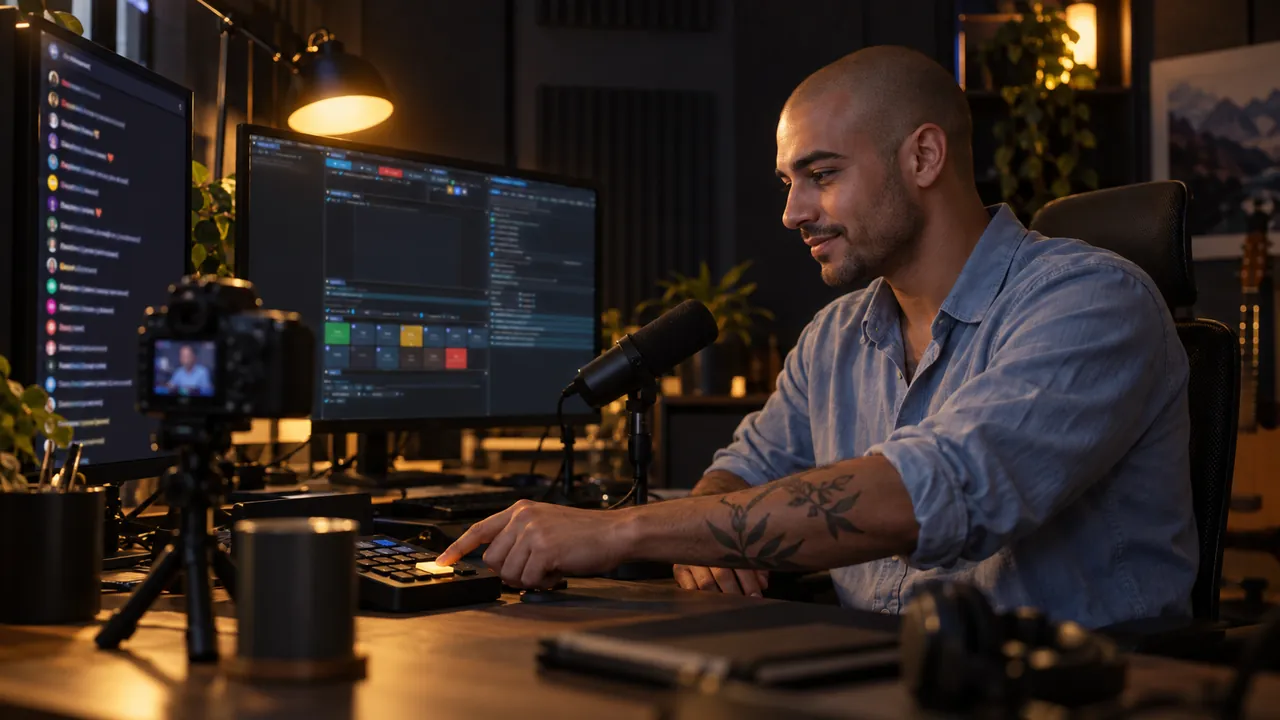
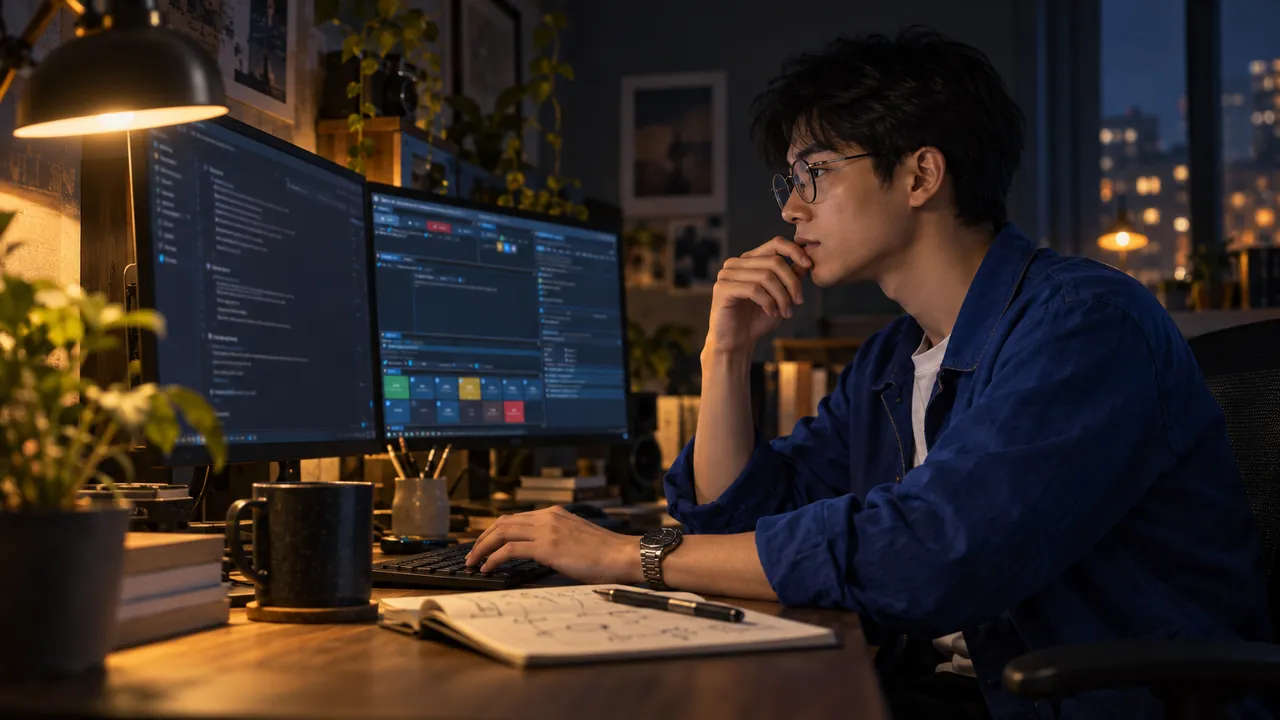
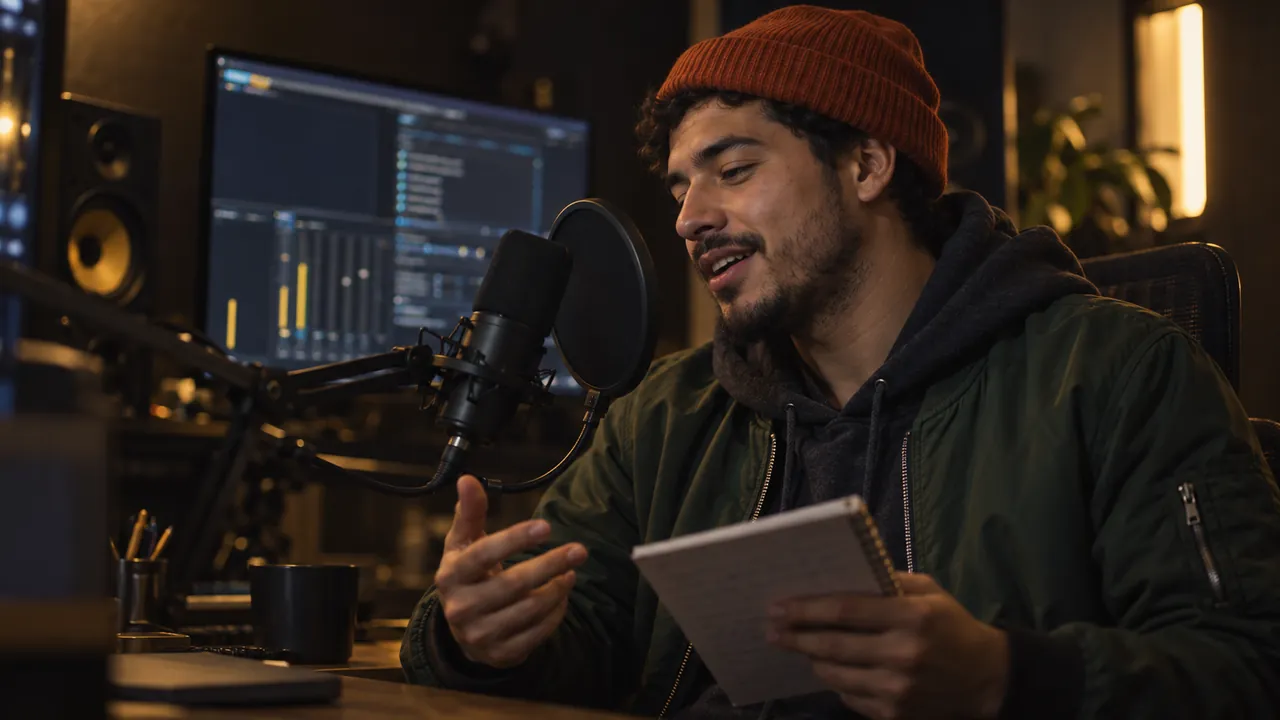
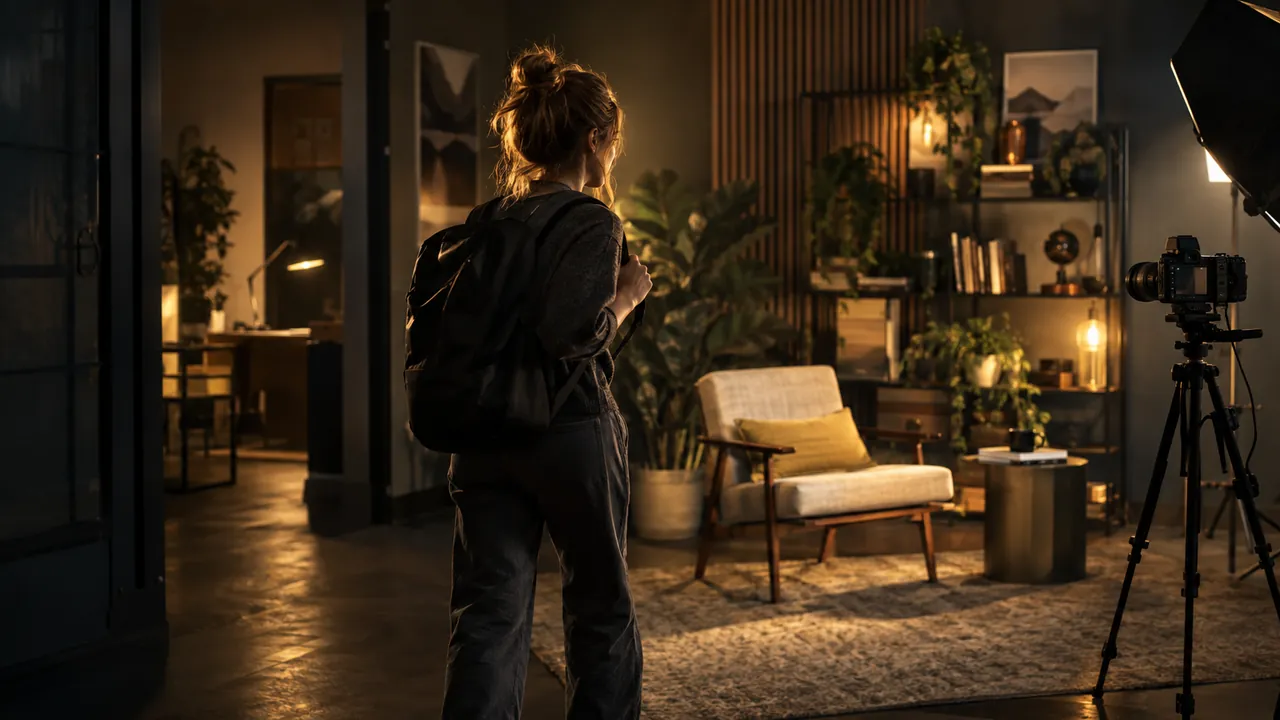
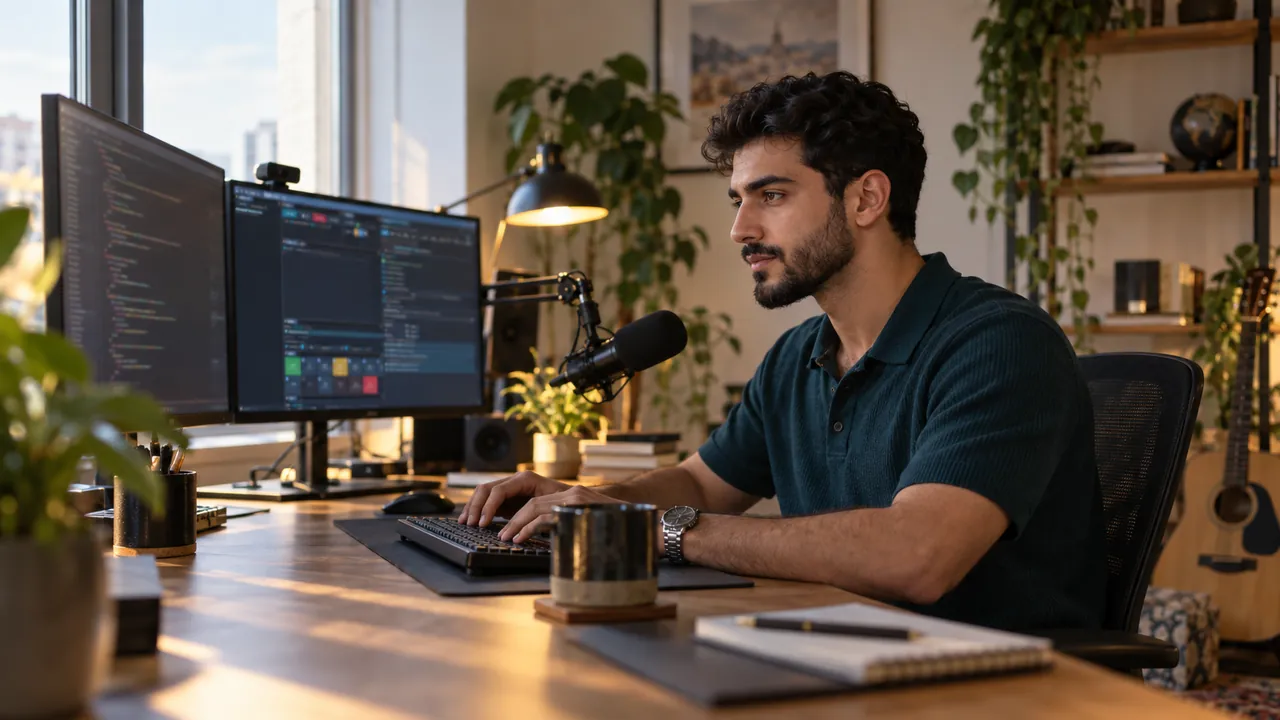
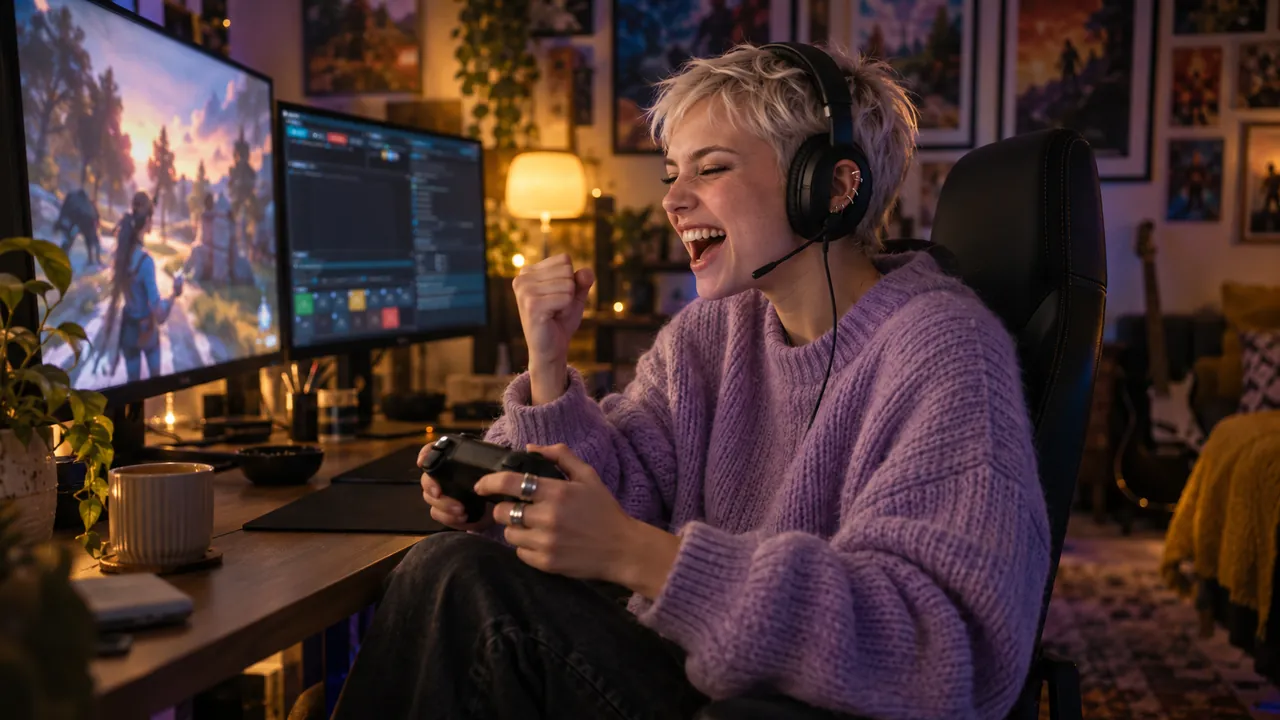
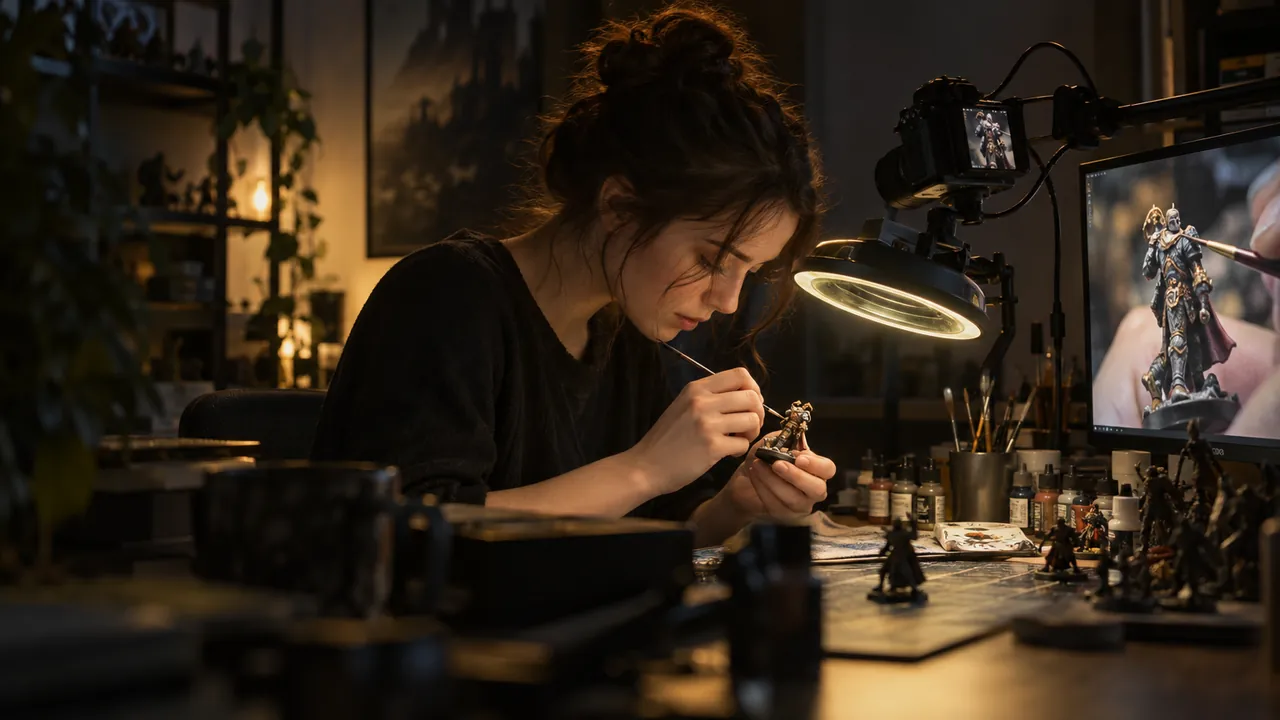
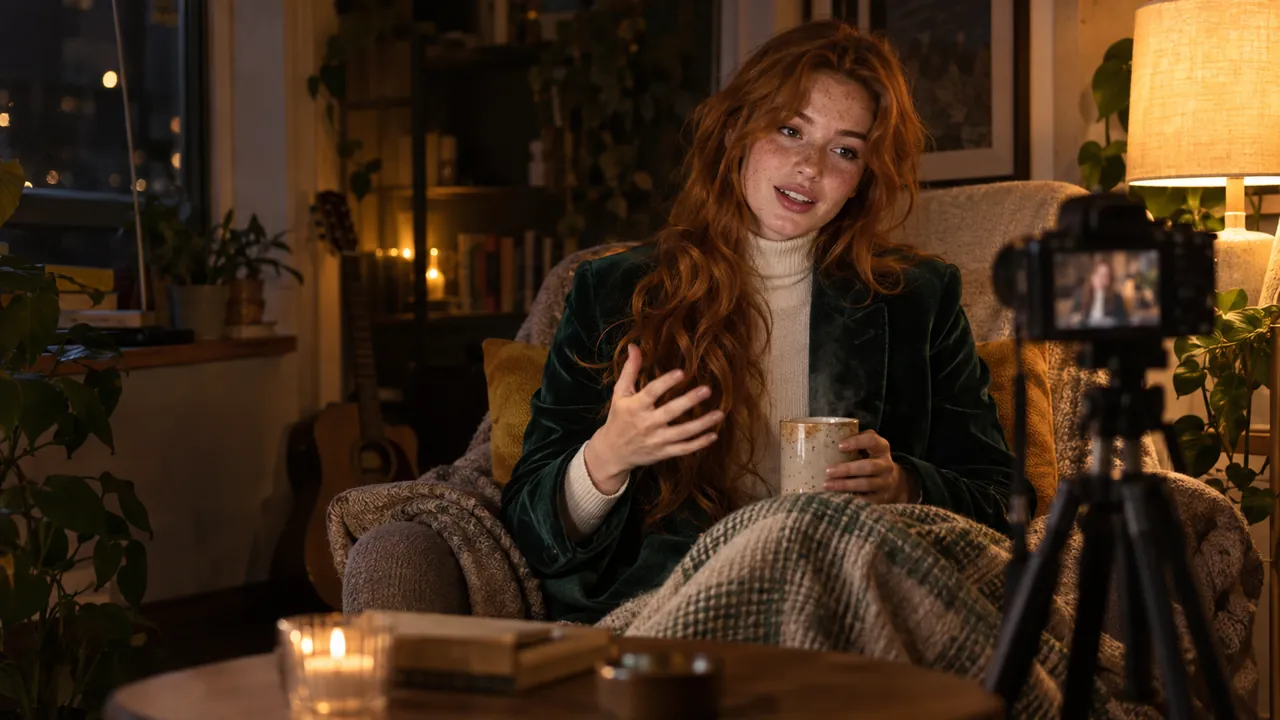
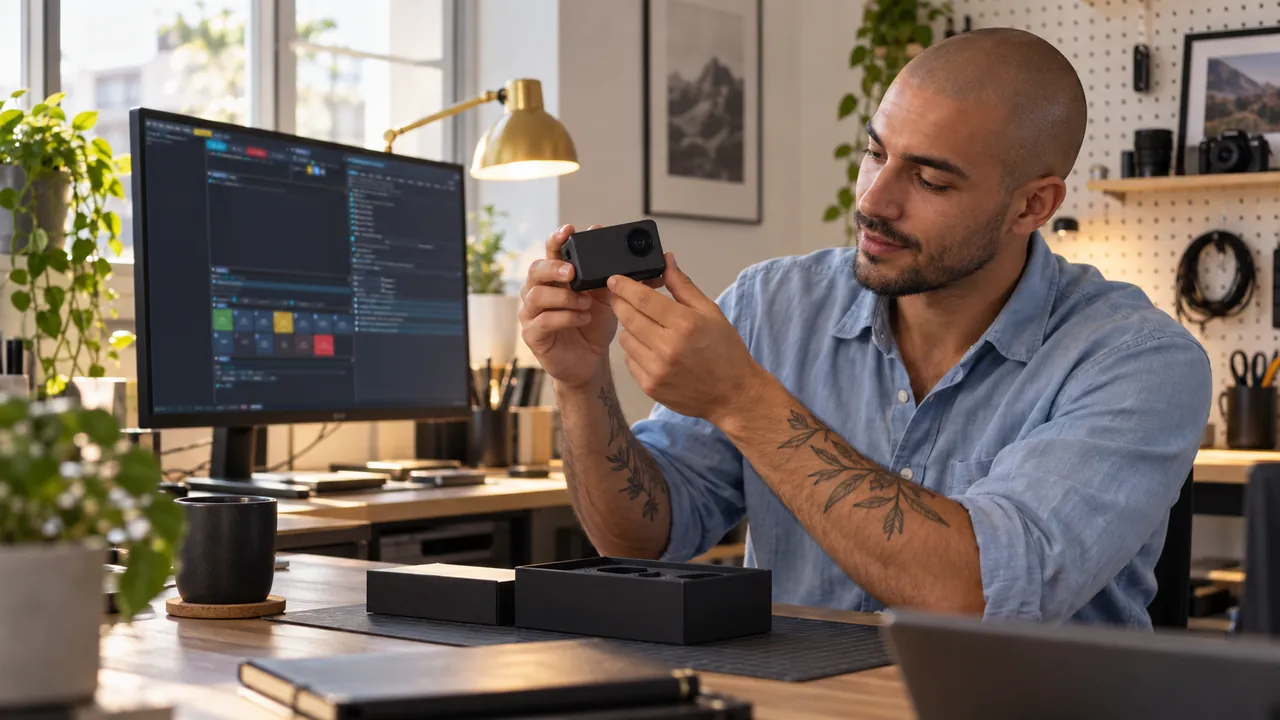
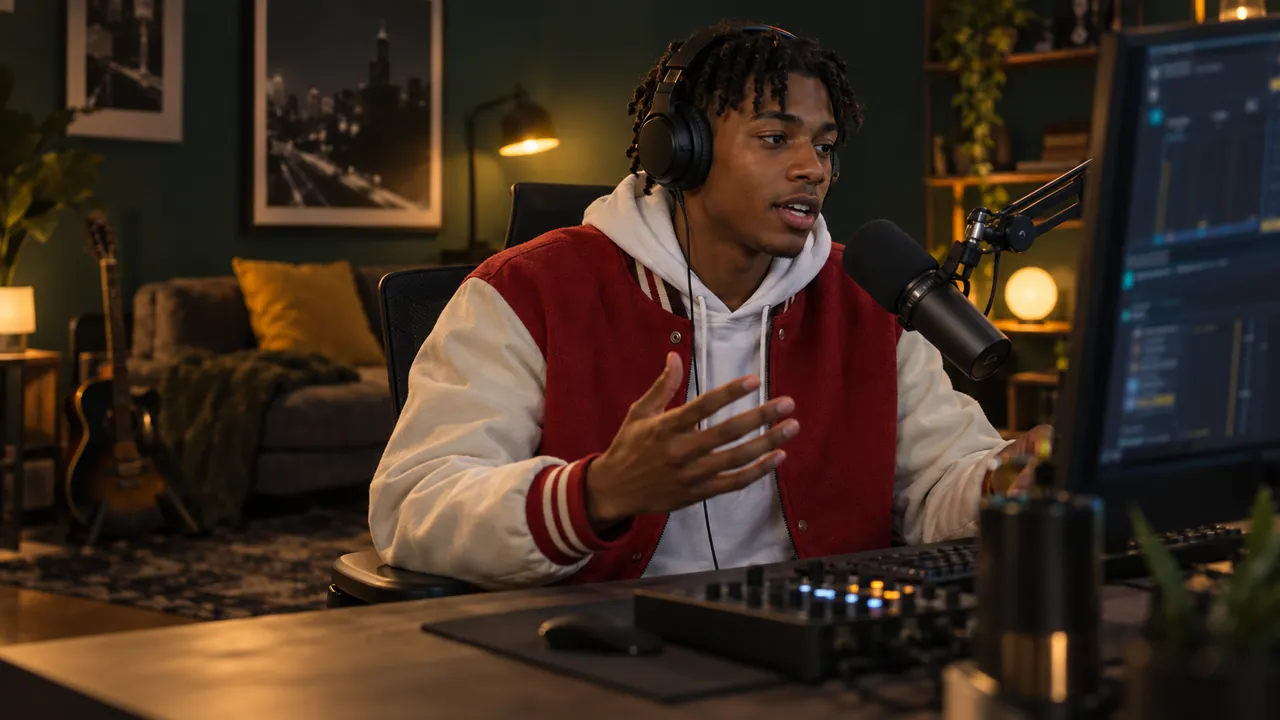
This studio records itself.
An AI directs your stream — live.
One take. YouTube and Shorts.
Free. On any laptop.
This is live.hexart.io.
Stop editing.
Start publishing.
live.hexart.io is a free Windows studio whose AI directs your stream live — you just watched it work.
Free for life, every feature · Windows 10/11 · any GPU
latest · every version & changelog
- AI Director
- 16:9 + 9:16 live
- Crash-safe
- 0masters from every take — 0 re-edits
- 0buttery render & capture, profiled frame by frame
- 0settings — and an AI that operates all of them for you
- ∞free for life — every feature unlocked
Everything a one-person studio
wishes it had. Built in.
DUAL MASTER
Publish twice as much from the same hour.
The 16:9 show and the 9:16 Shorts master record together, in sync — two finished deliverables from every single session. The vertical is not an afterthought: it is directed live, so in the editor it is a source swap, never a second edit.
- 1920×1080 and 1080×1920 rendered at the same moment, frame-locked
- Live preview of both masters while you record
- Works even on a single GPU
AI DIRECTOR
Look directed — without a director.
The AI Director reads real signals — your voice, actual gaze landmarks, the cursor, the keyboard — and moves the frame with cinematic inertia. The shot follows what you are actually doing, and never snaps to a meaningless zoom.
- Talking-head, hybrid, working, cursor-focus, cinematic and game shots
- Confidence-weighted framing — no pointless moves
- Override or pin any shot at any moment
AUTO AUDIO
Sound produced — without touching a fader.
A broadcast audio chain runs on its own while you just talk: noise reduction, gate, compressor, voice-over-music ducking and LUFS mastering. Your voice sits on top of the music — every time, in every take.
- Broadcast loudness (LUFS mastering) out of the box
- Music ducks under your voice automatically
- Nothing to wire, nothing to tune
CINEMATIC MODE
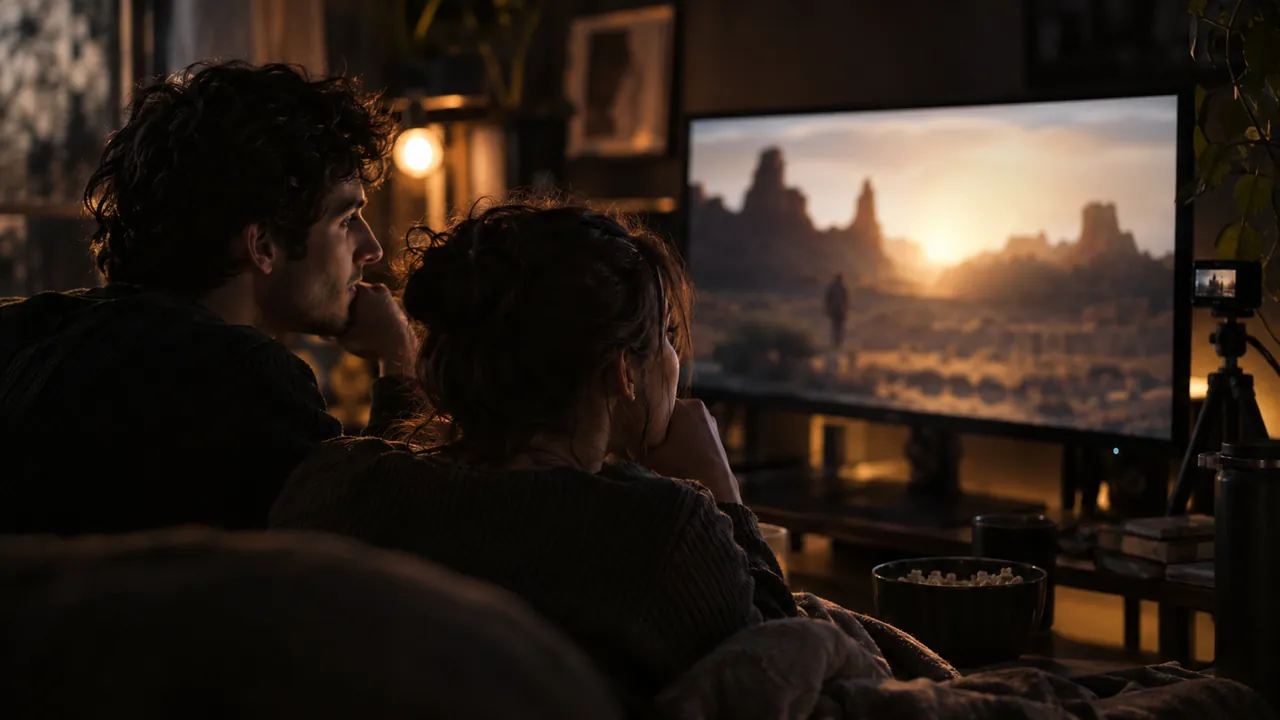
Watch a film — become a cinema.
When a browser video plays, Cinematic mode frames it pixel-perfectly and shows it verbatim — the whole post chain is bypassed, so the film stays untouched while the room around it goes dark and soft.
- Pixel-perfect frame on the player — like a real screening
- Camera backdrop dimmed and blurred — house lights off
- Exits by itself the moment you move on
GAME MODE
Game fullscreen? Full-bleed, instantly.
Game mode detects a fullscreen app by itself, drops the holographic chrome and shows the game edge-to-edge — with you kept in a clean PiP. Hands free, no scene switching mid-match.
- Automatic detection — nothing to click
- Edge-to-edge picture, no frame, no borders
- Your camera PiP and cursor stay visible
ANY GPU
Any GPU can ship the show.
NVIDIA runs flagship zero-copy NVENC; Intel Quick Sync and AMD AMF are auto-matched, with a CPU safety net underneath. There are no encoder settings to study — the studio picks the best path for your machine.
- NVENC / Quick Sync / AMF chosen automatically
- Integrated graphics are enough
- CPU fallback means it always records
CRASH-SAFE ISO
A crash never costs the take.
Every track records as ISO multitrack with one shared timecode in a crash-safe container. If a stream drops — or the PC dies mid-take — every track survives: camera, screens and audio stems, perfectly aligned.
- One timecode across all tracks and stems
- Crash-safe container — playable even after a power cut
- Clean MP4 delivered right after the take
SETUP AI
Tell it what you want — in your language.
The built-in Setup AI knows all 635 settings. Say what you want in plain words — it proposes a plan and applies it live. And every single option also carries a plain-language hint, so nothing is a mystery.
- All 635 settings under plain-language control
- Proposes a plan, applies it live
- A human hint on every single option
Free for life, every feature · Windows 10/11 · any GPU
AI DIRECTOR
A director that watches you work — and cuts like a pro.
It reads real signals — your voice, actual eye & iris landmarks, the cursor, the keyboard — and switches between talking-head, hybrid, working, cursor-focus, cinematic and game shots with weight and beat-synced inertia. Confidence-weighted framing means it never snaps to a meaningless zoom. You can override or pin any shot at any moment.
- Follows the window you actually work in
- Cinematic mode: pixel-perfect frame on any playing web video
- Game mode: fullscreen apps go edge-to-edge automatically
- Every cut eased — it reads as directed, not snapped
One take. Both formats. Zero re-editing.
Other tools make you shoot horizontal, then re-cut a vertical by hand for every upload. live.hexart.io renders a full 1920×1080 stage and a full 1080×1920 stage at the same moment — both live, both frame-locked, even on a single GPU.
In your editor the vertical cut is a source swap — the framing is already directed and already recorded. You end every session with both masters in hand.
GUEST ROOMS
Guests join with a link. You host like a studio.
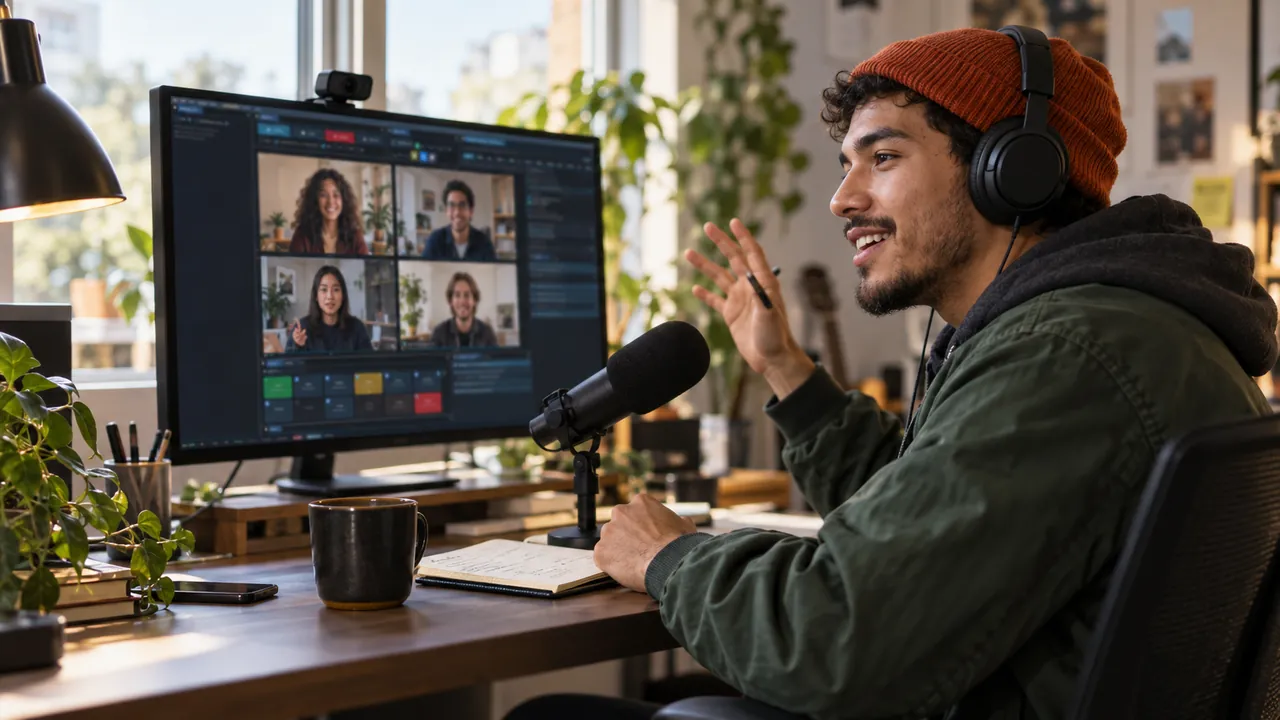
Create a room, send the link — your guest joins from any browser, no install on their side. You stay native: echo-free mix-minus audio, per-guest volume and mute, and four co-hosting layouts (interview, screen-focus, panel, guest solo). Everything the room needs ships inside the installer — it works on a fresh PC out of the box.
- Browser guests — zero setup on their side
- Mix-minus: nobody ever hears their own echo
- Active speaker grows automatically in the layout
- Moderation: volume, mute or drop — per guest
Why not just OBS?
Free capture tools are brilliant at recording a screen. This studio was built for something else: making your broadcast effortless.
SHORTS-READY
Your Shorts are done when the show ends.
While you talk, a second — vertical — master is being directed and recorded for you. No second edit in the evening: you publish the moment you stand up.
- Every session ends with 16:9 and 9:16 in hand
- No re-framing, no re-cutting, no re-watching
- Instead of: shooting wide, then hand-cutting a vertical for every upload
YOUR CREW
Look like you brought a crew.
The shot follows you — when you speak, when you point, when you type. Viewers see a directed show; you just do your thing.
- No hotkeys to remember mid-sentence
- No single frozen layout for an hour
- Instead of: switching scenes by hand while trying to think
RADIO VOICE
You sound produced — from the first word.
Your voice comes out clean, even, and always on top of the music. Nothing to wire, nothing to tune, nothing to keep an eye on.
- Noise fades away; music makes room for your voice by itself
- Loudness lands right where the platforms like it
- Instead of: building and tuning filter chains for every source
ONE LINK
Your guest is one link away.
Send a link — and they're in, from any browser. No echo, no cable maze, no “can you hear me now?”.
- Nobody ever hears their own echo
- Volume, mute, remove — per guest, in one place
- Instead of: a separate call app, virtual cables and echo hunting
READY-MADE LOOK
It looks like a show before you touch a thing.
Holographic glass, depth, living light — the stage is dressed the moment you open the app. Your job is the content; the look is on us.
- Zero plugins, zero evenings spent building scenes
- Camera exposure balances itself
- Instead of: assembling a blank canvas plugin by plugin, every time
Free for life, every feature · Windows 10/11 · any GPU
Built around the way you work.
For the first time, a broadcast app that adapts to you — not the other way around.
FOR ARTISTS
An artist? Keep painting.
Two or three monitors, reference boards, your canvas in the middle — work exactly the way you always do. The director finds the story on your screens and frames it for the audience.
- Every monitor is a stage the shot can visit
- The frame follows your brush — not the other way round
- Your workflow stays exactly as it was
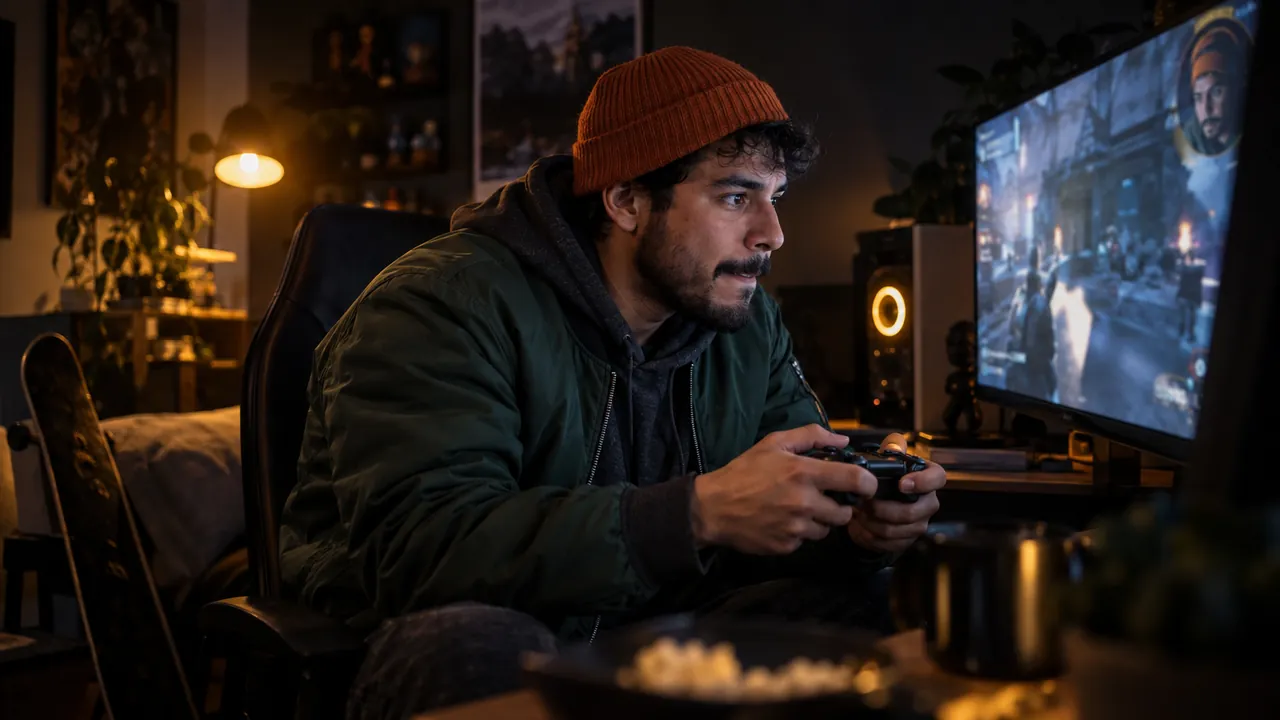
FOR GAMERS
A gamer? Just play.
The moment your game goes fullscreen, the show goes with it — edge to edge, you in the corner, and not a single key pressed mid-match.
- Fullscreen is picked up by itself
- You stay visible; the game keeps every pixel
- No scene switching in the heat of a fight
NATIVE 4K
Work in native 4K. They'll see every detail.
You like your canvas sharp — so do your viewers. Keep working at native resolution, and the smallest stroke, the thinnest line, the tiniest node still lands on their screen.
- The zoom dives exactly where you're working
- Fine detail survives all the way to the audience
- No more “let me zoom in so you can see”
COMFORT FIRST
You don't adapt to the stream. The stream adapts to you.
For the first time: a broadcast studio designed around comfort. No scene collections, no overlays to maintain, no second monitor sacrificed to a control room. You work — it broadcasts.
- Sit down, press record, do your thing
- The show directs itself around what you're doing
- Comfort is the feature
Let's make it together.
live.hexart.io grows with its creators. Stream, paint, teach — and shape where this studio goes next.
FOR STREAMERS
Streamers: be the show, not the operator.
Run your whole broadcast hands-free and let the studio direct. Use it on air, tell us what your format needs — real features here are born from real streams. And your channel becomes our favourite showcase.
- Tell us what your format needs — it shapes the roadmap
- Direct line to the maker, no ticket queue
- Partner channels get featured on this site and our socials
FOR ARTISTS
Artists: your process is the performance.
Speed-paints, 3D sessions, design breakdowns — the studio films your craft like a documentary crew, while you never leave the canvas. Partner with us and your art hangs in our gallery, with full credit and links back to you.
- Your work featured — always credited, always linked
- Multi-monitor, native 4K and pen-friendly by design
- Features shaped by working artists — hand tracking started as an artist's wish
Partner with live.hexart.io
Already using the studio on your channel — or want to start? Send a link to your stream or portfolio and a few words about what you make. We read everything and reply personally.
Start the conversationlazniak@hexart.pl · we speak English & Polish
Partnerzy — rośnijmy razem / Partners
Reseller, twórca czy integrator? Zbudujmy to razem — napisz, odpowiadamy osobiście. Resellers, creators & integrators — we reply personally, English welcome.
🤝 Reseller
Sprzedawaj licencje bez logo swoim klientom: marża partnerska, klucze od ręki, priorytetowe wsparcie techniczne. Partner margin, instant keys, priority support.
🎨 Twórcy / Creators
Streamuj i twórz w live.hexart.io — pokazujemy Twój kanał na stronie i w socialach, a Twoje potrzeby kształtują roadmapę. Get featured and shape the roadmap.
🧩 Integracje / Integrations
Wpinasz studio w swój produkt, agencję albo szkołę? Wsparcie techniczne wprost od twórcy i wspólna promocja. Direct tech support and co-marketing.
Free for life, every feature · Windows 10/11 · any GPU
Built to look directed, not captured.
TWO MASTERS
One take. Two masters — both live.
The wide show and the vertical cut render and record at the same moment, locked to one clock — and you watch both live while you work.
- 16:9 and 9:16 stay frame-locked, always
- Live preview of both masters as you record
- One ordinary graphics card is enough
SIX SHOT TYPES
Six kinds of shots. Zero babysitting.
Close-up when you talk, desk view when you work, pointer chase when you show, film frame when you watch, full-bleed when you play — picked for you, with taste.
- Talking-head, hybrid, working, cursor, cinema and game shots
- A cut happens only when it's sure of itself
- Pin or override any shot whenever you like
SELF-SWITCHING
Cinema and Game switch themselves.
Press play on a web video and the stage becomes a cinema — the film shown exactly as it is. Go fullscreen in a game and the show goes edge-to-edge with you kept in the corner. Both end on their own, too.
- The film stays untouched — nothing recolours or sharpens it
- The game keeps every pixel, no borders
- Enter and exit are automatic in both
VOICE FIRST
Your voice outranks everything.
There's a pecking order in your mix: your voice on top, the game or app below it, music at the bottom — kept in place automatically, take after take. Other apps can even use the studio as their microphone.
- Voice > system sound > music — always in that order
- Cleaned, evened out and broadcast-loud on its own
- Works as a virtual mic for Discord, calls, anything
PROBE-TESTED
Your hardware is tested, not guessed.
At launch the studio actually tries your machine's encoders — NVIDIA, Intel, AMD — and picks the one that truly works, with a CPU fallback standing by. You never open an encoder menu.
- Real probe at startup, not a lookup table
- NVIDIA, Intel and AMD all first-class
- If everything fails, the CPU still records
EVERY TRACK
One recording. Every track separate.
Camera, each monitor, and your audio split into stems — every one its own file, all sharing a single timecode. In the edit you can remix anything; after a crash you lose nothing.
- Camera and screens as separate tracks
- Audio stems: voice, system and music apart
- One timecode lines it all up in any editor
CO-HOSTING
Host like a studio, moderate like a director.
Guests join from a browser; you run the room natively. Four co-hosting layouts — interview, screen-focus, panel, guest solo — and per-guest volume, mute or remove, all in one place.
- Four layouts that follow the conversation
- The active speaker grows on its own
- Everything ships in the installer — works on a fresh PC
TOTAL CONTROL
Say it — or press it.
Tell the built-in Setup AI what you want and it configures the studio live. Prefer hands? Every action also maps to hotkeys, MIDI and Stream Deck — your desk, your rules.
- All 635 settings under plain-language control
- Hotkeys, MIDI and Stream Deck cover every action
- Every option explains itself in plain words
Watch a video together — your stream becomes a cinema
Press play and the studio dims the lights: the film fills the frame pixel-perfectly and completely untouched, you stay in the picture, and when you move on — the stage comes back by itself. A tiny free browser add-on makes the framing land exactly on the player, on every video site.
Cinema mode — install the add-on in 2 minutes →
Entirely optional — the app works fully without it. The add-on is free, ~10 KB, talks only to the app on your own PC and also ships inside the installer.
Runs on a regular laptop
No gaming rig required. An ordinary i5 laptop with integrated graphics holds a steady 60 fps — the app probes your hardware and picks the best encoder by itself.
All you need
- OS: Windows 10 / 11 (64-bit)
- GPU: any — integrated Intel / AMD graphics included
- CPU: an ordinary dual/quad-core (office-laptop class)
- RAM: 8 GB
- Disk: ~3 GB free
- Extras: nothing to install separately — FFmpeg, music pack and the room engine ship inside
Nice to have
- GPU: a hardware H.264 encoder (Quick Sync / AMF / NVENC) — picked automatically; CPU fallback works too
- RAM: 16 GB for the heaviest AI extras
- Headroom: NVIDIA RTX gets the flagship zero-copy path; two GPUs = dual 4K60
- Display: a second monitor is comfy, not required
- Capture: any USB webcam; Blackmagic DeckLink supported
Windows — available now macOS — coming soon any GPU · NVIDIA · Intel · AMD · integrated
100% freeware
the whole studio · for life · no catch hidden below
- Free for life — not a trial, not a demo
- Every feature works — AI Director, dual masters, rooms, streaming, ISO
- No account, no subscription, no time limits
- No spyware, no ads — recordings & API keys never leave your PC
- Use it commercially — your content is 100% yours
Freeware means the tool itself: full EULA & safety statement at live.hexart.io/eula.
The only thing we ask? A small logo.
Your recordings and streams carry a discreet live.hexart.io mark in the corner — that's the entire deal. If the studio earns its keep and you'd like the logo gone (or replaced with your own), drop us a line about a license.
- Registered Polish company — HEXART SP. Z O.O.
- runs on ordinary laptops — integrated GPUs included
- Crash-safe by design · ISO multitrack
- no telemetry beyond a version check — see the EULA
Frequently asked questions
What exactly is live.hexart.io?
A native Windows live studio: it records and streams a 16:9 and a 9:16 master at the same time from one session, an AI director frames every shot from your voice, gaze, cursor and typing, audio is mastered automatically and every take is crash-safe ISO multitrack. You present — it directs, mixes and records.

Why is it free — what's the catch?
The studio is freeware: every feature, for life, no accounts and no limits. The only thing your output carries is a small live.hexart.io logo in the corner. That's the whole catch. If you love the tool and want the logo gone, contact us about a license — otherwise just keep creating.
Do I need an NVIDIA card or a gaming PC?
No. Any GPU works — integrated Intel or AMD graphics included; an ordinary i5 laptop holds a steady 60 fps. The app auto-picks the best encoder on your machine (NVENC, Quick Sync, AMF, or a CPU x264 safety net) — you never touch a codec. NVIDIA simply gets the flagship zero-copy path.
Do I need two GPUs for both formats?
No — both masters render and record even on a single GPU. A second GPU adds headroom for the heaviest setups (e.g. two 4K60 encodes at once).
Will the AI ruin my stream with random zooms?
It's the opposite of random: it reads real signals (voice, actual eye landmarks, cursor, typing) and cuts with confidence-weighted framing and cinematic inertia. When it isn't sure, it doesn't move. And you can pin or override any shot at any moment.
How do guests join?
You create a room and send a link; the guest opens it in a browser — nothing to install. Mix-minus audio means nobody hears their own echo, you moderate each guest (volume / mute / drop) and pick from four co-hosting layouts. The whole room engine ships inside the installer.
Is it a subscription?
No. The tool is completely free, for life — no subscription exists. A small logo shows on the output; removing it is a one-time license, and you only need to reach out if you ever want that.
Is a mid-stream crash going to cost me the recording?
No — that's the point of the architecture: ISO multitrack in a crash-safe container with one shared timecode, stems included. A dropped stream or a crash keeps every recorded track intact.
Does it run on macOS?
Not yet — Windows 10/11 today, macOS is planned. Write to us and we'll ping you when it lands.
What are the system requirements?
Windows 10 or 11 (64-bit), any GPU — integrated Intel or AMD graphics are fine — a regular dual/quad-core CPU, 8 GB of RAM and about 3 GB of disk space. Everything the app needs ships in the installer; there is nothing extra to download.
Can I use it commercially?
Yes. The freeware license covers commercial use — client work, monetised channels, company streams. The output carries the small live.hexart.io logo; if your production needs it gone, a one-time license removes it.
Is the app safe? Why does Windows warn me during install?
The app is safe: no account, no spyware, no ads — your recordings and your API keys never leave your PC. Windows SmartScreen sometimes shows a caution for newer publishers simply because the installer is not yet widely known; the full license terms are public on the EULA page.
What is Cinema mode — and do I need the browser add-on?
When a web video plays, Cinema mode turns your stream into a screening: the film fills the frame untouched while the room dims around it. A tiny optional browser add-on tells the studio exactly where the player sits, so the framing is pixel-perfect on every site. The app works fully without it — here's what it does and how to install it in 2 minutes.
Finish your next session with both masters already recorded.
Get live.hexart.io — it's freelatest · the tool is free — for life, every feature · all versions & changelog